Digitizing VCR Tapes: A Professional Guide for 2026
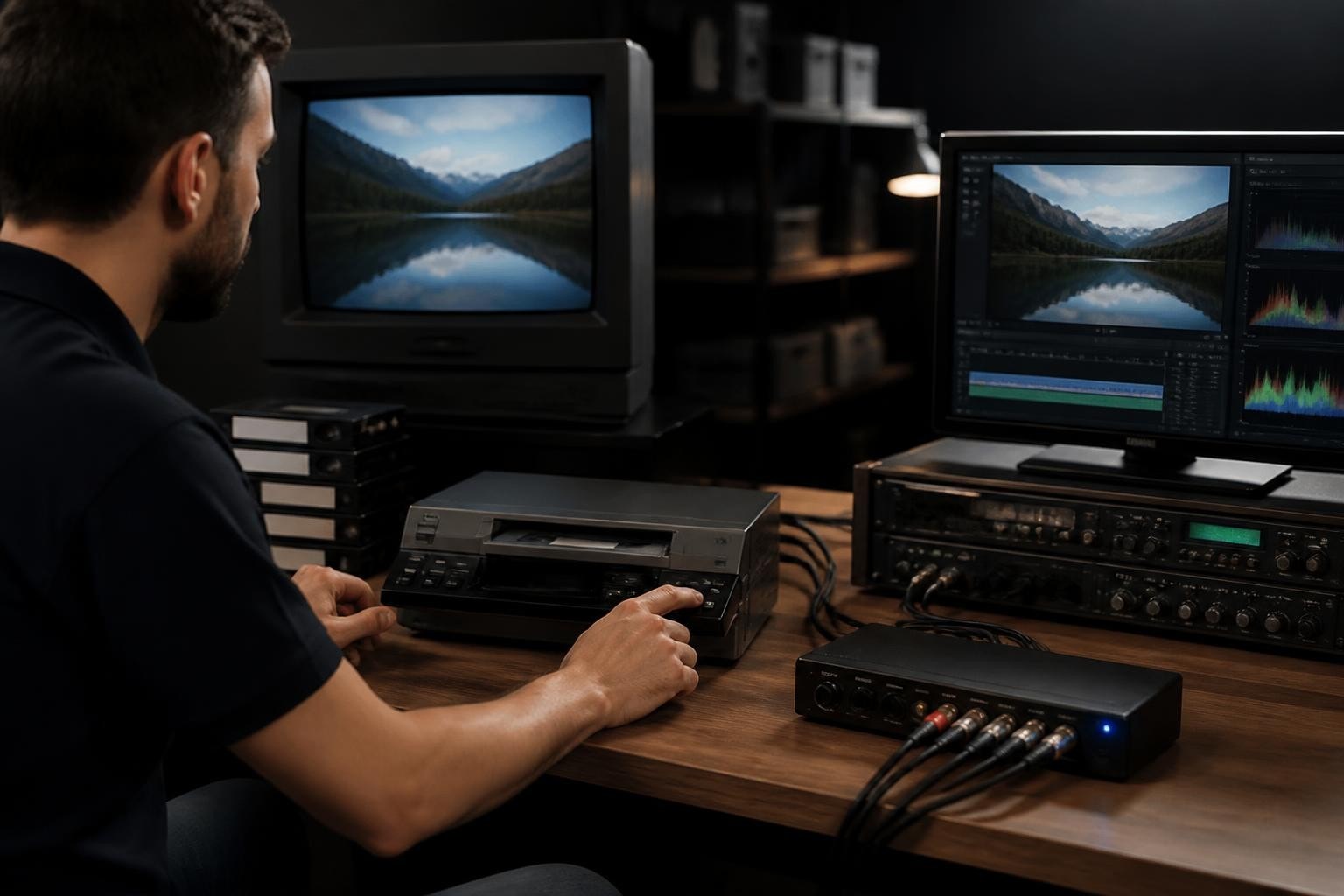
The clock is ticking on magnetic tape preservation. With every passing year, videotapes deteriorate further, and the professional playback equipment needed to retrieve those recordings becomes increasingly scarce. Digitizing VCR tapes has evolved from a nice-to-have service into an urgent necessity for families, businesses, archives, and digitization shops. Whether you're preserving irreplaceable family memories or operating a commercial transfer service, understanding the technical requirements, equipment choices, and quality standards makes the difference between a quick conversion and true preservation-grade archiving.
Understanding the Urgency of Videotape Digitization
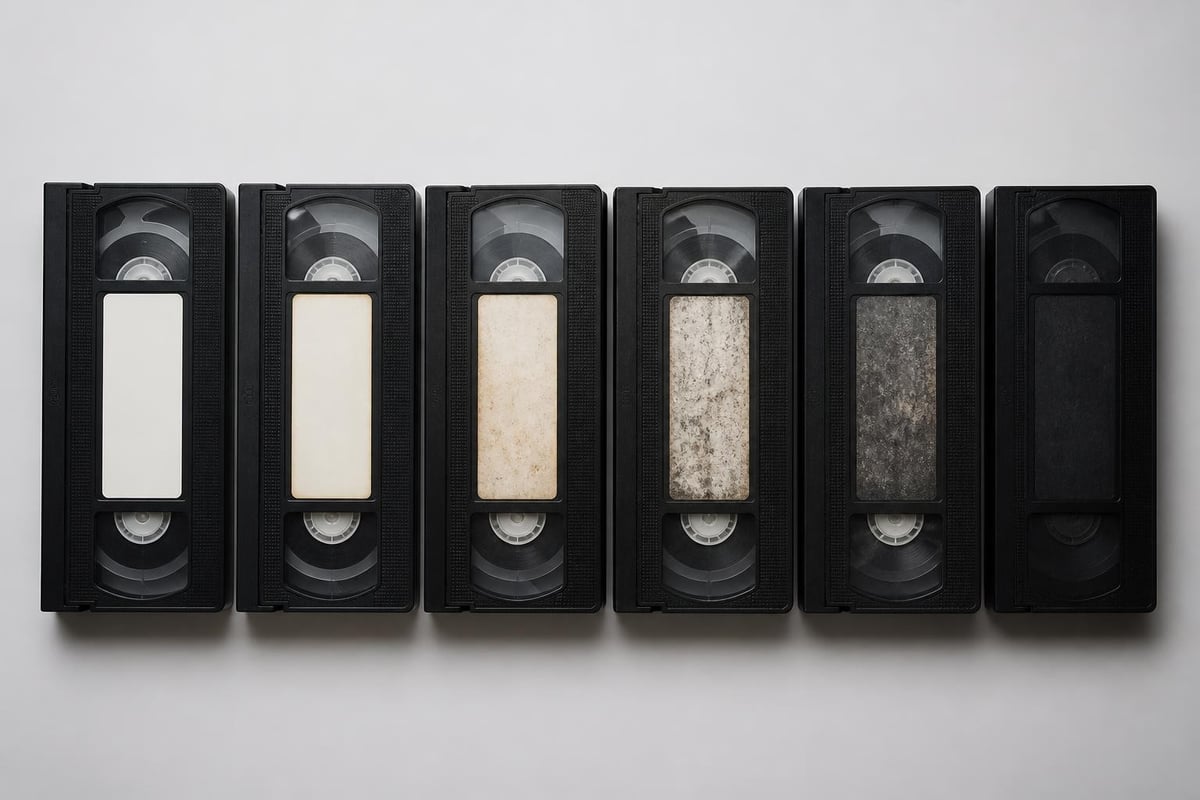
Magnetic videotape was never designed for long-term storage. The oxide layer that holds the magnetic signal degrades through multiple mechanisms simultaneously. Binder breakdown causes sticky-shed syndrome, where tapes stick to themselves or playback heads. Backing degradation leads to vinegar syndrome in acetate-based tapes. Even under ideal storage conditions, all analog videotapes have a finite lifespan.
The Federal Agencies Digital Guidelines Initiative (FADGI) emphasizes that videotape formats face obsolescence on two fronts: physical degradation and equipment scarcity. Professional broadcast decks from the 1990s and early 2000s are no longer manufactured, and repair parts grow scarcer each year.
Equipment Deterioration Timeline
Consumer VCRs typically fail after 15-20 years of storage, even without use. Professional decks last longer but still require regular maintenance. Time-base correctors, essential for high-quality digitization, are becoming particularly difficult to source and repair.
Common tape degradation symptoms include:
- Dropouts appearing as white specks or horizontal streaks
- Loss of color saturation or hue shifting
- Audio crackling or complete loss on one channel
- Physical tape damage including creasing or edge warping
- Sticky residue requiring baking before playback
Essential Equipment for Professional Digitization
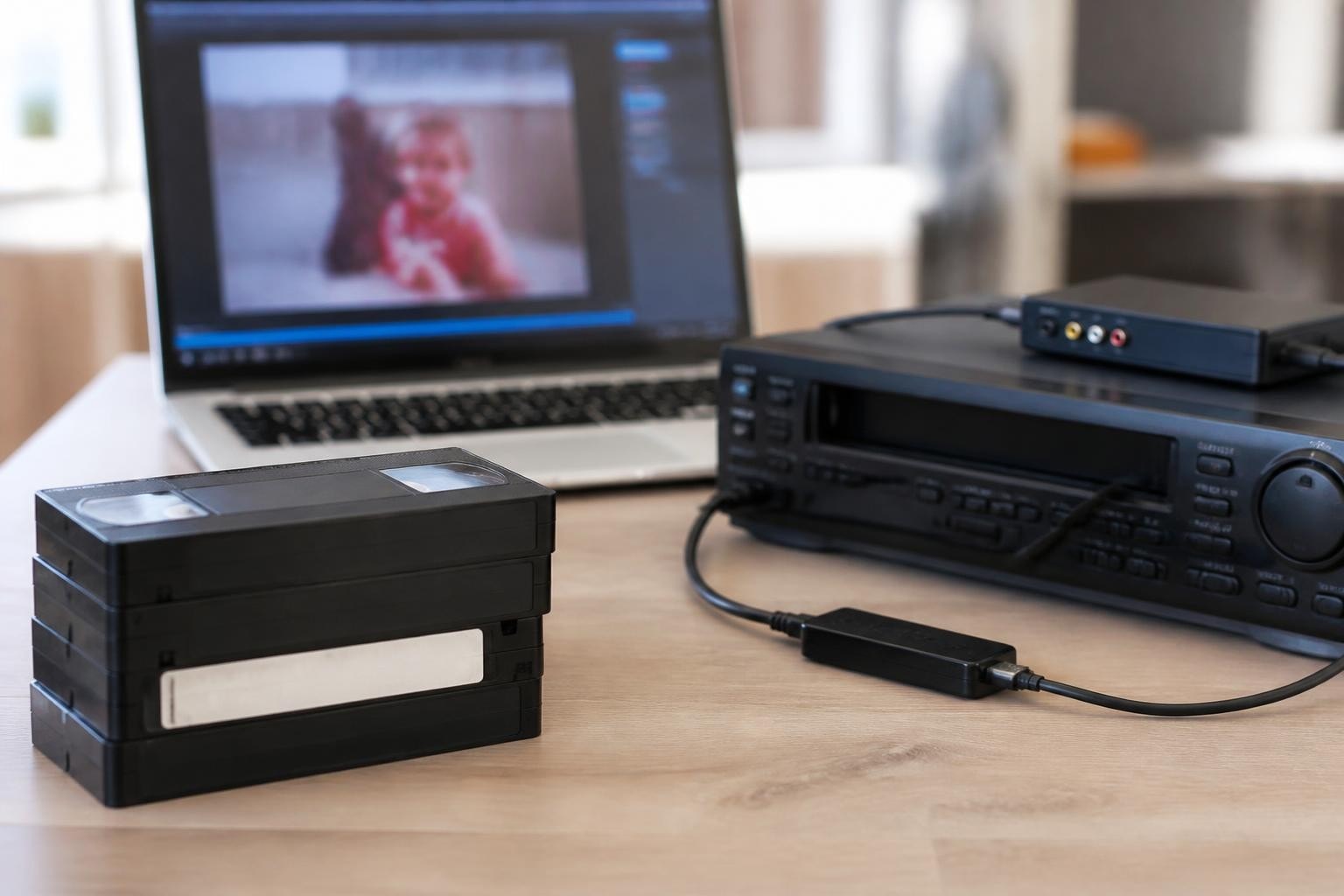
The quality of your digitization output depends heavily on playback equipment quality. Consumer-grade VCRs produce acceptable results for personal archives, but professional decks deliver the signal quality necessary for preservation-grade transfers. For digitization businesses, investing in or renting professional equipment from providers like VCR Supply ensures consistent, high-quality results.
Professional Deck Specifications
Professional videotape decks offer superior performance across multiple dimensions. They feature better head drums with longer lifespans, manual tracking controls for optimized playback of degraded tapes, professional-grade time-base correction, and multiple output options including component and S-Video.
| Feature | Consumer VCR | Professional Deck |
|---|---|---|
| Head life expectancy | 500-1000 hours | 2000-5000 hours |
| Manual tracking | Rarely | Standard |
| Time-base correction | Basic or none | Advanced built-in |
| Signal-to-noise ratio | 40-45 dB | 50+ dB |
| Playback speed accuracy | ±0.5% | ±0.01% |
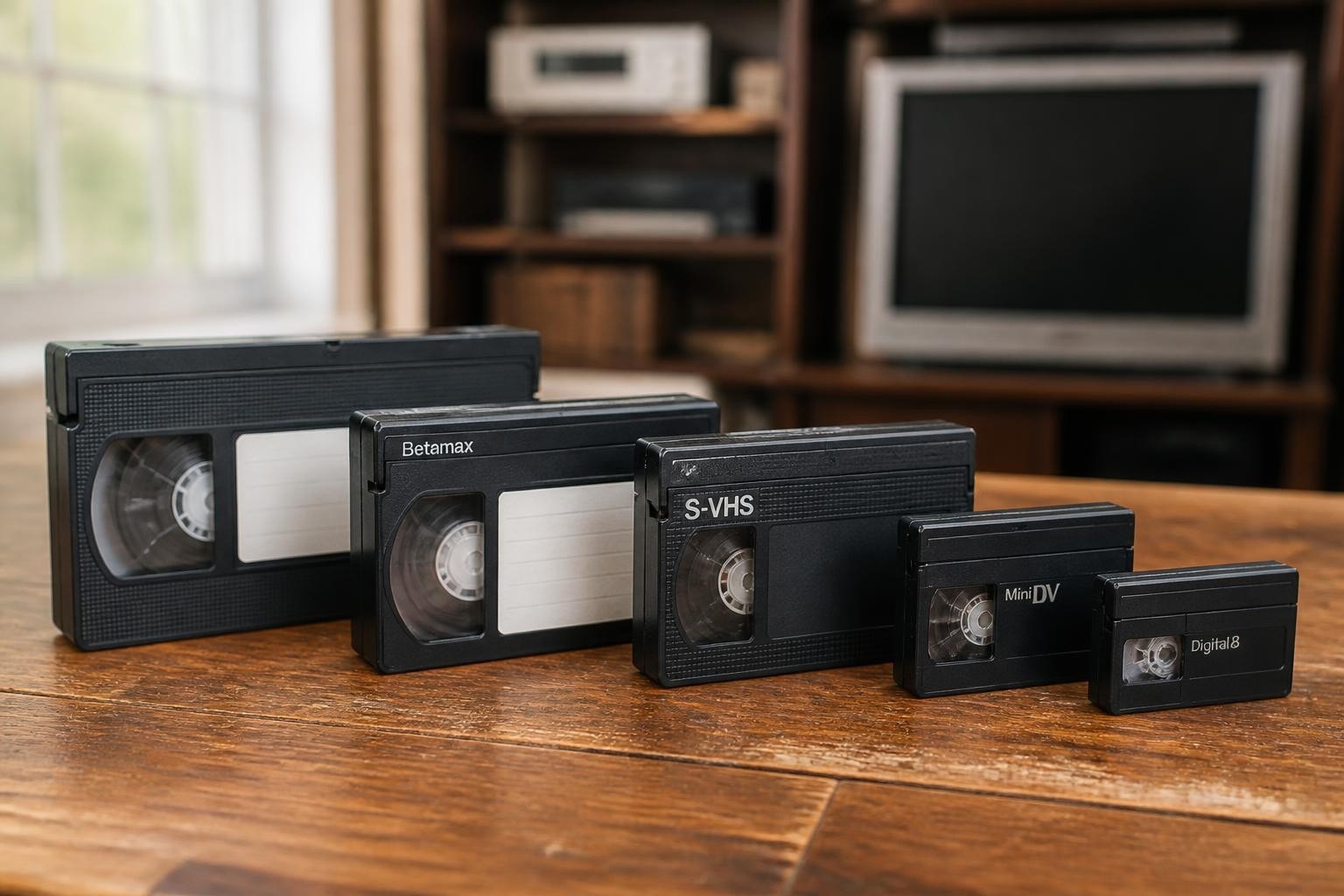
For VHS format tapes, professional S-VHS decks provide backward compatibility while delivering enhanced playback quality. MiniDV equipment requires digital decks with FireWire output for lossless transfer. Betamax digitization demands increasingly rare professional Betamax decks that can properly read both consumer and broadcast-grade tapes.
Capture Hardware Requirements
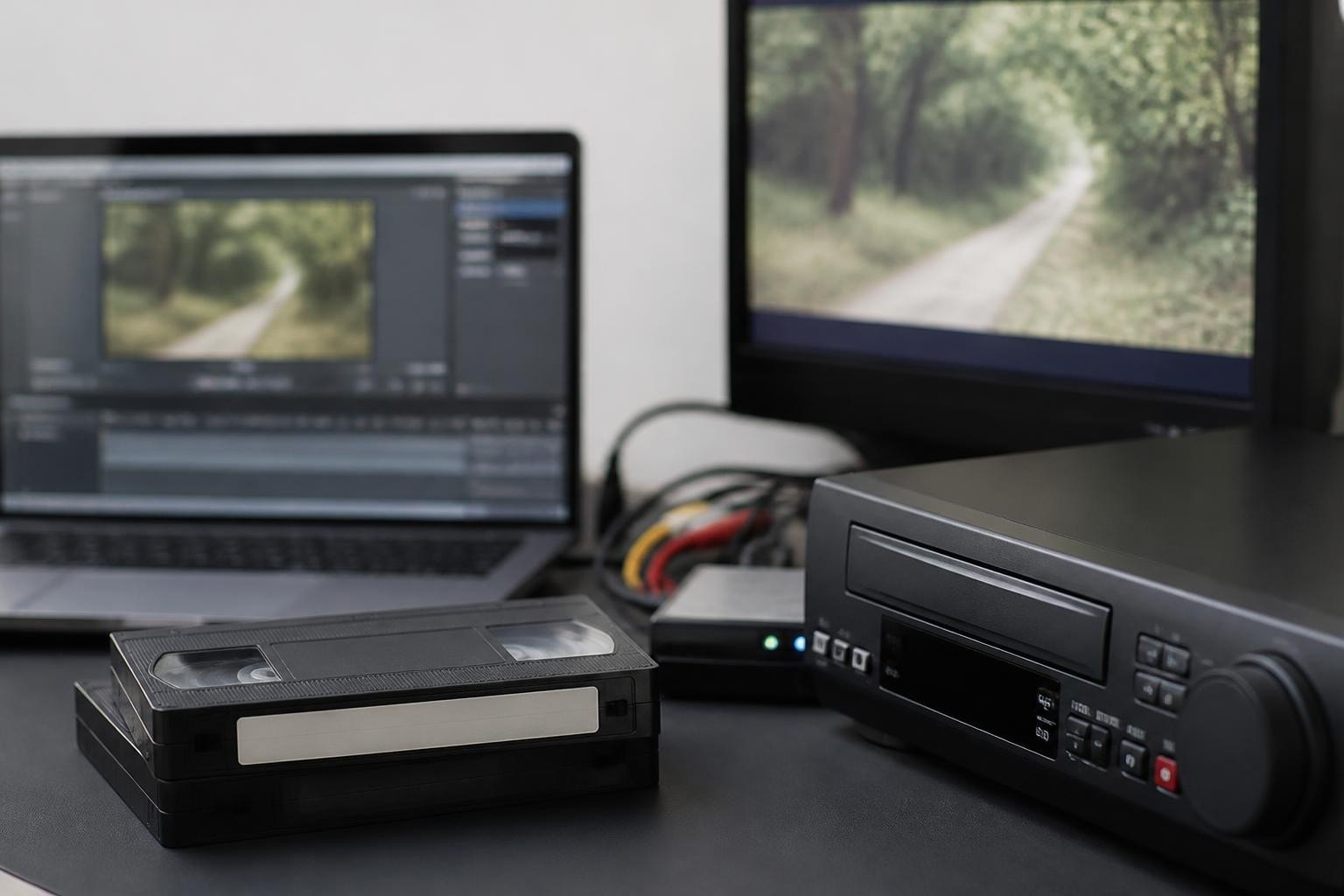
Beyond the playback deck, you need reliable analog-to-digital conversion hardware. External capture devices with hardware encoding produce better results than software-only solutions. Look for devices supporting at least 8-bit 4:2:2 color sampling, though 10-bit capture provides additional headroom for color correction.
The U.S. National Archives recommends uncompressed or losslessly compressed capture for preservation masters, with compressed derivatives created afterward for access purposes.
Establishing Quality Standards and Workflows
Digitizing VCR tapes professionally requires documented workflows and quality benchmarks. The Library of Congress preservation guidelines specify preferred target formats for audiovisual preservation, with current recommendations favoring lossless codecs like FFV1 wrapped in MKV or MOV containers for preservation masters.
Preservation vs. Access Files
A complete digitization workflow produces multiple outputs serving different purposes. The preservation master captures the maximum possible information from the source tape without compression or processing. This file serves as the archival copy from which all other versions derive.
Typical three-tier file structure:
- Preservation master – Uncompressed or losslessly compressed, full resolution, no processing
- Mezzanine file – Light compression (ProRes, DNxHD), suitable for editing and future derivatives
- Access copy – Highly compressed (H.264/H.265), optimized for streaming and sharing
The Canadian Conservation Institute's Technical Bulletin provides detailed specifications for each tier, including recommended bitrates, container formats, and metadata requirements.
Quality Control Checkpoints
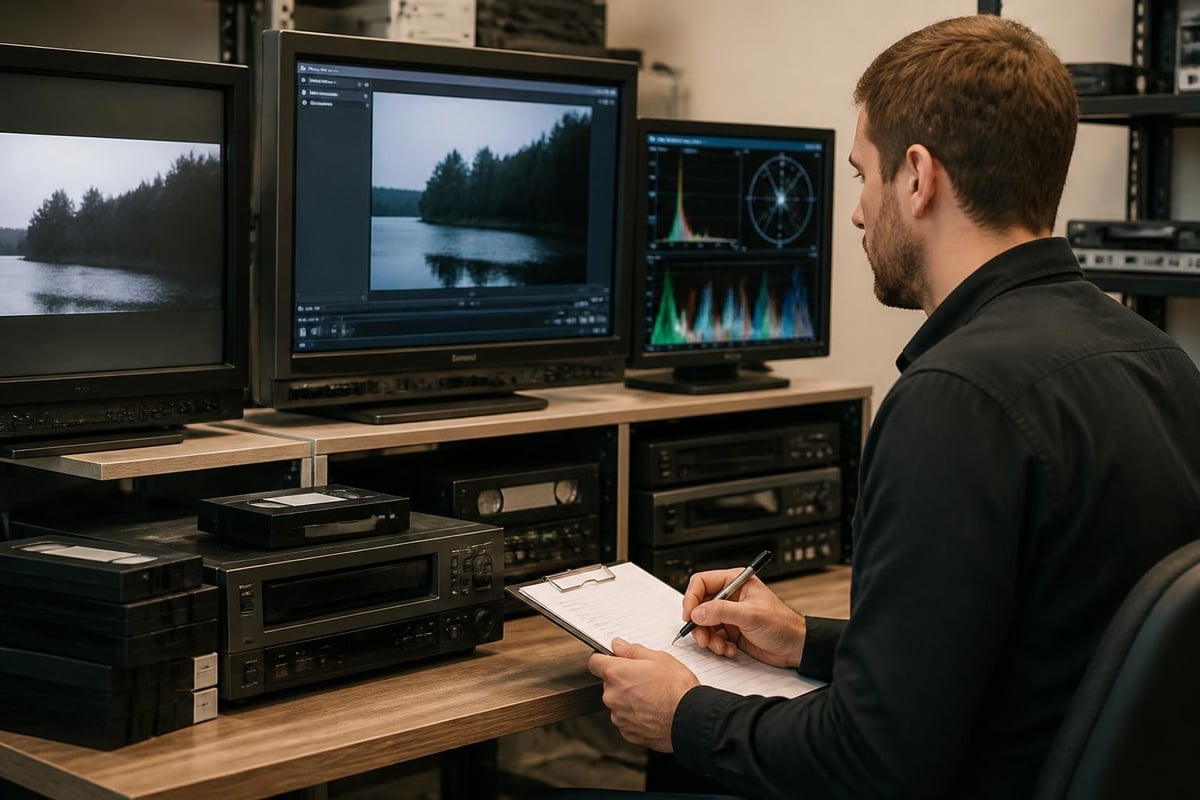
Every digitized tape should pass through multiple quality verification stages. Visual inspection during capture catches obvious problems like tracking errors or sync issues. Post-capture verification involves playing back the entire digital file to confirm completeness and quality. Audio level monitoring ensures both channels captured properly without clipping or dropouts.
Format-Specific Digitization Considerations
Different videotape formats require tailored approaches for optimal digitization results. Understanding format-specific quirks prevents common mistakes and ensures better outcomes.
VHS and S-VHS Digitization
VHS tapes, the most common format requiring digitization, present unique challenges. The format's limited bandwidth and poor luminance/chrominance separation mean careful deck adjustment makes a significant difference. Professional S-VHS decks playing back VHS tapes often produce better results than consumer VHS players due to superior playback circuitry and time-base correction.
Tracking adjustment becomes critical when digitizing VCR tapes that have been played on multiple machines or stored improperly. Manual tracking controls on professional decks allow precise optimization for each tape, minimizing noise and maximizing detail retrieval.
MiniDV and Digital Formats
MiniDV and other digital tape formats use a fundamentally different transfer process. Rather than analog-to-digital conversion, these formats require digital stream extraction via FireWire (IEEE 1394). The Sony GV-D200 portable deck exemplifies professional MiniDV equipment that provides reliable FireWire output for lossless digital capture.
Since MiniDV already stores video in compressed digital form (DV codec at 25 Mbps), the transfer process simply copies this bitstream to your computer without quality loss. This makes MiniDV digitization technically simpler than analog formats, though dropout errors on aged tapes still require professional playback equipment to minimize.
Betamax and Rare Formats
Betamax digitization presents equipment sourcing challenges, as working professional Betamax decks have become increasingly rare. These tapes often contain historically significant content from the late 1970s through mid-1980s, making proper digitization crucial before playback equipment becomes unavailable entirely.
Professional Betamax decks offer superior playback stability compared to consumer models, particularly important given that most remaining Betamax tapes are 30-40 years old. For digitization businesses, establishing relationships with equipment rental providers ensures access to working decks when needed without the capital expense of purchasing aging equipment.
Technical Specifications for Archival Quality
The International Association of Sound and Audiovisual Archives (IASA) publishes comprehensive technical guidelines for preservation-grade video digitization. Their recommendations inform best practices across the archival community.
Resolution and Frame Rate Settings
Capture resolution should match or exceed the native resolution of the source format. For NTSC videotapes (standard in North America), this means 720×480 pixels at 29.97 frames per second. PAL tapes require 720×576 at 25 fps. Never upscale during capture; maintain the source format's native specifications.
| Source Format | Resolution | Frame Rate | Color Sampling |
|---|---|---|---|
| NTSC VHS/Betamax | 720×480 | 29.97 fps | 4:2:2 or 4:2:0 |
| PAL VHS/Betamax | 720×576 | 25 fps | 4:2:2 or 4:2:0 |
| MiniDV NTSC | 720×480 | 29.97 fps | 4:1:1 (native) |
| S-VHS NTSC | 720×480 | 29.97 fps | 4:2:2 recommended |
Codec and Container Selection
For preservation masters, uncompressed video in AVI or MOV containers provides maximum quality but creates enormous files (approximately 13 GB per hour for NTSC). Lossless compression using FFV1 codec reduces file sizes to 40-60% of uncompressed while maintaining bit-perfect quality.
The Library of Congress quality factors guide emphasizes that codec selection must balance preservation goals with practical storage constraints. FFV1 has become the preferred preservation codec due to its lossless compression, open-source nature, and active development community.
Audio Capture Requirements
Audio deserves equal attention to video when digitizing VCR tapes. Capture both audio tracks even if one appears silent; degraded tapes sometimes have unbalanced audio that becomes apparent only during playback. Use uncompressed PCM audio at 48 kHz, 24-bit for preservation masters.
Monitor audio levels during capture to prevent clipping while maximizing signal strength. Videotapes often have inconsistent audio levels, particularly home recordings, requiring real-time monitoring to catch problems.
Building a Sustainable Digitization Operation
For businesses offering professional digitization services, operational efficiency determines profitability. Equipment reliability, workflow optimization, and quality assurance systems separate successful operations from those that struggle with backlogs and customer complaints.
Equipment Acquisition Strategies
Purchasing professional videotape decks in 2026 means buying used equipment, often sight unseen from online marketplaces. This approach carries significant risk given the age and scarcity of these machines. Alternatively, renting equipment starting at $99 per month provides access to tested, maintained decks without the capital investment or repair headaches.
Equipment acquisition comparison:
- Purchase used decks: High upfront cost, repair responsibility, obsolescence risk
- Rent professional equipment: Predictable monthly cost, maintained equipment, flexible scaling
- Consumer equipment: Low cost, inadequate quality, frequent failures
Rental arrangements prove particularly valuable for format-specific equipment needed occasionally. A digitization shop might maintain owned VHS decks for high-volume work while renting MiniDV decks for periodic projects requiring that format.
Workflow Optimization
Efficient digitization workflows minimize handling time while maintaining quality. Batch processing similar formats together reduces equipment switching. Tape assessment and cleaning happen before scheduling capture time, preventing surprises during digitization.
The Memory Lab Network provides community-developed workflows optimized for smaller operations and DIY digitization stations, offering valuable insights that scale to commercial operations.
Maintenance and Repair Considerations
Professional videotape decks require regular maintenance to maintain performance. Head cleaning should occur after every 8-10 hours of use. Preventive maintenance includes capstan cleaning, pinch roller inspection, and mechanical alignment verification every 100-200 hours.
When equipment fails, diagnostic expertise becomes critical. Professional repair services with experience in vintage broadcast equipment can identify and resolve issues that would perplex general electronics technicians. Some providers offer maintenance contracts that reduce downtime through preventive service and priority repair scheduling.
Handling Challenging and Degraded Tapes
Not all tapes transfer smoothly. Deteriorated tapes require special handling to maximize information recovery while minimizing equipment damage and further tape degradation.
Pre-Transfer Assessment
Visual and physical inspection before loading tapes prevents equipment damage and sets realistic expectations. Look for mold growth, sticky residue, physical damage, or unusual odor. The MIGOVA technical guidance provides detailed assessment checklists for identifying risk factors.
Tapes showing signs of binder breakdown may require professional treatment such as baking (controlled heating in low humidity) to temporarily restore playability. This specialized process requires proper equipment and expertise to avoid causing additional damage.
Recovery Techniques for Problem Tapes
When digitizing VCR tapes with tracking issues or signal problems, professional decks provide manual controls that help optimize playback. Adjusting tracking, skew, and video level settings in real-time during capture can dramatically improve results from marginal tapes.
Common problems and solutions:
- Tracking errors: Manual tracking adjustment, deck cleaning, try multiple playback decks
- Dropouts: Document occurrence, consider multiple passes, use deck with better error correction
- Audio sync drift: Use deck with better speed control, capture longer segments, verify capstan condition
- Color bleeding: Enable comb filter if available, verify deck adjustment, consider different output connection
Some severely degraded tapes may require multiple transfer attempts on different decks to achieve the best possible result. Maintaining access to various equipment models increases success rates with problematic media.
Storage and Long-Term File Management
Successfully digitizing VCR tapes creates only the first challenge. Proper long-term storage and management of digital files ensures the preservation work remains valuable for decades to come.
Storage Infrastructure Requirements
Digital video files consume substantial storage space. A single hour of uncompressed NTSC video requires approximately 13 GB. Even with lossless compression, preservation masters require 4-6 GB per hour. Plan storage capacity accordingly, with additional space for mezzanine and access copies.
Implement a 3-2-1 backup strategy: three copies of files, on two different media types, with one copy stored off-site. This protects against hardware failure, disasters, and format obsolescence. Cloud storage provides off-site backup but verify upload bandwidth can handle large video files efficiently.
Metadata and Organization
Comprehensive metadata makes digital archives discoverable and useful. Record source tape format, digitization date, equipment used, capture settings, and content description for every transfer. The FADGI audiovisual guidelines specify minimum metadata requirements for preservation projects.
Consistent file naming conventions prevent confusion and enable automated processing. Include date, source identifier, format, and file type in systematic naming structure. Sidecar metadata files in XML or JSON format store technical and descriptive information separately from video files.
Digitizing VCR tapes successfully requires combining proper equipment, technical knowledge, and systematic workflows to create preservation-grade digital files. Whether you're establishing a commercial digitization service or expanding an existing operation, equipment reliability directly impacts your quality and efficiency. VCR Supply provides professional videotape deck rentals and repair services specifically for digitization shops, offering maintained equipment starting at $99 per month and expert repair with diagnostic services, so you can focus on quality transfers rather than equipment headaches.