Mini DV Tape Deck: Professional Guide for 2026
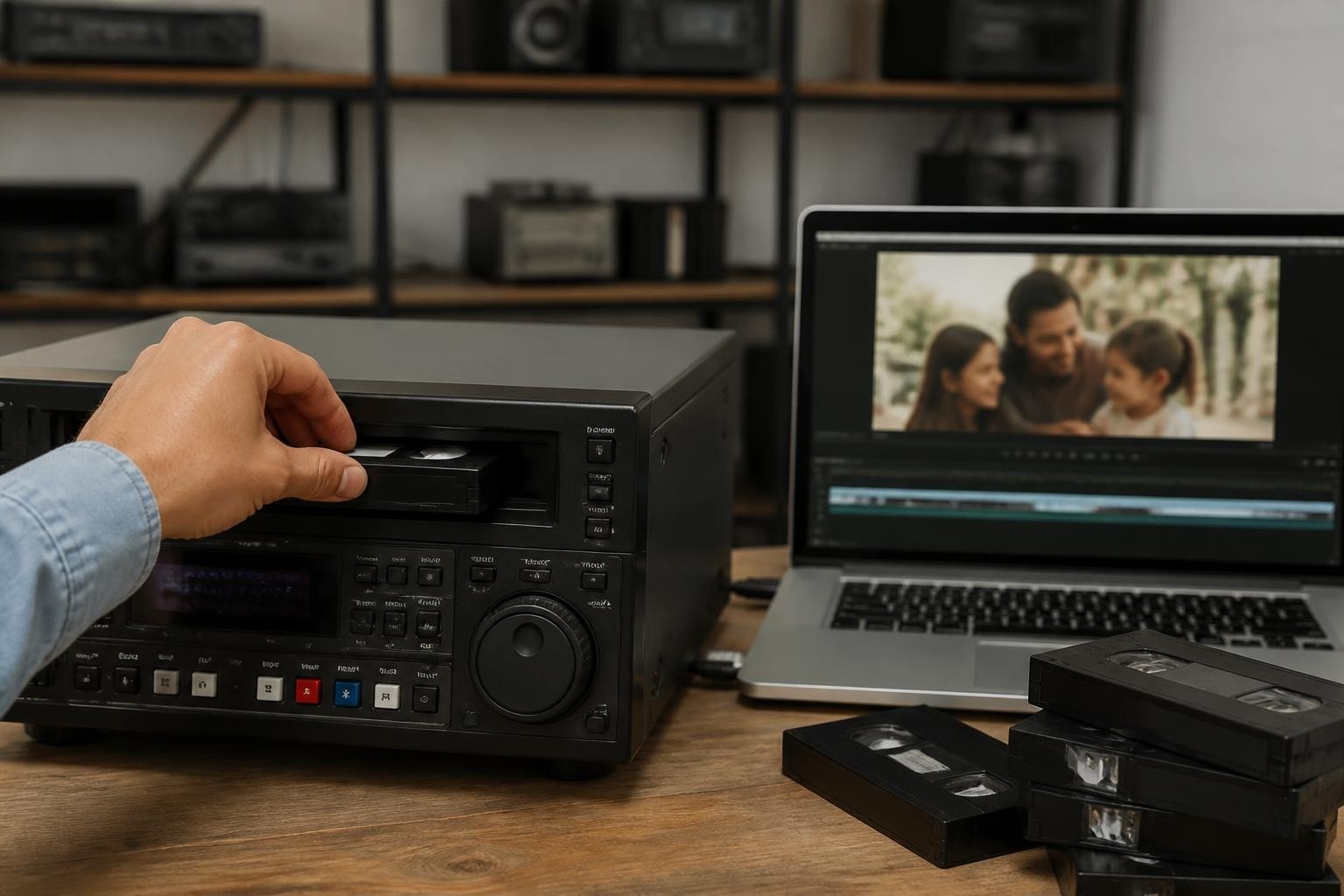
The mini DV tape deck remains an essential tool for digitization professionals in 2026, despite the format's consumer production ending years ago. These specialized playback devices enable the transfer of thousands of hours of irreplaceable footage stored on MiniDV cassettes-from wedding videos and family memories to professional documentary footage and corporate archives. Understanding the technical specifications, maintenance requirements, and operational best practices for these decks ensures successful preservation projects and sustainable business operations for digitization shops.
Understanding Mini DV Tape Deck Technology
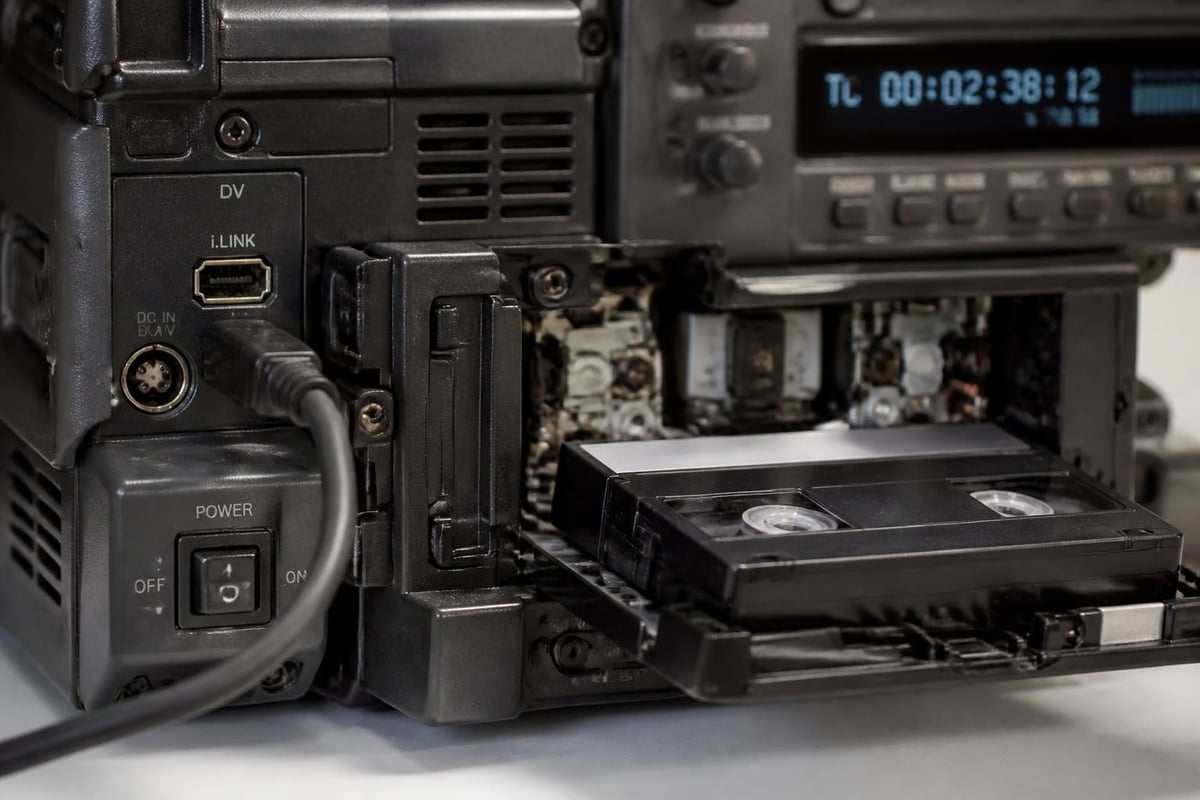
A mini DV tape deck provides professional-grade playback and recording capabilities for the DV format, which uses digital video compression to record 500 horizontal lines of resolution onto compact cassettes. Unlike consumer camcorders, dedicated deck units offer superior build quality, advanced connectivity options, and service-friendly designs that support high-volume digitization workflows.
The format captured video at 25 Mbps using intraframe compression, creating files approximately 13 GB per hour of footage. This digital recording method delivers consistently high quality compared to analog formats, though successful playback still requires properly maintained transport mechanisms and precisely aligned heads.
Key Technical Specifications
Professional mini DV tape deck models incorporate features specifically designed for transfer and archival work:
- FireWire (IEEE 1394) connectivity for lossless digital capture
- Professional monitoring outputs including SDI and component video
- Time code support for frame-accurate editing and logging
- RS-422 control for automated batch digitization systems
- XLR audio inputs/outputs for professional audio monitoring
Most professional decks also include jog/shuttle controls, confidence monitoring during recording, and comprehensive transport diagnostics. These features significantly improve workflow efficiency compared to consumer camcorder playback.
Choosing the Right Mini DV Tape Deck for Your Workflow
Selecting appropriate equipment depends on your digitization volume, budget constraints, and technical requirements. The market offers several categories of devices, each suited to different operational scales.
| Deck Category | Typical Use Case | Key Features | Price Range (Used) |
|---|---|---|---|
| Consumer Camcorder | Low-volume, occasional | Basic FireWire, compact | $50-$200 |
| Prosumer Deck | Small shop, medium volume | Better transports, monitoring | $200-$600 |
| Professional Deck | High-volume production | Robust mechanics, full I/O | $600-$2000+ |
| Broadcast Deck | Archival institutions | Extended diagnostics, longevity | $2000-$5000+ |
Professional models like the Sony DSR-11 and JVC BR-DV600U provide the reliability necessary for shops processing hundreds of tapes monthly. These units feature all-metal chassis construction, replaceable heads, and extensive service documentation that supports long-term maintenance programs.
For digitization businesses just starting out or handling overflow work, mini DV deck rental provides access to professional equipment without capital investment. Rental arrangements starting at $99 monthly enable shops to scale capacity with demand while avoiding the costs associated with equipment depreciation.
Transport Mechanisms and Reliability Factors
The tape transport represents the most critical component in any mini DV tape deck. Professional units employ precision-machined drum assemblies with sapphire heads that maintain alignment across thousands of hours of operation. Regular head cleaning and proper tension adjustment prevent most playback issues, though worn mechanisms eventually require professional servicing.
Common transport problems include:
- Tape eating or jamming from worn capstan rollers or pinch rollers
- Dropout errors caused by misaligned or contaminated video heads
- Tension inconsistencies resulting in audio sync problems
- Mechanical noise indicating bearing wear or guide misalignment
Establishing a preventive maintenance schedule significantly extends deck lifespan and reduces unexpected failures during critical projects. Professional maintenance contracts typically include quarterly cleaning, annual head replacement, and transport calibration.
Professional Digitization Workflows
Implementing standardized capture workflows ensures consistent quality and efficient processing across all projects. The IASA guidelines on digital audio and video preservation provide comprehensive best practices for archival-quality transfers that comply with institutional standards.
Optimal Capture Configuration
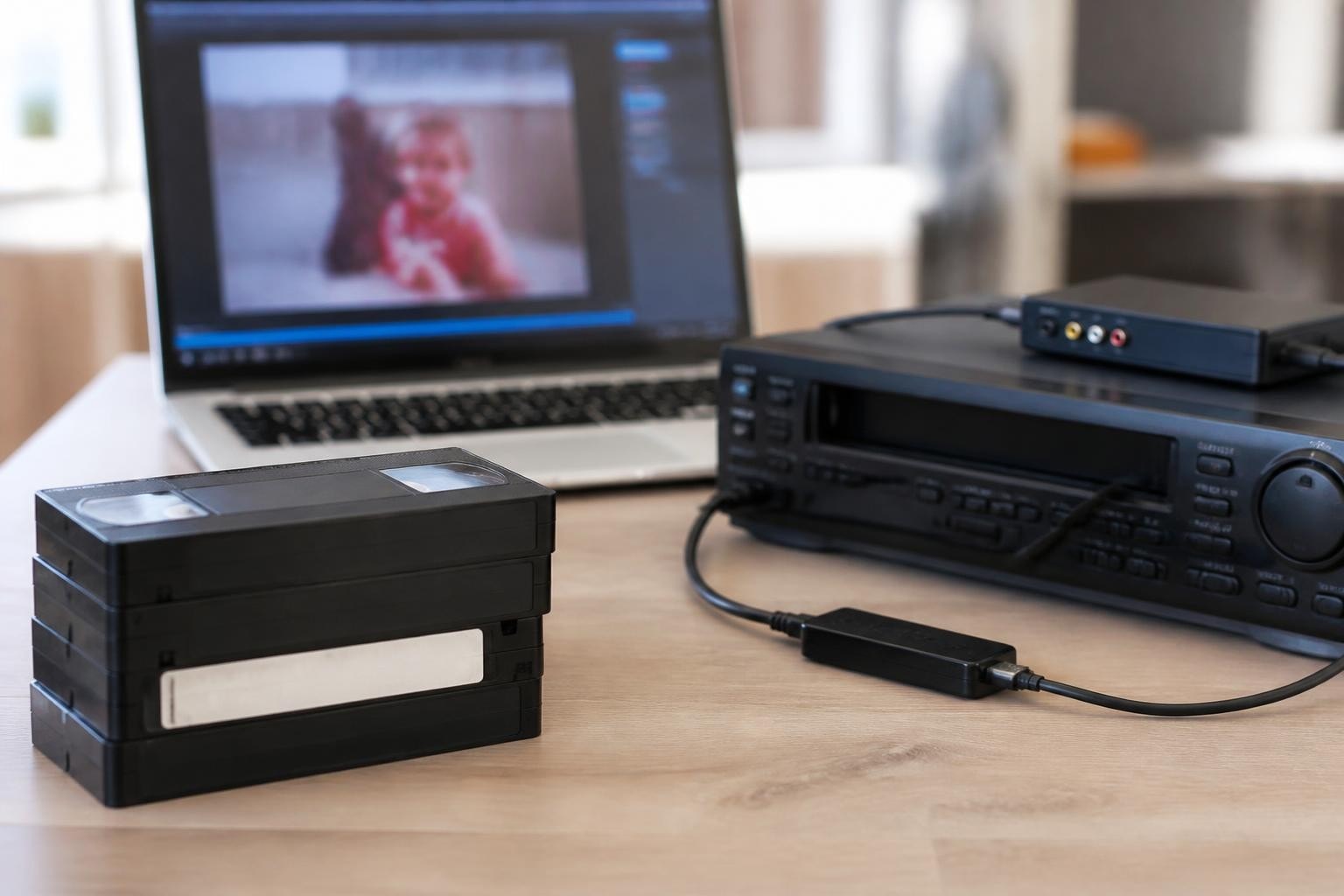
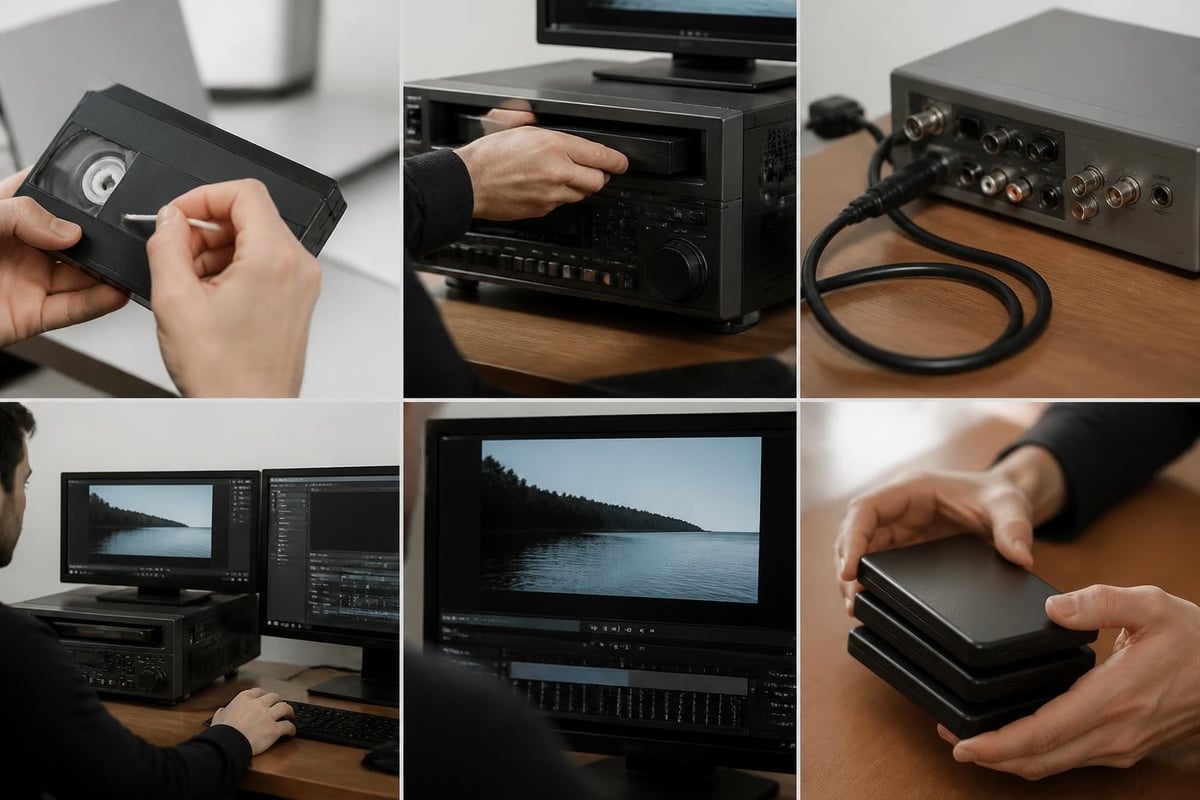
FireWire transfer remains the preferred method for mini DV digitization because it provides a bit-for-bit copy of the DV stream without generational loss. The connection transfers video and audio data digitally, bypassing digital-to-analog and analog-to-digital conversion stages that introduce quality degradation.
Recommended capture settings:
- Use IEEE 1394a or 1394b (FireWire 400/800) connection
- Capture as native DV AVI or DV MOV containers
- Maintain original 720x480 (NTSC) or 720x576 (PAL) resolution
- Preserve 4:1:1 (NTSC) or 4:2:0 (PAL) color sampling
- Record 48 kHz 16-bit audio at original settings
The FFmpeg documentation details command-line workflows for automated DV capture and conversion, particularly useful for batch processing operations. Many digitization shops integrate FFmpeg into custom scripts that handle file naming, metadata insertion, and quality verification.
For practical transfer guidance, the Analog Field Guide transfer theory section offers archival-focused strategies specific to MiniDV capture over FireWire, including error handling protocols and preservation quality standards.
Maintenance and Repair Considerations
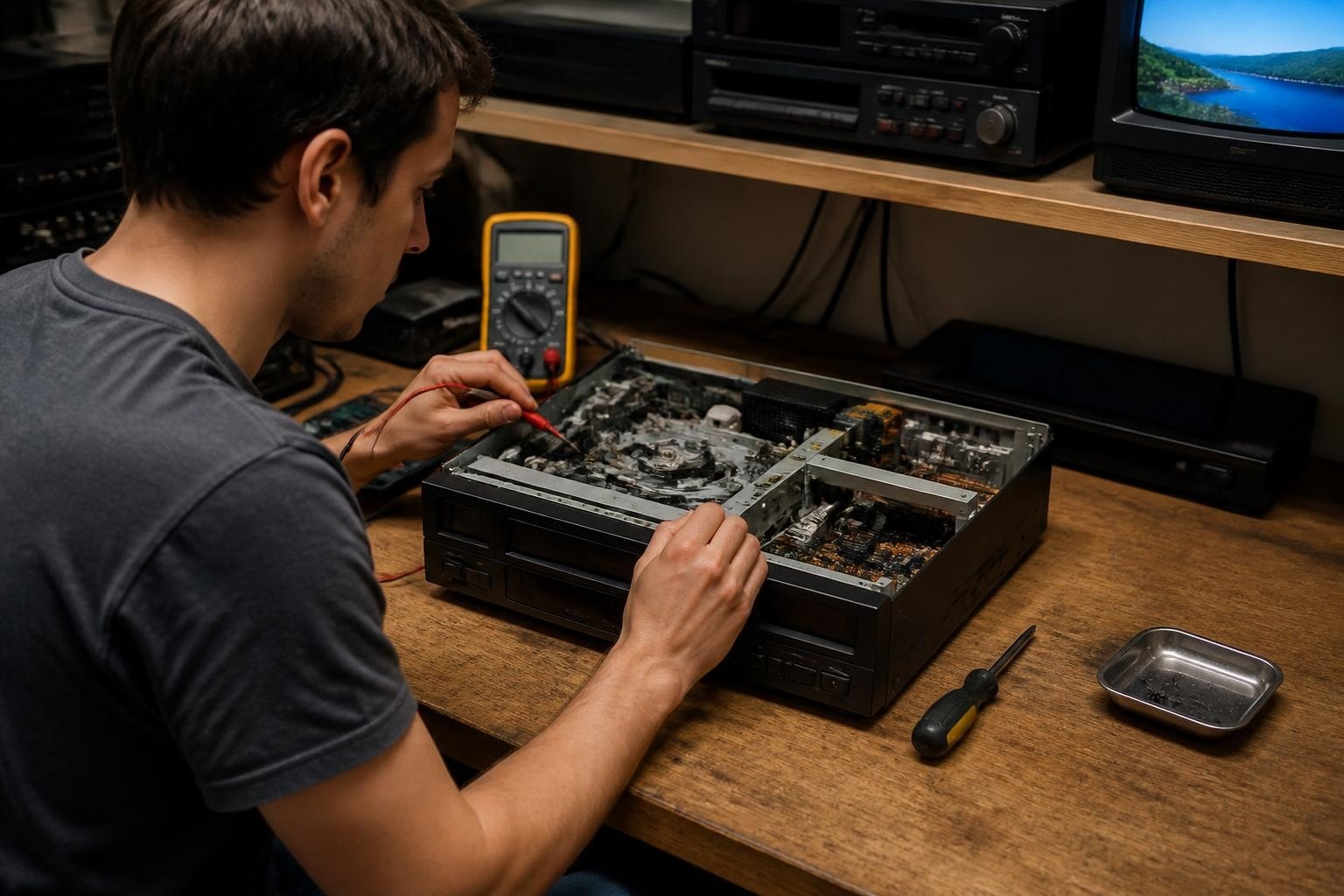
Sustaining reliable mini DV tape deck operation requires both routine maintenance and access to qualified repair services. As these devices age and replacement parts become scarce, establishing relationships with specialized repair providers becomes increasingly important.
Routine Maintenance Procedures
Professional digitization shops should implement regular maintenance schedules that prevent most common failures:
- Daily: Clean heads with appropriate cleaning tape or isopropyl alcohol swabs
- Weekly: Inspect tape path for debris and check transport operation
- Monthly: Test all input/output connections and verify timecode accuracy
- Quarterly: Professional cleaning of entire tape path and mechanism lubrication
- Annually: Head replacement and complete transport calibration
Proper storage conditions also extend equipment life. Maintain operating environments between 60-75°F with 40-60% relative humidity. Avoid temperature extremes and protect decks from dust accumulation through covers or rack enclosures.
When to Seek Professional Repair
Even well-maintained equipment eventually requires professional intervention. Warning signs include persistent playback errors across multiple known-good tapes, unusual mechanical noises, inconsistent tape threading, or complete transport failures.
Professional repair services typically offer diagnostic evaluation for a nominal fee, allowing shops to make informed decisions about repair versus replacement. For a mini DV tape deck, common repair needs include drum assembly replacement, capstan motor servicing, and control board repairs.
| Repair Type | Typical Turnaround | Estimated Cost | Prevention Strategy |
|---|---|---|---|
| Head replacement | 3-5 days | $150-$300 | Regular cleaning, proper tape quality |
| Transport calibration | 2-3 days | $100-$200 | Annual service, avoid force-eject |
| Capstan motor | 5-7 days | $200-$400 | Maintain clean environment |
| Control board | 7-14 days | $250-$500 | Protect from power surges |
Format Compatibility and Variations
While discussing the mini DV tape deck, understanding format variations ensures proper equipment selection. The DV format family includes several related standards that may or may not play on specific decks.
DV Format Family Overview
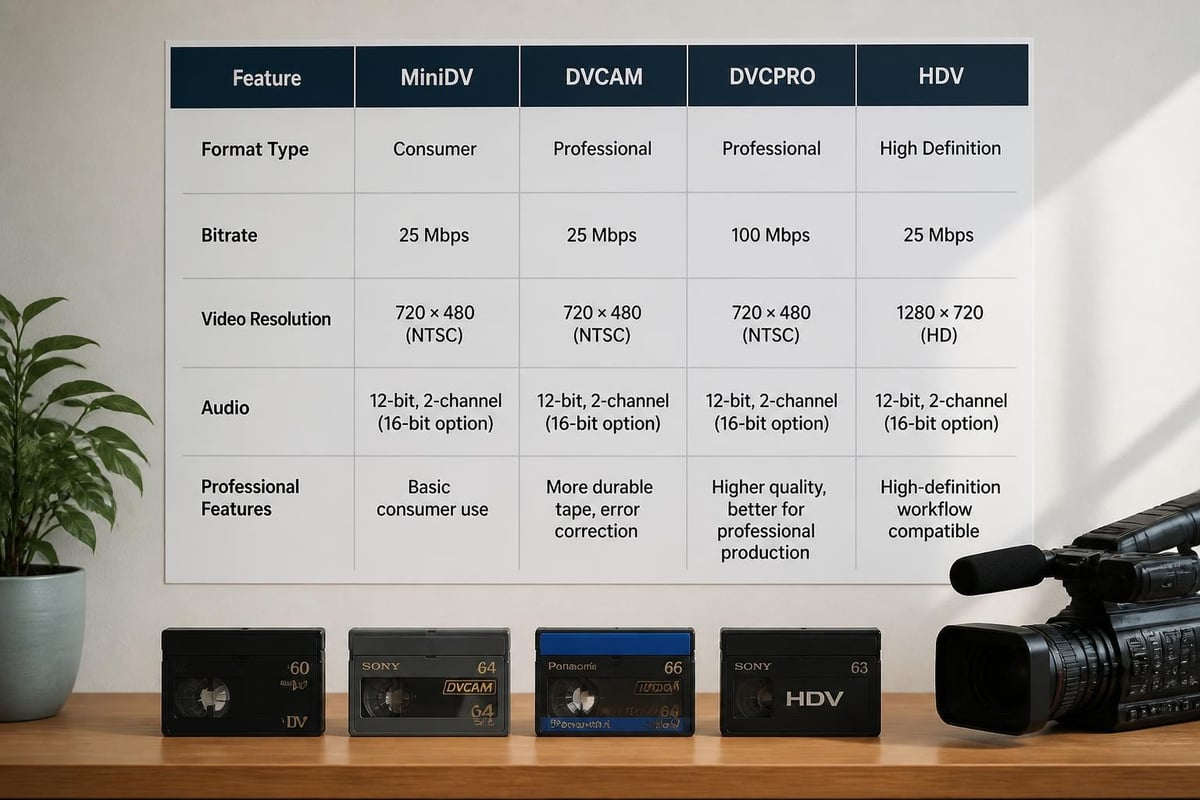
Standard MiniDV represents the consumer implementation, but professional variations offer enhanced features:
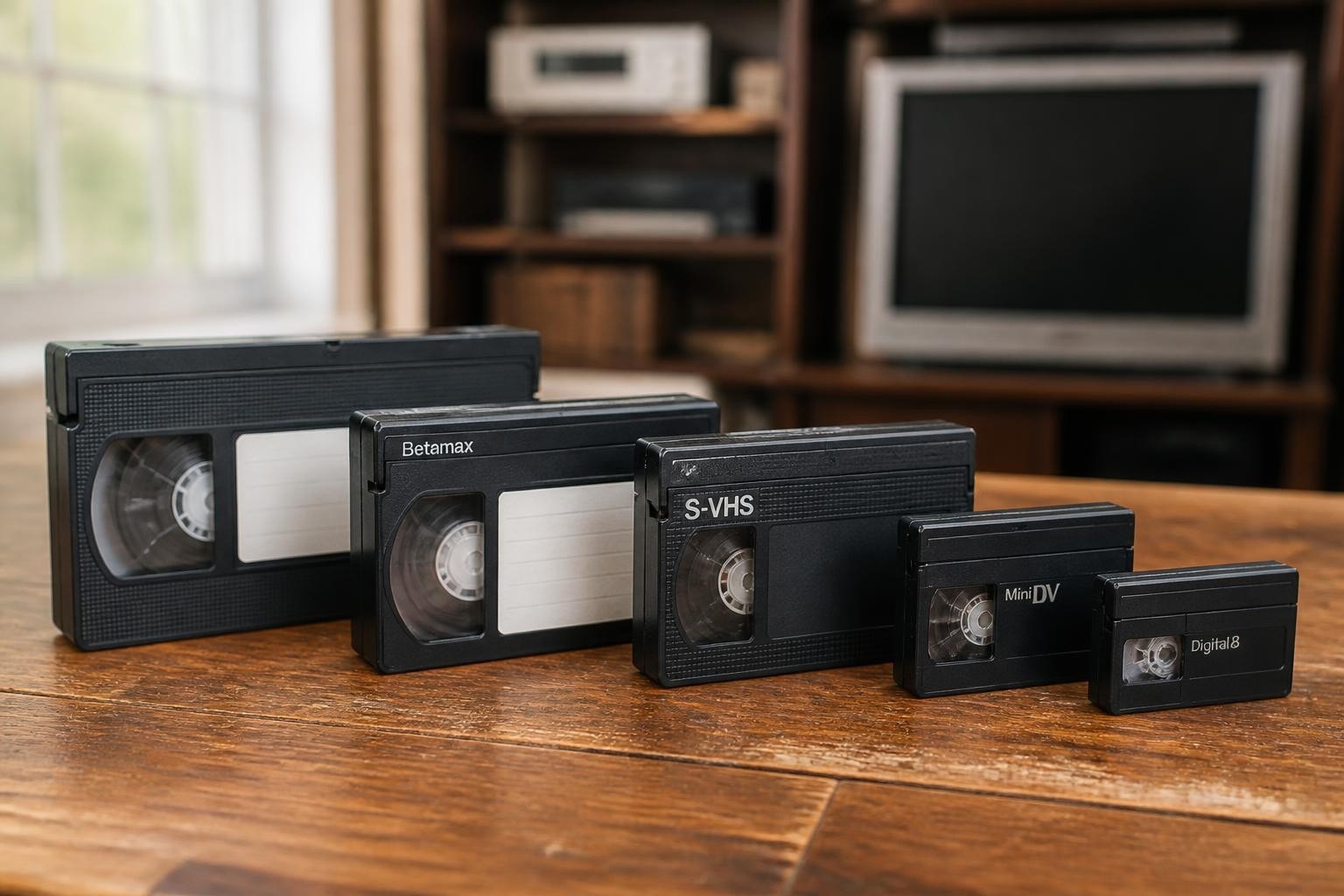
- DV (consumer): 25 Mbps, 720x480/576 resolution, basic audio
- DVCAM: Sony's professional variant with wider track pitch for reliability
- DVCPRO: Panasonic's professional format with 50 Mbps option
- HDV: High-definition variant using MPEG-2 compression
Not all decks support all formats. Most consumer and prosumer mini DV tape decks handle standard DV and may support DVCAM playback. Professional models often include format-specific playback capabilities, though recording compatibility varies by manufacturer.
The MiniDV format overview provides detailed technical specifications and compatibility information for digitization professionals working across multiple DV variants.
Digital8 Compatibility
Some Sony mini DV tape decks also support Digital8 playback, which records DV-format video onto Hi8 cassettes. This dual-format capability proves valuable for shops serving diverse client bases. However, not all MiniDV decks include this feature-verify specifications before purchasing or renting equipment for Digital8 transfers.
Rental Versus Purchase Decisions
Digitization businesses face strategic decisions about equipment acquisition. The choice between purchasing used equipment, investing in refurbished professional decks, or utilizing rental services depends on operational volume, cash flow, and market positioning.
Financial Considerations for Digitization Shops
Equipment rental offers compelling advantages for many scenarios:
- Seasonal demand fluctuations: Scale capacity during busy periods without idle equipment
- Project-specific needs: Access specialized decks for unique format requirements
- Equipment evaluation: Test models before committing to purchase
- Capital preservation: Allocate resources to marketing and business development
- Maintenance simplification: Reduce internal technical support requirements
Starting at $99 per month, professional deck rentals provide predictable costs and include maintenance support that eliminates unexpected repair expenses. For shops processing 20-50 tapes monthly, rental often proves more economical than ownership through the first 18-24 months of operation.
Conversely, high-volume operations processing 100+ tapes monthly typically justify equipment purchase. The investment pays for itself within 12-18 months, and ownership enables complete workflow control. However, purchased equipment requires dedicated maintenance budgets and technical expertise for troubleshooting.
Preservation Standards and Compliance
Professional digitization work increasingly requires compliance with archival standards established by institutions like the Library of Congress, National Archives, and international preservation organizations. These standards influence equipment selection, capture parameters, and quality control procedures.
The National Archives guidance on audiovisual media digitization outlines comprehensive workflows for federal records transfer that apply broadly to commercial preservation work. Understanding these standards helps digitization shops serve institutional clients and ensures long-term accessibility of transferred materials.
Industry Standards and Best Practices
Professional organizations provide technical frameworks for videotape preservation:
- SMPTE standards define technical specifications for DV recording and playback
- IASA guidelines establish preservation-quality digitization procedures
- Library standards specify file formats, metadata, and storage protocols
The SMPTE standards portal offers authoritative technical documentation, though access requires membership or individual standard purchase. For most commercial digitization work, following IASA guidelines and client-specific requirements ensures acceptable quality.
The British Film Institute's videotape preservation guidance provides practical strategies balancing archival quality with operational efficiency, particularly relevant for shops serving cultural heritage organizations.
Quality Control and Verification
Every transferred tape should undergo verification to ensure complete, accurate capture. Quality control procedures include:
- Visual inspection of the full captured file for dropouts or errors
- Audio sync verification throughout the recording
- File integrity checks using checksums or hash values
- Metadata accuracy confirming timecode, date, and description
- Format compliance validating against technical specifications
Implementing systematic quality control prevents costly re-work and builds client confidence. Many professional shops maintain detailed logs documenting equipment settings, operator notes, and any anomalies encountered during transfer.
Equipment Sourcing and Supply Chain
Finding reliable mini DV tape deck sources presents increasing challenges as production ended over a decade ago. Professional digitization shops must navigate the used equipment market, evaluate refurbishment options, and establish relationships with specialized suppliers.
The used professional video market operates through dealer networks, online marketplaces, and direct sales from retiring production facilities. Equipment condition varies dramatically-some sellers offer decks with minimal use from corporate video departments, while others liquidate heavily-used broadcast equipment requiring immediate service.
Evaluating Used Equipment
When sourcing a mini DV tape deck, assess these critical factors:
- Hour meter reading indicating total operational time
- Maintenance history documenting service and repairs
- Physical condition of chassis, controls, and connectors
- Operational testing with known-good tapes across full feature set
- Parts availability for model-specific components
Professional equipment dealers typically provide 30-90 day warranties on used decks, offering some protection against immediate failures. However, long-term reliability depends more on prior maintenance and operating conditions than warranty coverage.
The British Library technical documentation includes procedures for equipment evaluation and acceptance testing that apply to commercial digitization equipment procurement.
Technical Support and Documentation Resources
Operating and maintaining a mini DV tape deck successfully requires access to comprehensive technical documentation. Original service manuals, parts diagrams, and operational guides enable in-house troubleshooting and inform repair decisions.
Documentation Sources
Manufacturers provided extensive technical literature for professional models, though accessing these documents today requires resourcefulness:
- Manufacturer websites: Some maintain legacy product archives
- Third-party repositories: Online communities host shared documentation
- Service providers: Repair shops often maintain technical libraries
- Professional organizations: Broadcast engineering groups archive format documentation
For specific models, operator manuals typically remain available, while detailed service documentation proves harder to locate. Establishing relationships with experienced technicians provides knowledge resources beyond written documentation.
Emerging Challenges and Future Outlook
The mini DV tape deck market faces continued pressure from format obsolescence, parts scarcity, and declining technical expertise. Digitization professionals must plan strategically for equipment sustainability over the next 3-5 years.
Parts availability represents the most immediate concern. Critical components like video heads, capstan motors, and control boards increasingly require sourcing from parts units or international suppliers. This scarcity drives repair costs upward and extends turnaround times.
Technical expertise also diminishes as experienced video engineers retire. The specialized knowledge required for precision tape transport alignment and troubleshooting becomes concentrated among fewer providers. Building relationships with qualified technicians now ensures access to critical services as the market contracts.
Strategic Planning for Digitization Businesses
Forward-thinking shops should consider several sustainability strategies:
Equipment redundancy: Maintain backup decks to ensure continuous operation during repairs. Many professionals keep 1.5-2 decks per full-time transfer workstation.
Preventive maintenance: Aggressive maintenance schedules extend equipment life and prevent catastrophic failures that may prove irreparable.
Parts stockpiling: Purchase critical components while available, particularly heads, belts, and electronic modules specific to primary deck models.
Rental supplements: Use rental equipment to handle overflow work and provide backup during repair periods without maintaining excess owned inventory.
Format diversification: Expand service offerings across multiple videotape formats to build sustainable client bases as individual format volumes decline.
The digitization window for MiniDV content remains open but will progressively narrow. Tape degradation accelerates after 15-20 years, and the 2026 tape stock has reached this critical age. This urgency creates business opportunities for well-equipped digitization shops while demanding reliable, well-maintained equipment.
Professional mini DV tape deck operation requires technical knowledge, proper maintenance, and strategic equipment planning to deliver consistent results. Whether building initial capacity or scaling existing operations, choosing between rental and ownership depends on your specific volume projections and capital availability. VCR Supply provides both professional deck rentals starting at $99 monthly and comprehensive repair services with transparent $45 diagnostic fees, helping digitization shops maintain reliable operations without unexpected downtime or capital constraints.