Repair VHS Player: Professional Guide for 2026
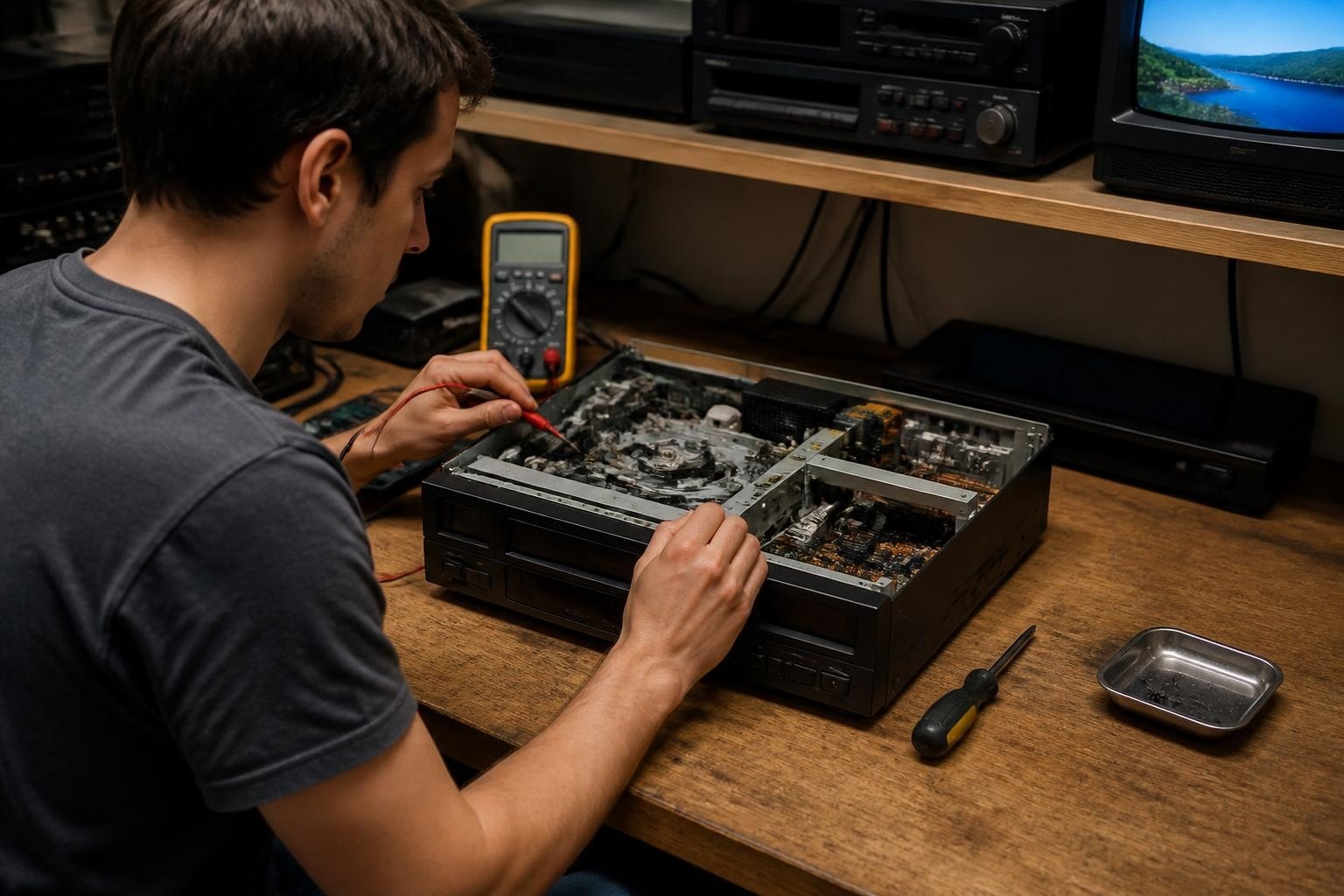
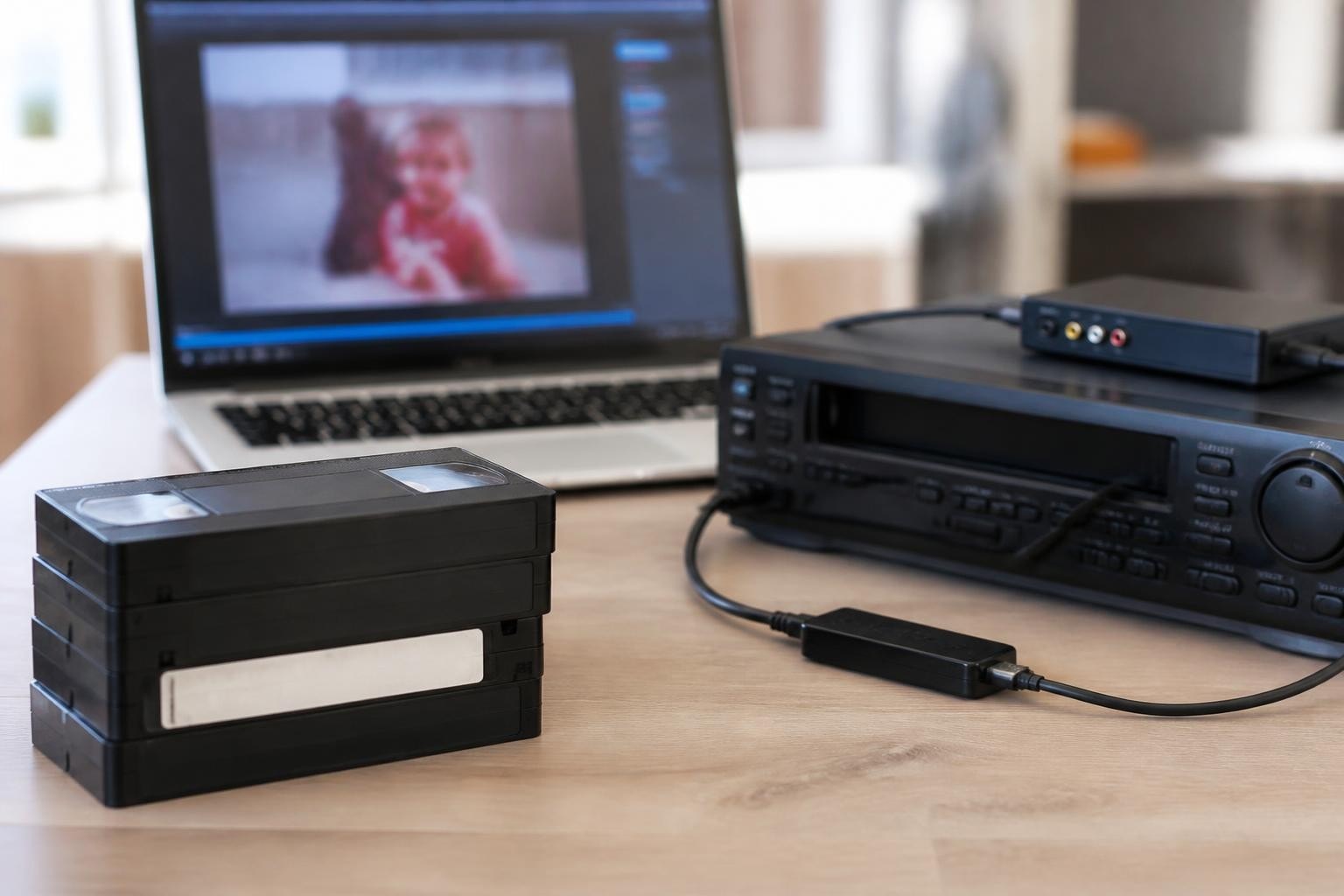
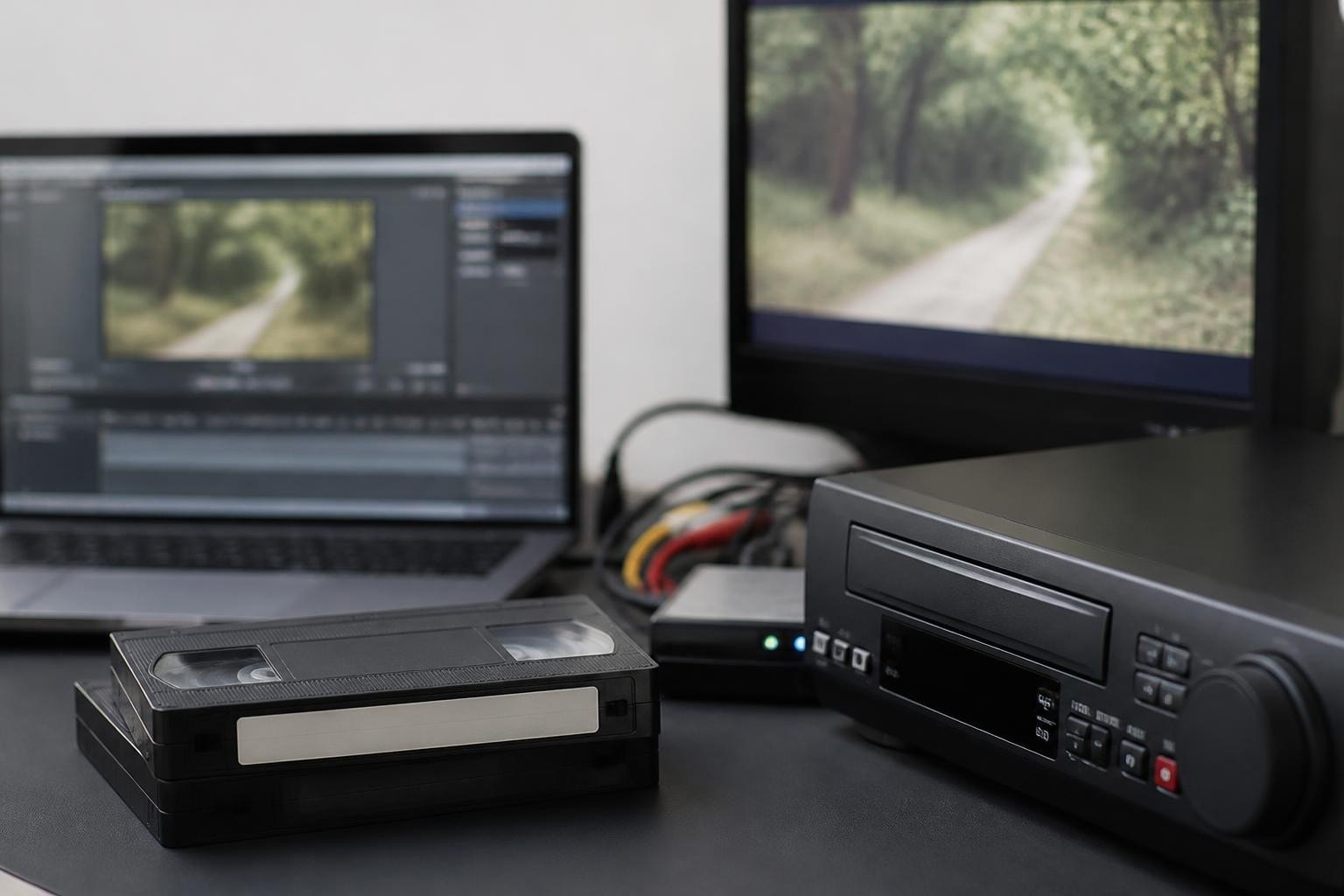
VHS players remain essential equipment for digitization shops and media preservation professionals in 2026. While these analog workhorses have become harder to find and maintain, understanding how to repair VHS player mechanisms can save thousands of dollars in replacement costs and minimize downtime for businesses that depend on these machines. Whether you're running a professional digitization operation or managing archival projects, keeping your VHS playback equipment operational requires specialized knowledge of common failures, diagnostic procedures, and proven repair techniques that address everything from worn drive belts to misaligned video heads.
Understanding VHS Player Architecture
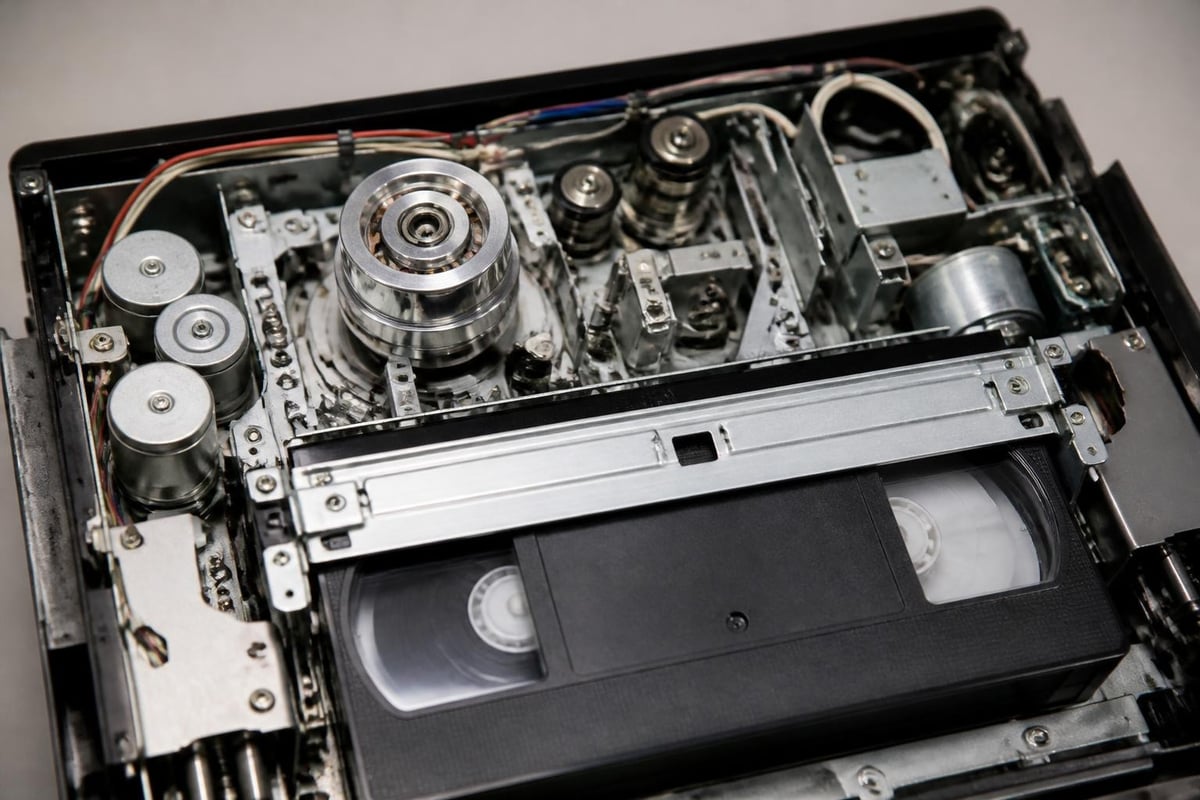
Before attempting to repair VHS player equipment, you need a solid grasp of the mechanical and electronic systems that work together to read magnetic tape. The transport mechanism moves tape from the supply reel through the head drum assembly and onto the take-up reel at precisely controlled speeds. The video head drum spins at 1,800 RPM while helical scanning reads diagonal tracks containing the video signal.
The control track along the bottom edge of the tape synchronizes playback speed, while the audio and control head reads linear tracks. This complex interaction of mechanical precision and electromagnetic signal processing means that failures can occur in multiple subsystems simultaneously.
Key Components in Professional VHS Equipment
Understanding which components fail most frequently helps prioritize your diagnostic approach:
- Drive belts and idler tires that deteriorate over time
- Capstan and pinch roller assemblies that control tape speed
- Mode switches and mechanical linkages that engage transport functions
- Video head drums that can become clogged or worn
- Loading motors and gear trains that pull tape from the cassette
Professional decks used in digitization workflows face accelerated wear compared to consumer equipment. Many S-VHS decks process hundreds of tapes annually, making preventive maintenance and rapid repair capabilities essential for business continuity.
Diagnostic Procedures for Common Failures
A systematic diagnostic approach saves time and prevents unnecessary component replacement. Start by observing the failure mode without disassembly. Does the deck refuse to load tapes? Does it load but fail to play? Do you see video noise or tracking problems during playback?
Visual and auditory inspection often reveals obvious problems. Listen for unusual motor sounds, grinding gears, or squealing belts. Look for stretched or broken belts visible through ventilation openings. Check for error codes or blinking status lights that indicate specific fault conditions.
Step-by-Step Diagnostic Workflow
- Test with known-good tapes to eliminate damaged media as the cause
- Observe the loading mechanism for smooth cassette insertion and tape threading
- Check tape transport by monitoring reel rotation and tape tension
- Evaluate playback quality using test patterns or reference footage
- Measure critical voltages at power supply test points
- Inspect mechanical wear points including pinch rollers and belt surfaces
Many professionals who repair VHS player equipment rely on detailed teardown guides that document disassembly sequences and identify common failure points. These resources prove invaluable when working on unfamiliar deck models or troubleshooting intermittent problems.
Before investing time in repairs, consult preservation resources like the Library of Congress preservation guidelines to ensure you're not damaging valuable archival content during testing. Some tapes should never be played on equipment suspected of having alignment or head problems.
Belt Replacement and Mechanical Repairs
Belt replacement represents the most common repair VHS player technicians perform. Modern rubber compounds deteriorate regardless of use, turning sticky or brittle within 10-15 years. A failing belt causes slow tape movement, intermittent operation, or complete transport failure.
Belt Replacement Process
Accessing belts requires partial disassembly following manufacturer-specific procedures. Remove the outer case, then the bottom pan to expose the underside of the transport deck. Document belt routing with photographs before removal since incorrect installation prevents proper operation.
Clean all belt contact surfaces with isopropyl alcohol and cotton swabs. Old belt residue creates slippage even with new belts. Install replacement belts sized correctly for your specific model, ensuring proper tension without overstretching.
| Symptom | Likely Belt Issue | Priority |
|---|---|---|
| No tape movement | Main drive belt failed | High |
| Slow loading | Loading belt stretched | Medium |
| Intermittent play | Idler tire hardened | High |
| Tracking drift | Capstan belt slipping | Critical |
Professional VHS equipment used for digitization benefits from preventive belt replacement on a schedule rather than waiting for failure. Many shops replace belts every 18-24 months on high-use decks.
Video Head Maintenance and Cleaning
Dirty or worn video heads create the most visible playback problems when you repair VHS player issues. Clogged heads produce snowy pictures, horizontal noise bars, or complete signal loss. The helical scanning geometry means even microscopic debris blocks proper tape-to-head contact.
Wet cleaning using head cleaning cassettes provides quick results for light contamination. These cassettes use fabric wrapped around a dummy tape that contacts the spinning heads while fluid dissolves oxide buildup. However, abrasive cleaning tapes damage heads and should never be used on professional equipment.
Manual Head Cleaning Technique
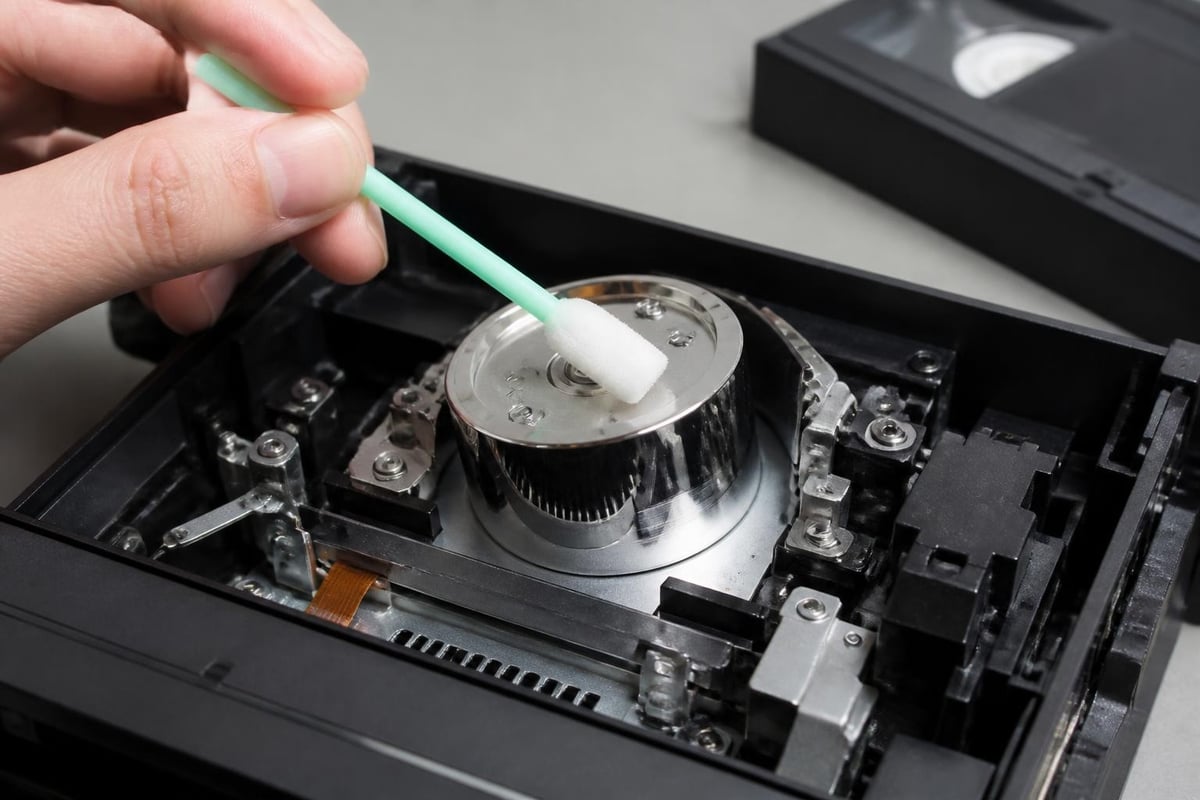
For stubborn contamination or precision cleaning, manual methods deliver superior results. Access the head drum after removing the cassette carriage assembly. Use chamois swabs moistened with head cleaning fluid, wiping in the direction of head rotation.
- Apply minimal pressure to avoid bending the tiny head chips
- Clean the entire drum surface including the area between heads
- Allow complete drying before testing
- Inspect heads under magnification for wear or damage
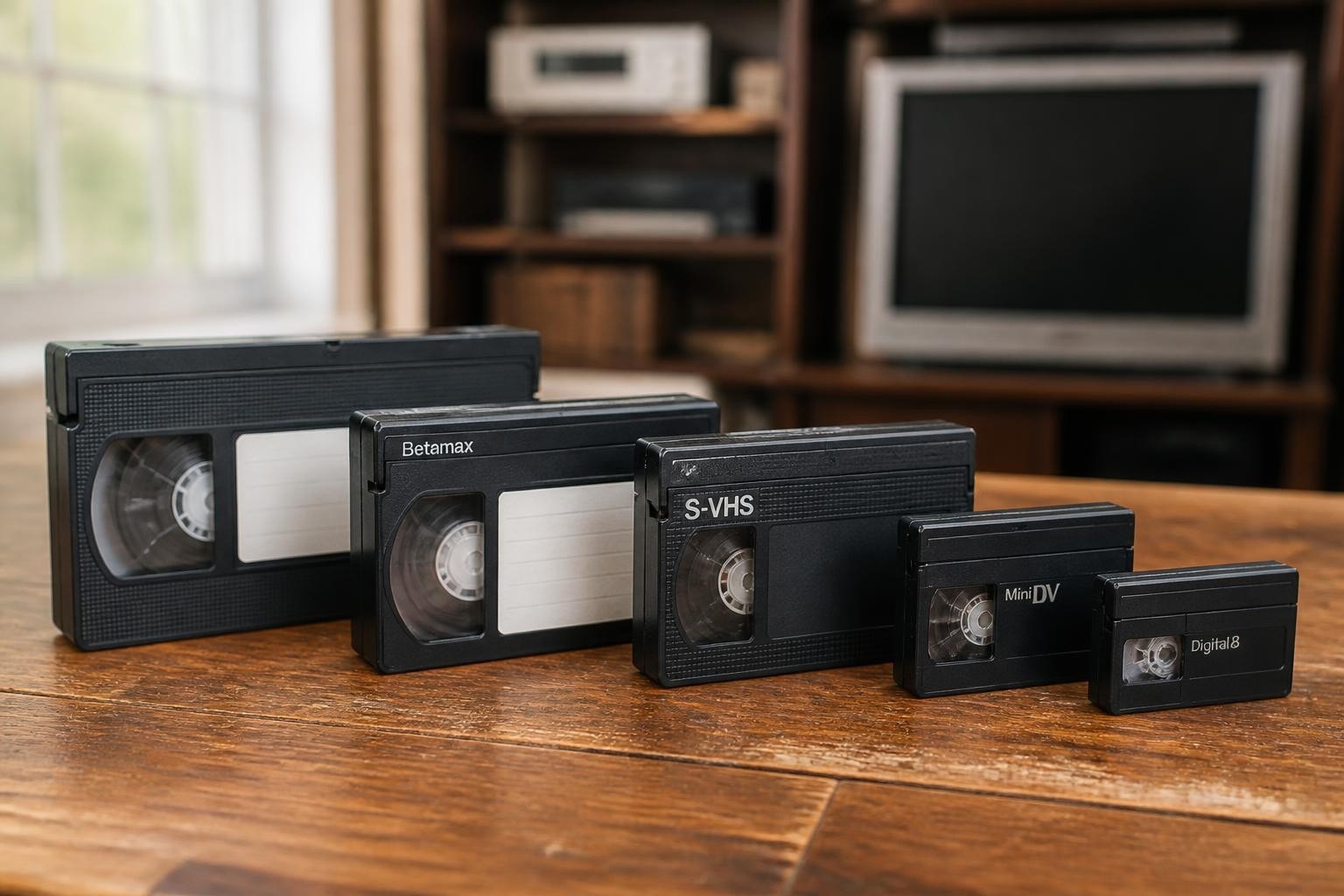
Never clean heads while powered on, and avoid cotton swabs that leave fibers. Professional digitization operations performing MiniDV or Digital8 transfers maintain dedicated cleaning supplies separate from VHS equipment to prevent cross-contamination.
Alignment and Tracking Adjustments
Mechanical alignment directly impacts playback quality in ways that cleaning cannot fix. Tracking problems, flagging at the top of the picture, and poor interchange with tapes recorded on other decks all point to alignment issues. To properly repair VHS player tracking systems, you need specialized tools and reference tapes.
The back tension adjustment controls how firmly tape wraps around the head drum. Insufficient tension causes poor head contact and noisy pictures. Excessive tension wears heads prematurely and may damage fragile tapes. Reference tapes with alignment signals provide objective measurement points.
Critical Alignment Parameters
Proper alignment requires adjusting multiple interconnected parameters. Changes to one setting affect others, demanding an iterative approach. Professional service manuals specify adjustment sequences and target values.
- Tape path geometry ensuring tape enters and exits the drum at correct angles
- Capstan height positioning the tape vertically for proper track alignment
- Drum tilt setting the head rotation plane parallel to helical tracks
- Back tension controlling tape-to-head contact force
- Tracking range verifying the auto-tracking system compensates for tape variations
Many businesses that regularly repair VHS player equipment invest in service manuals and alignment tapes for each format they support. Attempting alignment without proper references often worsens problems. When working with rare formats like Betamax or U-matic, professional calibration becomes even more critical.
Electronic Troubleshooting Fundamentals
While mechanical problems dominate VHS repairs, electronic failures also occur. Power supply issues, failed voltage regulators, and defective integrated circuits all prevent proper operation. Modern decks combine analog video processing with digital servo control and microprocessor-based mode switching.
Power supply diagnosis starts with measuring voltages at the main connector feeding the transport and video circuits. Compare readings against service manual specifications. Electrochemical capacitors in power supplies degrade over decades, causing voltage drift or excessive ripple that disrupts servo systems.
| Circuit System | Common Failures | Testing Approach |
|---|---|---|
| Power supply | Capacitor aging, regulator failure | Voltage measurement |
| Servo control | IC failure, crystal drift | Waveform analysis |
| Video processing | Noisy amplifiers, sync issues | Signal injection |
| Logic control | Switch contacts, microprocessor hang | State monitoring |
Component-level repair requires soldering skills, schematic reading ability, and access to replacement parts. Many businesses outsource electronic repairs while handling mechanical maintenance in-house. Professional repair services with parts inventory and diagnostic equipment complete electronic work faster than generalist technicians.
Preventive Maintenance Programs
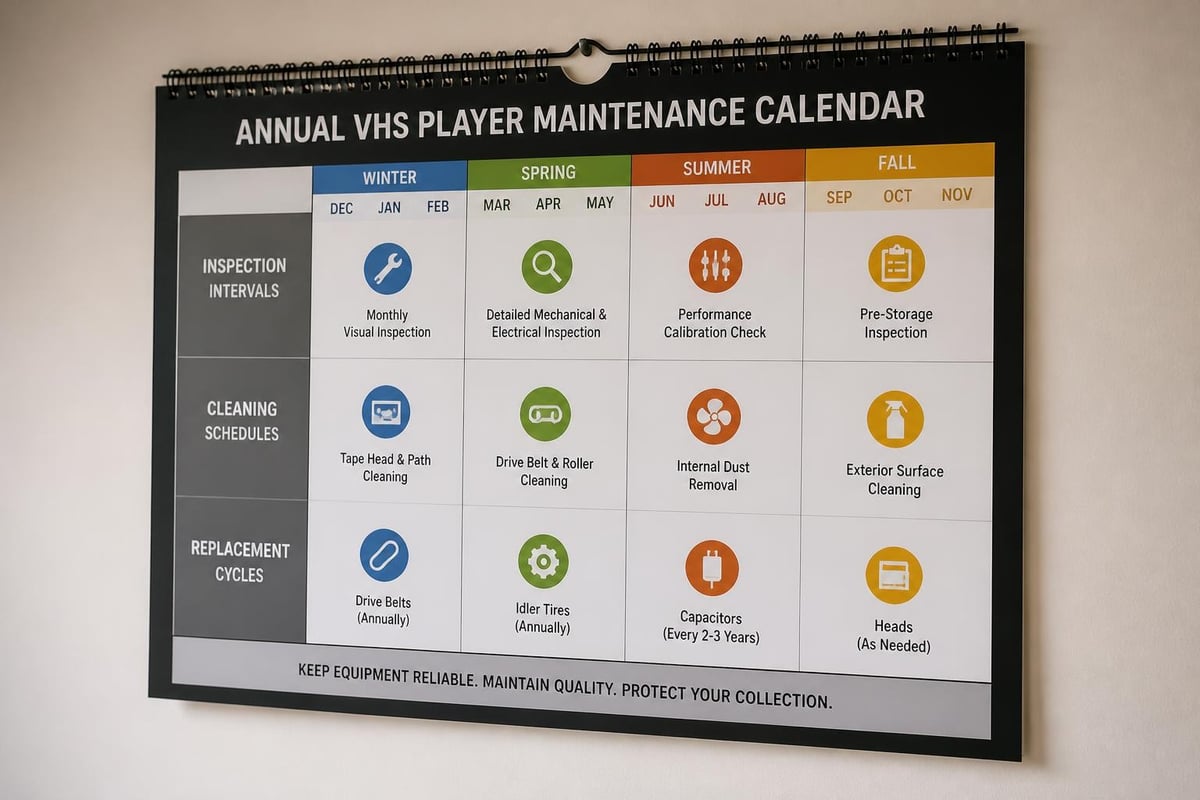
Establishing regular maintenance schedules prevents failures before they impact operations. Professional digitization shops processing dozens of tapes daily cannot afford unexpected downtime. A structured program addresses wear points before catastrophic failure occurs.
Monthly maintenance tasks include visual inspection of belts and moving parts, cleaning the tape path, and testing with reference tapes. Document playback hours on each deck to identify high-use equipment needing more frequent attention.
Comprehensive Maintenance Checklist
- Clean video heads and audio heads using approved methods
- Inspect belts and idler tires for cracking or glazing
- Test all transport modes for smooth operation
- Verify tracking and playback quality with test tapes
- Clean and lubricate mechanical linkages sparingly
- Check and tighten mounting hardware
- Verify proper ventilation and cooling
Many professional operations implement maintenance contracts that provide regular service visits and priority repair scheduling. This approach reduces the burden on internal staff while ensuring equipment receives expert attention from technicians who repair VHS player equipment daily.
Parts Sourcing and Inventory Management
Finding replacement parts for aging VHS equipment grows more challenging each year. Original manufacturer parts for popular professional models like the Sony SL-2700 have limited availability. Smart inventory management keeps critical components on hand.
Universal parts including belts in common sizes, pinch rollers, and idler tires fit multiple deck models. Stocking these items enables rapid repairs without waiting for special orders. Create a parts matrix documenting which belts fit which models in your equipment inventory.
Strategic Parts Inventory
- Maintain belt kits for your most-used deck models
- Stock replacement pinch rollers and capstan shafts
- Keep mode switches and common electronic components
- Source loading motors before they become unavailable
- Establish relationships with salvage suppliers for rare parts
Some repair shops maintain non-functional decks as parts donors. A deck with electronic failures may provide good mechanical components. Conversely, mechanically damaged units often have useful circuit boards. Before purchasing donor units, verify they share components with your operational equipment.
When to Repair Versus Replace
Not every problem justifies repair investment. Decision criteria include equipment value, parts availability, repair complexity, and business impact. A deck requiring only belt replacement clearly warrants repair. Equipment needing expensive electronic components or scarce mechanical assemblies deserves careful cost analysis.
Professional-grade equipment justifies more aggressive repair efforts than consumer decks. A high-quality S-VHS deck rental unit serving multiple clients provides revenue that offsets repair costs. Calculate repair expenses against replacement cost and remaining service life.
Consider these factors when deciding whether to repair VHS player equipment:
- Current market value of working units
- Availability and cost of necessary parts
- Expected service life after repair
- Criticality to current operations
- Alternative equipment options
Some specialized formats have no viable replacement equipment. If your operation depends on playback of rare formats, maintaining existing decks becomes essential regardless of repair costs. The video quality considerations for archival digitization may require specific deck models that cannot be substituted.
Safety Considerations and Best Practices
Working safely prevents injuries and equipment damage. VHS decks contain line voltage, rotating mechanical components, and precision parts easily damaged by improper handling. Following established safety protocols protects both technician and equipment.
Disconnect power before opening any equipment. Capacitors in power supplies retain dangerous voltage long after unplugging. Use discharge tools before touching circuit boards. Never bypass interlocks that prevent access to moving parts during operation.
Essential Safety Guidelines
- Work in well-lit, organized environments free from clutter
- Use proper tools sized correctly for fasteners
- Wear anti-static protection when handling circuit boards
- Keep fluids away from electrical components
- Document disassembly steps with photographs
- Store removed fasteners and parts systematically
When handling tape cassettes during equipment testing, be aware that damaged tapes can jam in transport mechanisms, causing additional damage. Always inspect tapes before loading into repaired equipment. Test with expendable media before processing valuable archival content.
Professional Development and Training Resources
Technical skills for VHS repair require both theoretical knowledge and hands-on experience. While formal training programs for VHS technology have largely disappeared, multiple resources support self-directed learning. Combining online documentation with practical experience builds competence.
Conservation organizations provide ethical frameworks and best practices for handling historical media. The American Institute for Conservation offers resources through its Electronic Media Group addressing proper techniques for audiovisual preservation equipment.
Practical repair experience comes from working on equipment systematically. Start with simple tasks like belt replacement before attempting complex adjustments. Keep detailed notes documenting procedures and outcomes. Failed repairs teach valuable lessons about what doesn't work.
Building a reference library of service manuals, parts lists, and technical bulletins for your specific equipment models provides essential information during repairs. Join online communities where professionals share troubleshooting advice and repair experiences. Many technicians who successfully repair VHS player equipment learned through patient experimentation and information sharing.
Cost Analysis for Repair Operations
Understanding true repair costs helps businesses make informed decisions about maintenance strategies. Direct expenses include parts, tools, and labor time. Indirect costs encompass equipment downtime, lost revenue, and rushed shipping fees for emergency parts orders.
A systematic approach to tracking repair history reveals patterns. Does one deck model require frequent repairs while others prove reliable? Do certain failure modes repeat across multiple units? This data guides equipment purchasing decisions and maintenance prioritization.
| Cost Category | Typical Range | Management Strategy |
|---|---|---|
| Diagnostic fee | $45-$95 | Build internal expertise |
| Belt replacement | $25-$75 | Stock common sizes |
| Head replacement | $150-$400 | Evaluate vs. replacement |
| Electronic repair | $100-$300 | Partner with specialists |
| Alignment service | $125-$250 | Invest in training and tools |
Many digitization businesses compare in-house repair capabilities against outsourcing to specialized repair services. The break-even point depends on equipment volume, failure rates, and staff technical capabilities. Operations with 3-5 decks often benefit from service partnerships, while larger fleets justify dedicated repair technicians.
Equipment Documentation Systems
Maintaining detailed records for each deck tracks repair history, service intervals, and performance trends. This information guides maintenance scheduling and helps diagnose recurring problems. Document operational hours, tape counts, and service actions for every unit.
Create equipment files containing:
- Purchase date and original cost
- Service manual and parts diagrams
- Completed repair logs with dates and descriptions
- Performance test results after major service
- Parts replacement history
- Upcoming maintenance due dates
Digital documentation systems enable quick lookup and trend analysis. When a deck exhibits new symptoms, reviewing repair history often reveals related previous issues. Some problems recur if root causes weren't properly addressed during earlier repairs.
Professional operations that repair VHS player equipment regularly use asset management software tracking all service activities. This systematic approach prevents missed maintenance intervals and provides data for calculating total cost of ownership across different equipment models.
Successfully maintaining VHS playback equipment requires combining mechanical aptitude with systematic troubleshooting and preventive care. Whether addressing immediate repair needs or establishing long-term maintenance programs, investing in proper techniques and documentation protects your equipment investment and operational capabilities. VCR Supply provides professional videotape deck repair services with expert diagnostics, genuine parts, and maintenance programs designed specifically for digitization operations. Starting at just $45 for comprehensive diagnostics, their services help minimize downtime and extend equipment life for businesses that depend on reliable VHS and professional format playback.