MiniDV Cassette: Complete Guide for Digitization Shops
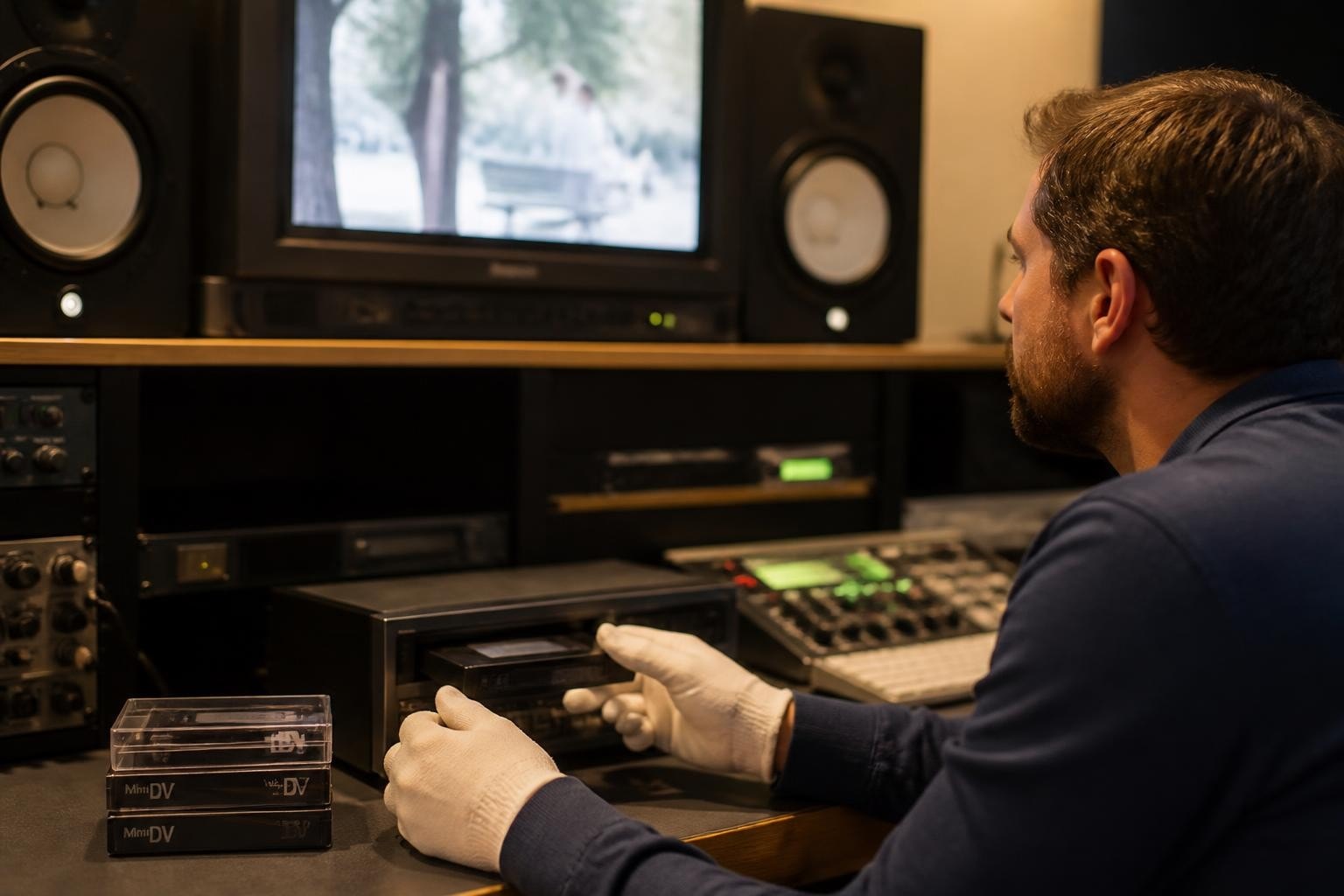
The minidv cassette represents a critical format in the history of digital video, bridging the gap between analog videotape and fully tapeless production. For digitization shops and preservation professionals, understanding the technical specifications, handling requirements, and playback equipment for MiniDV remains essential as countless irreplaceable recordings exist only on this magnetic tape format. With proper equipment and procedures, these cassettes can be successfully transferred to modern digital formats before tape degradation makes recovery impossible.
Understanding MiniDV Cassette Technology
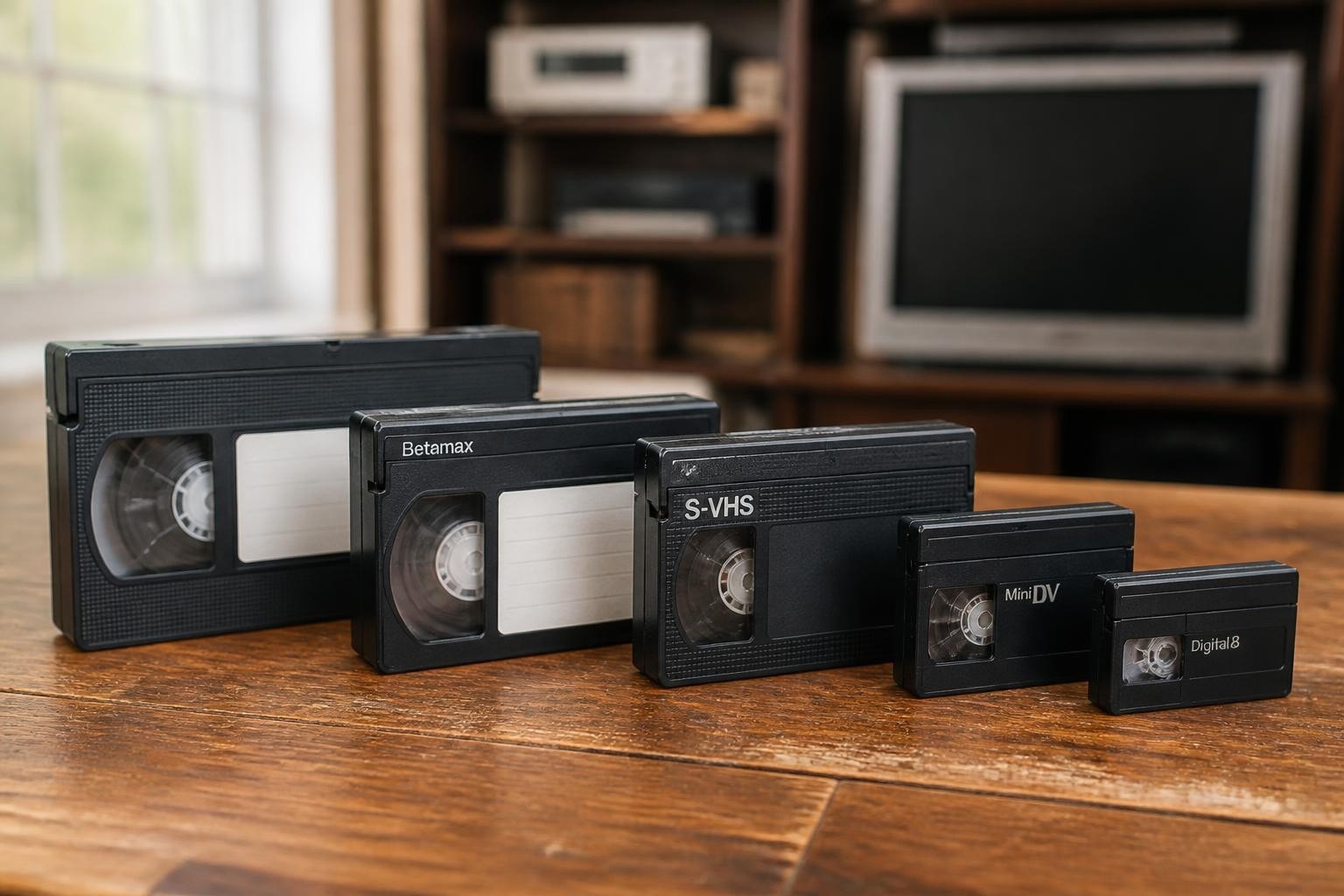
The minidv cassette uses metal evaporated (ME) or metal particle (MP) tape technology housed in a compact protective shell measuring 66mm × 48mm × 12.2mm. Unlike earlier consumer formats, MiniDV stores video data digitally using discrete cosine transform compression at a data rate of 25 megabits per second. This digital recording approach delivers 500 lines of horizontal resolution, significantly outperforming analog formats like VHS and Hi8.
Standard MiniDV cassettes record up to 60 minutes in SP (standard play) mode or 90 minutes in LP (long play) mode, though professional digitization operations should always note the recording mode during intake. The format supports both stereo 16-bit audio at 48 kHz and four-channel 12-bit audio at 32 kHz, with professional videographers typically preferring the higher-quality 16-bit option.
Physical Construction and Variants
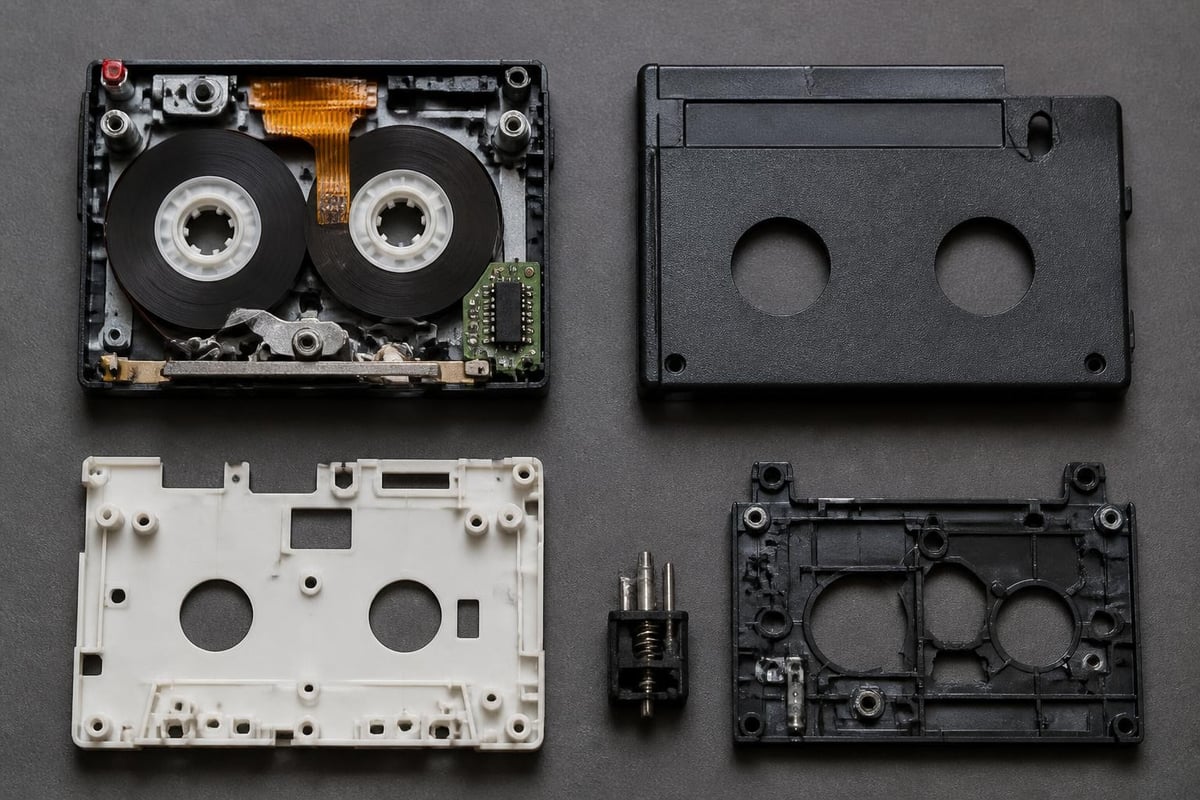
Each minidv cassette contains a magnetic tape just 6.35mm wide, wound between two small spools within a protective plastic housing. The cassette features a memory chip (MIC) that stores index information, recording date, and tape position data. This chip enables features like end search and title display on compatible decks.
Key cassette variants include:
- Standard 60-minute cassettes (most common)
- Extended 80-minute and 90-minute versions
- Professional DVCAM cassettes (compatible with MiniDV decks)
- Specialized industrial variants with reinforced shells
The cassette shell includes a record-protect tab that slides to prevent accidental recording over valuable footage. Digitization shops should verify this tab position during intake to prevent client tape erasure.
Professional Playback Equipment Requirements
Successful minidv cassette digitization depends entirely on access to properly maintained playback equipment. The format requires specialized decks or camcorders capable of reading the DV data stream and outputting via FireWire (IEEE 1394) or component video connections. Consumer-grade equipment continues to deteriorate as units age beyond their design lifespan, making professional-grade decks increasingly valuable.
Deck Selection and Specifications
Professional digitization operations benefit from rack-mountable MiniDV decks like the Sony GV-D200 or JVC SR-VS30U models. These units offer superior transport mechanisms, timecode support, and extended head life compared to consumer camcorders. The Sony GV-D200 provides both analog and digital outputs along with LCD monitoring capabilities.
Critical deck features for professional use:
- FireWire (iLink/DV) output for lossless digital capture
- Component video output for analog conversion workflows
- Timecode display and frame-accurate cueing
- Manual tape transport controls
- Headphone monitoring with level adjustment
- Balanced XLR audio outputs (on higher-end models)
Many digitization shops find that maintaining multiple playback decks ensures business continuity when one unit requires service. MiniDV deck rental services provide cost-effective access to backup equipment during peak production periods or equipment failures.
Maintenance and Longevity Challenges
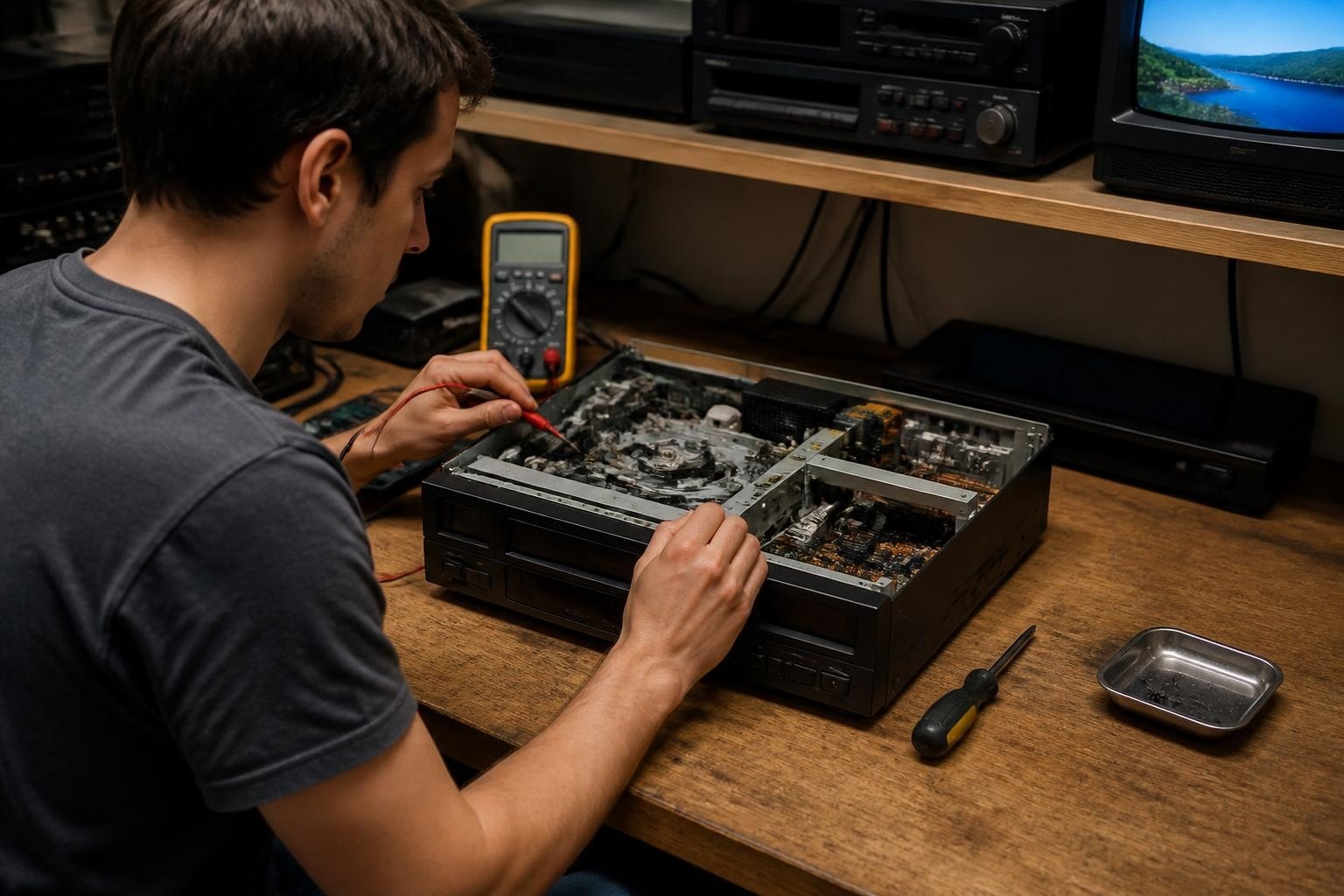
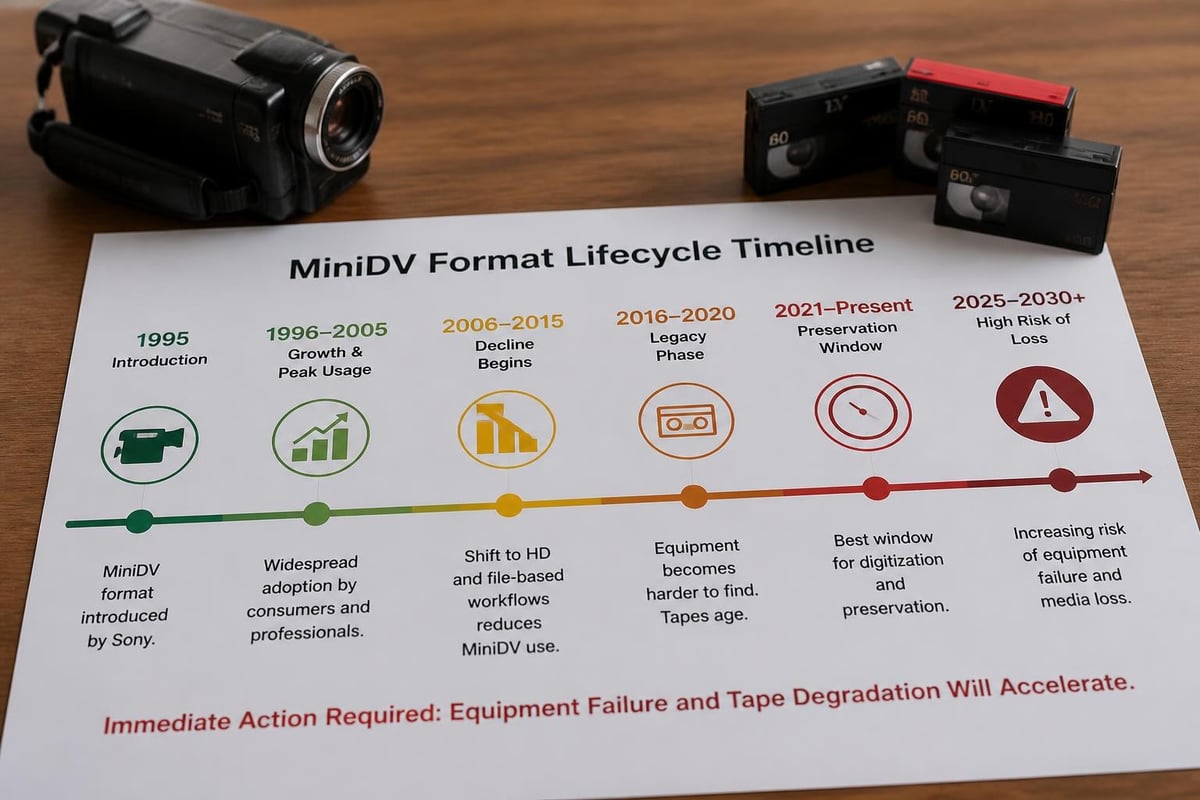
MiniDV deck availability represents an accelerating challenge for preservation operations. Sony discontinued MiniDV camcorder production in 2015, and deck manufacturing ceased even earlier. The remaining equipment pool consists of aging units with worn heads, deteriorating rubber components, and increasingly scarce replacement parts.
| Component | Typical Lifespan | Failure Indicators |
|---|---|---|
| Video heads | 1,500-3,000 hours | Dropouts, tracking errors, noise |
| Pinch rollers | 2,000-4,000 hours | Tape speed irregularities, wow/flutter |
| Loading motors | 5,000-10,000 cycles | Slow loading, mechanism jams |
| Capacitors | 10-15 years | Power failures, erratic behavior |
Professional VCR maintenance contracts help digitization operations minimize downtime through scheduled preventive service. Regular head cleaning, belt replacement, and transport mechanism lubrication extend deck operational life significantly.
Digitization Workflow Best Practices
Establishing consistent procedures for minidv cassette intake, inspection, and transfer ensures quality results while protecting both client tapes and playback equipment. Professional digitization shops should implement documented workflows that address common tape conditions and equipment challenges.
Pre-Transfer Inspection Protocol
Before loading any cassette into playback equipment, technicians should complete a thorough visual inspection. Examine the cassette shell for cracks, warping, or damage to the protective door. Check that the tape is properly wound on the supply reel with no visible slack or creasing.
Inspection checklist items:
- Shell integrity and door operation
- Write-protect tab position
- Tape wind condition and tension
- Visible mold, debris, or contamination
- Label information and client intake notes
- Previous playback history if available
Tapes showing mold growth, severe edge damage, or loose pack require specialized handling before playback attempts. The International Association of Sound and Audiovisual Archives provides comprehensive guidance on assessing tape condition and determining appropriate preservation approaches for compromised media.
Capture Settings and Quality Control
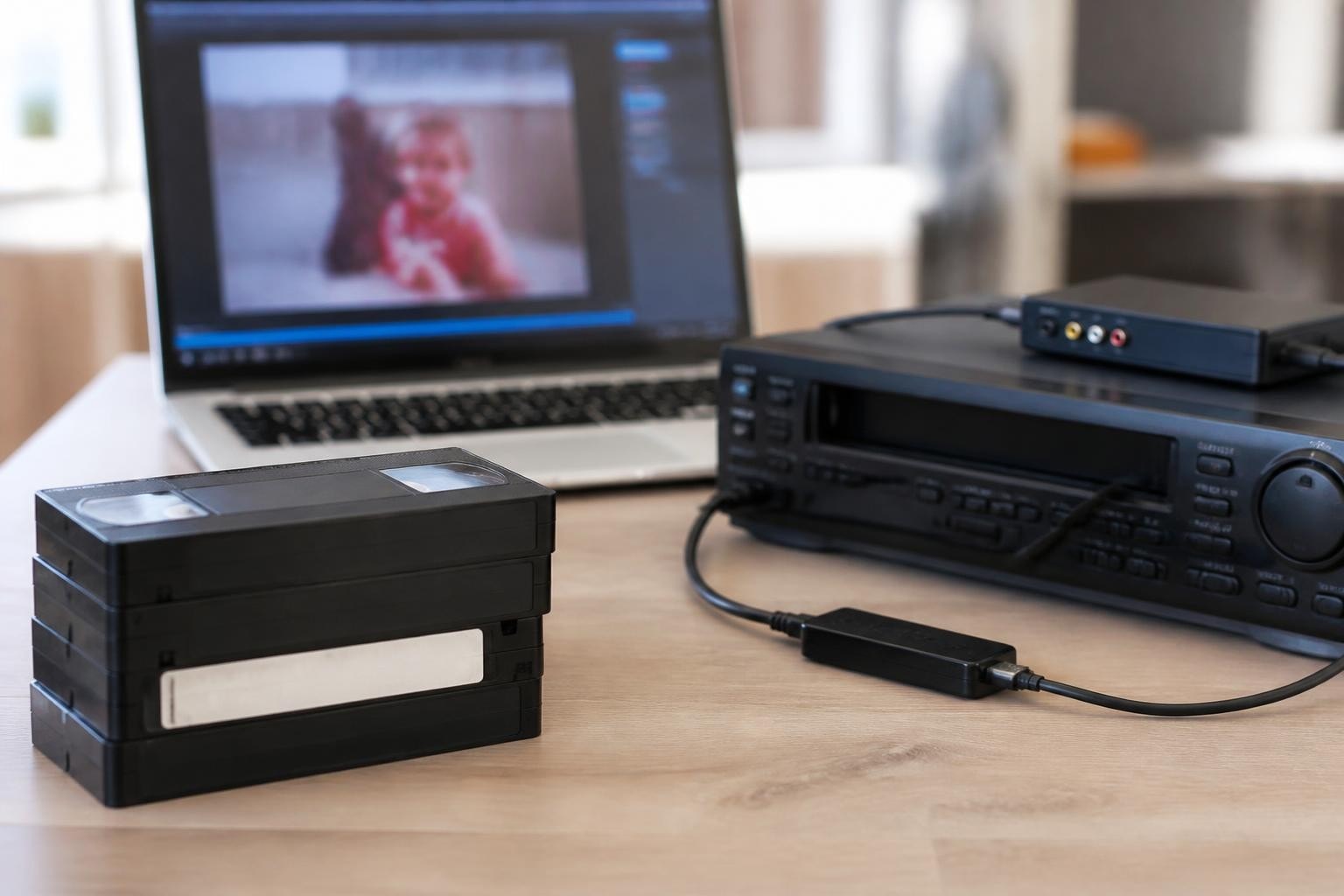
Professional minidv cassette digitization typically employs lossless digital capture via FireWire connection, preserving the original DV codec at 25 Mbps. This approach maintains maximum quality while enabling future transcoding to preservation-appropriate formats. Some workflows require analog capture through component or S-Video connections when source material contains copy protection flags that prevent digital transfer.
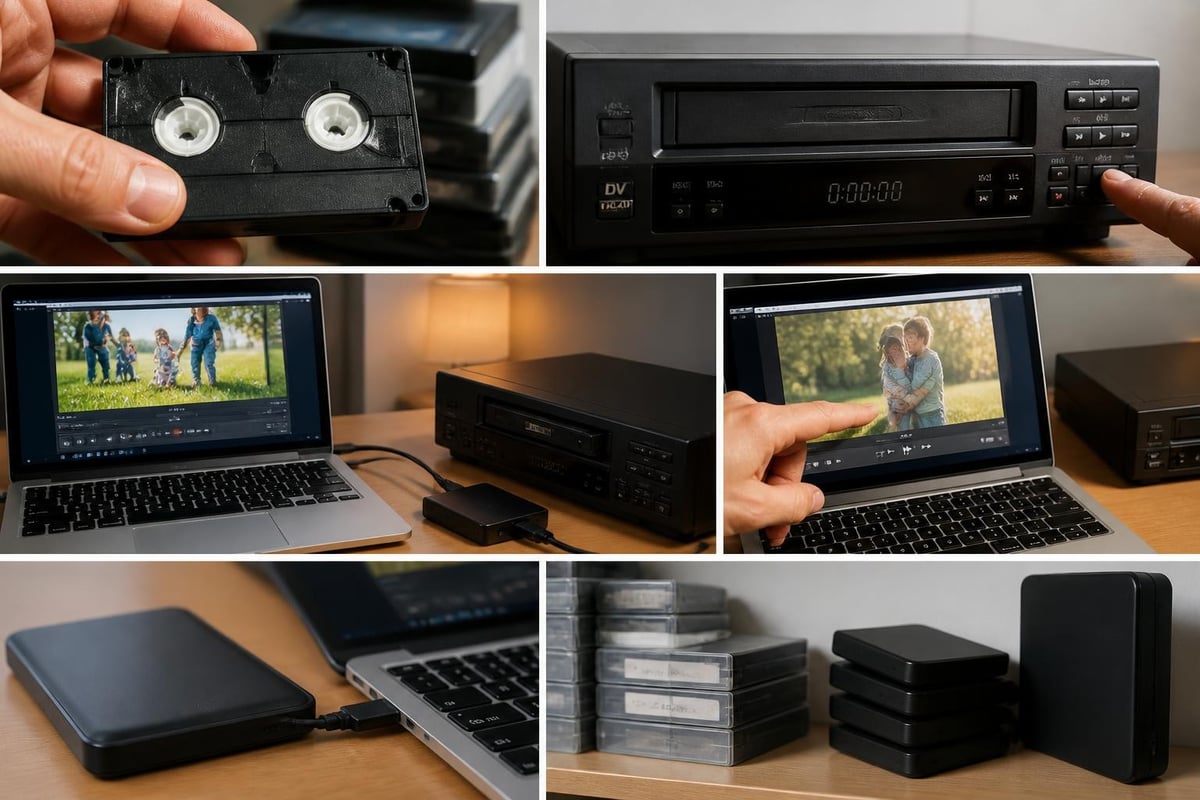
Modern capture workstations should record to non-proprietary wrappers like AVI or MOV containers while preserving the native DV stream. Avoid real-time transcoding during initial capture, as this introduces unnecessary quality loss and complicates future migration efforts. The Library of Congress Memory Transfer program demonstrates community-focused best practices for personal media digitization that balance accessibility with preservation principles.
Quality control verification points:
- Audio/video sync throughout entire recording
- Absence of dropouts or compression artifacts
- Proper aspect ratio (4:3 or 16:9 flag)
- Accurate timecode capture if present
- Complete file integrity verification
Each transferred file should undergo spot-checking at beginning, middle, and end points to confirm successful capture before tape return. Document any errors, dropouts, or quality issues in client records for transparency and troubleshooting purposes.
Storage and Preservation Considerations
Proper minidv cassette storage significantly impacts long-term playback reliability and content preservation. Even tapes that played successfully five years ago may exhibit degradation symptoms including dropouts, tracking errors, or complete playback failure due to improper environmental conditions or poor handling practices.
Environmental Requirements
Magnetic tape deteriorates through chemical breakdown, physical stress, and environmental exposure. Temperature and humidity control form the foundation of any preservation storage program. The National Archives video storage guidance recommends specific environmental parameters backed by decades of preservation research.
| Storage Tier | Temperature | Relative Humidity | Application |
|---|---|---|---|
| Short-term (1-5 years) | 65-70°F | 30-50% | Active collections |
| Medium-term (5-20 years) | 50-65°F | 25-40% | Reference collections |
| Long-term (20+ years) | Below 50°F | 20-30% | Archival preservation |
Rapid temperature or humidity fluctuations cause more damage than stable conditions outside ideal ranges. Digitization facilities should avoid storing tapes near HVAC vents, exterior walls, or areas with inconsistent climate control. The National Archives guidance on machine-readable media provides practical instructions for handling and shelving videotape collections.
Handling and Rewinding Practices
Each playback session stresses tape and transport mechanisms, making proper handling essential for minimizing wear. Store cassettes vertically in their original cases to prevent shell warping and dust accumulation. Never expose tapes to magnetic fields from speakers, motors, or unshielded equipment.
Periodic rewinding helps maintain proper tape tension and prevents adhesion between tape layers. However, excessive rewinding accelerates wear, creating tension between preservation ideals and practical access needs. Many archivists recommend rewinding tapes every three to five years when stored under appropriate conditions.
Fast-forward and rewind operations should occur at normal speed rather than high-speed shuttle modes when possible. High-speed transport increases friction, heat, and mechanical stress on both tape and deck components. Professional decks offer controlled transport speeds that reduce wear during routine operations.
Format Migration and Urgency
The window for successful minidv cassette digitization continues to narrow as both tapes and playback equipment age beyond reliable operation. Magnetic tape experts increasingly emphasize the urgency of preservation action, particularly for irreplaceable personal and historical recordings. UNESCO's documentary heritage report highlights global preservation challenges and the time-sensitive nature of magnetic tape migration.
Tape Degradation Timeline
MiniDV tapes manufactured between 1995 and 2005 now range from 20 to 30 years old, approaching or exceeding the expected lifespan for consumer magnetic media under typical storage conditions. Even professionally stored tapes exhibit measurable signal degradation after two decades, with error rates increasing as binder deterioration progresses.
Common age-related failures include:
- Sticky shed syndrome from binder breakdown
- Loss of lubricant causing squealing or sticking
- Magnetic particle shedding and dropout increase
- Edge damage from repeated handling
- Memory chip data corruption or failure
Tapes stored in attics, basements, or garages face accelerated deterioration from temperature cycling, humidity extremes, and environmental contaminants. These common storage locations can reduce functional lifespan by 50-75% compared to climate-controlled environments.
Target Format Selection
Digitization shops must balance client expectations, file size constraints, and long-term preservation requirements when selecting output formats. While lossless DV capture preserves original quality, many clients require smaller files for practical use and sharing. The Association of Moving Image Archivists resources provide industry-standard guidance on selecting appropriate preservation and access formats.
Professional operations typically create multiple derivatives: a preservation master maintaining original DV quality, a high-quality access copy in modern codecs like H.264 or ProRes, and compressed versions for web streaming or mobile viewing. This three-tier approach balances preservation principles with practical accessibility needs.
Preservation masters should reside on redundant storage systems following the 3-2-1 backup rule: three copies on two different media types with one copy offsite. Magnetic tape preservation experts recommend migrating digital files to new storage media every five to seven years as drives and formats evolve.
Equipment Access and Business Considerations
Digitization shops face strategic decisions regarding equipment acquisition, rental, and repair services. Understanding MiniDV format specifications helps businesses calculate throughput requirements and equipment needs based on client volume and project complexity.
Rental vs. Purchase Economics
New MiniDV playback equipment no longer exists in the commercial marketplace, forcing businesses to choose between purchasing used equipment, renting professional decks, or operating without backup capacity. The used equipment market features variable pricing from $200 to $2,000 depending on model, condition, and seller knowledge.
Financial considerations for equipment decisions:
- Upfront purchase costs vs. monthly rental expenses
- Maintenance and repair budget allocation
- Backup equipment availability during failures
- Capacity planning for seasonal volume fluctuations
- Tax treatment of purchases vs. operating expenses
Many smaller digitization operations find that equipment rental starting at $99 per month provides predictable costs while ensuring access to professionally maintained decks. This approach eliminates repair uncertainty and capital outlay while maintaining business continuity.
Repair and Maintenance Infrastructure
As the MiniDV equipment population ages, access to skilled repair technicians becomes increasingly critical. Deck failures during client projects create costly delays, customer dissatisfaction, and revenue loss. Professional VCR repair services with $45 diagnostic fees help shops quickly identify whether equipment can be economically restored or requires replacement.
Common repair scenarios include video head replacement, transport belt renewal, and capacitor replacement. However, some failures-particularly mainboard component failures or proprietary integrated circuits-may render equipment unrepairable due to parts unavailability. The National Film Preservation Foundation's guide offers relevant preservation workflows applicable to video digitization projects.
Establishing relationships with specialized video equipment repair providers before emergency situations arise ensures faster turnaround and priority service during critical client deadlines. Some digitization shops maintain maintenance contracts that include preventive service, priority repair response, and discounted labor rates.
Professional Applications and Client Types
The minidv cassette format serves diverse client segments from individual consumers preserving family memories to institutions digitizing historical collections. Understanding client needs and project requirements helps digitization shops optimize workflows and equipment allocation.
Consumer and Family Archive Projects
Personal MiniDV collections often contain once-in-a-lifetime events including weddings, graduations, children's milestones, and family vacations. These clients typically lack technical knowledge about formats, codecs, or preservation principles, requiring clear communication and educational guidance from service providers.
Consumer projects benefit from simplified pricing structures, transparent timelines, and delivery formats optimized for modern viewing devices. Many clients request USB drives, cloud uploads, or streaming-ready files rather than preservation-quality masters. However, ethical digitization providers should archive high-quality masters even when clients initially request only compressed versions.
The Pennsylvania community archives recommendations offer practical, accessible guidance for small collections and family archives that can inform client education efforts.
Institutional and Professional Collections
Universities, museums, and media organizations maintain substantial MiniDV holdings from research projects, news gathering, and documentary production. These institutional clients require detailed metadata, chain-of-custody documentation, and format specifications that meet archival standards.
Institutional project requirements often include:
- Frame-accurate timecode capture and logging
- Comprehensive technical metadata extraction
- Checksum verification and file integrity validation
- Multiple derivative creation with specific codec requirements
- Detailed condition reporting for damaged or degraded tapes
- Secure handling protocols for sensitive content
Professional clients appreciate digitization partners who understand archival principles, can accommodate specialized workflow requirements, and maintain secure facilities for confidential materials. These relationships often develop into ongoing contracts as institutions tackle multi-year preservation backlogs.
Quality Assurance and Error Handling
Professional minidv cassette digitization requires systematic quality control to ensure complete, accurate content capture while identifying problems before client delivery. Establishing clear QA protocols reduces callbacks, builds client trust, and maintains operational efficiency.
Dropout Detection and Correction
MiniDV's digital error correction can compensate for minor tape defects, but severe dropouts cause visible artifacts or audio glitches. Quality control technicians should watch captured footage at normal speed, monitoring for picture breakup, blocky compression artifacts, or audio pops that indicate playback problems.
When encountering persistent errors, try multiple playback passes with head cleaning between attempts. Some tapes play more successfully after being stored upright for 24-48 hours, allowing tape layers to settle and internal tension to equalize. Severely damaged tapes may require professional tape restoration before successful digitization becomes possible.
Document all quality issues in client records with specific timecode references. This documentation protects against disputes while providing valuable information should the client request re-transfer attempts or restoration services.
Verification and Delivery Protocols
Before client delivery, verify that file durations match source tape running times within acceptable tolerances. Confirm that audio tracks contain content on both left and right channels and that aspect ratio flags match the original recording format. Test files on multiple playback systems to ensure compatibility and proper codec support.
Professional operations create checksum values for all master files, enabling long-term integrity verification and detecting file corruption during storage or transfer. Include these checksums in client deliverables along with technical specifications, recording dates, and any known issues or anomalies encountered during digitization.
MiniDV cassette preservation requires specialized knowledge, proper equipment, and systematic workflows to successfully transfer irreplaceable recordings before tape and deck degradation makes recovery impossible. Whether you operate a digitization shop or manage an institutional archive, access to reliable playback equipment and professional maintenance services ensures consistent results and business continuity. VCR Supply provides rental and repair services for MiniDV and other professional videotape formats, with rental plans starting at $99 per month and comprehensive repair diagnostics to keep your digitization operation running smoothly.