MiniDV Tape: Professional Guide for Digitization Shops
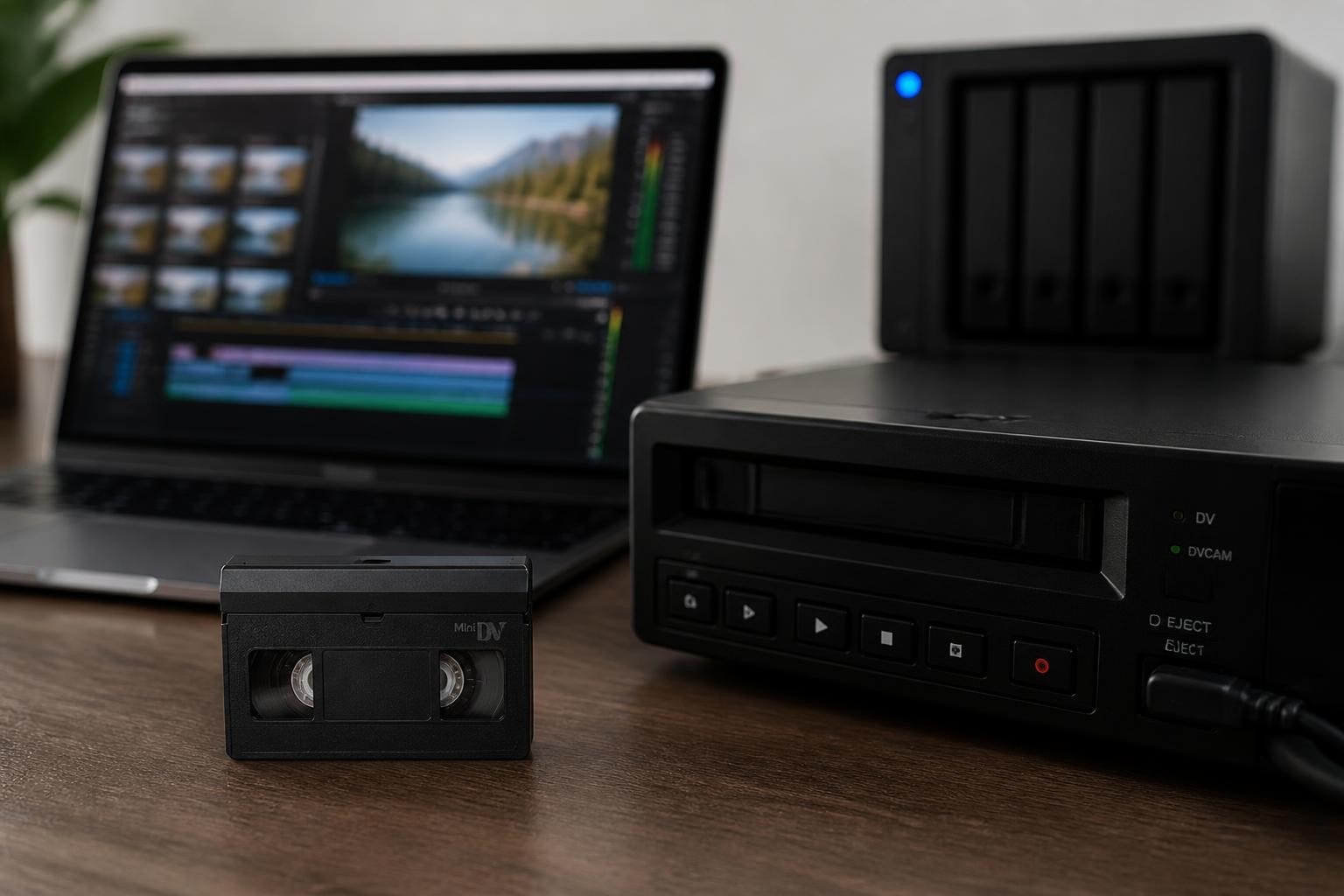
The minidv tape format revolutionized consumer and professional video recording when Sony and Panasonic introduced it in 1995, offering broadcast-quality digital video in a compact cassette. Today, digitization shops face increasing demand to transfer these aging tapes to modern digital formats before magnetic degradation renders them unplayable. Understanding the technical characteristics, preservation requirements, and optimal transfer workflows for this format is essential for any professional video transfer operation. With proper equipment and handling protocols, businesses can deliver high-quality digital masters that preserve the original footage for decades to come.
Understanding MiniDV Tape Technology and Specifications
MiniDV tape uses a digital video cassette recording system standardized under IEC 61834, which defines the physical and electrical characteristics of the format. Each cassette contains 6.35mm metal-evaporated or metal-particle tape that records digital data in helical scan tracks at a tape speed of 18.812 mm/s.
The format stores video using the DV codec, which compresses footage at a fixed 5:1 ratio with 25 Mbps data rate for standard definition video. This intraframe compression method ensures consistent quality across the entire recording, unlike the interframe compression used in MPEG formats that can accumulate errors over time.
Physical Cassette Construction
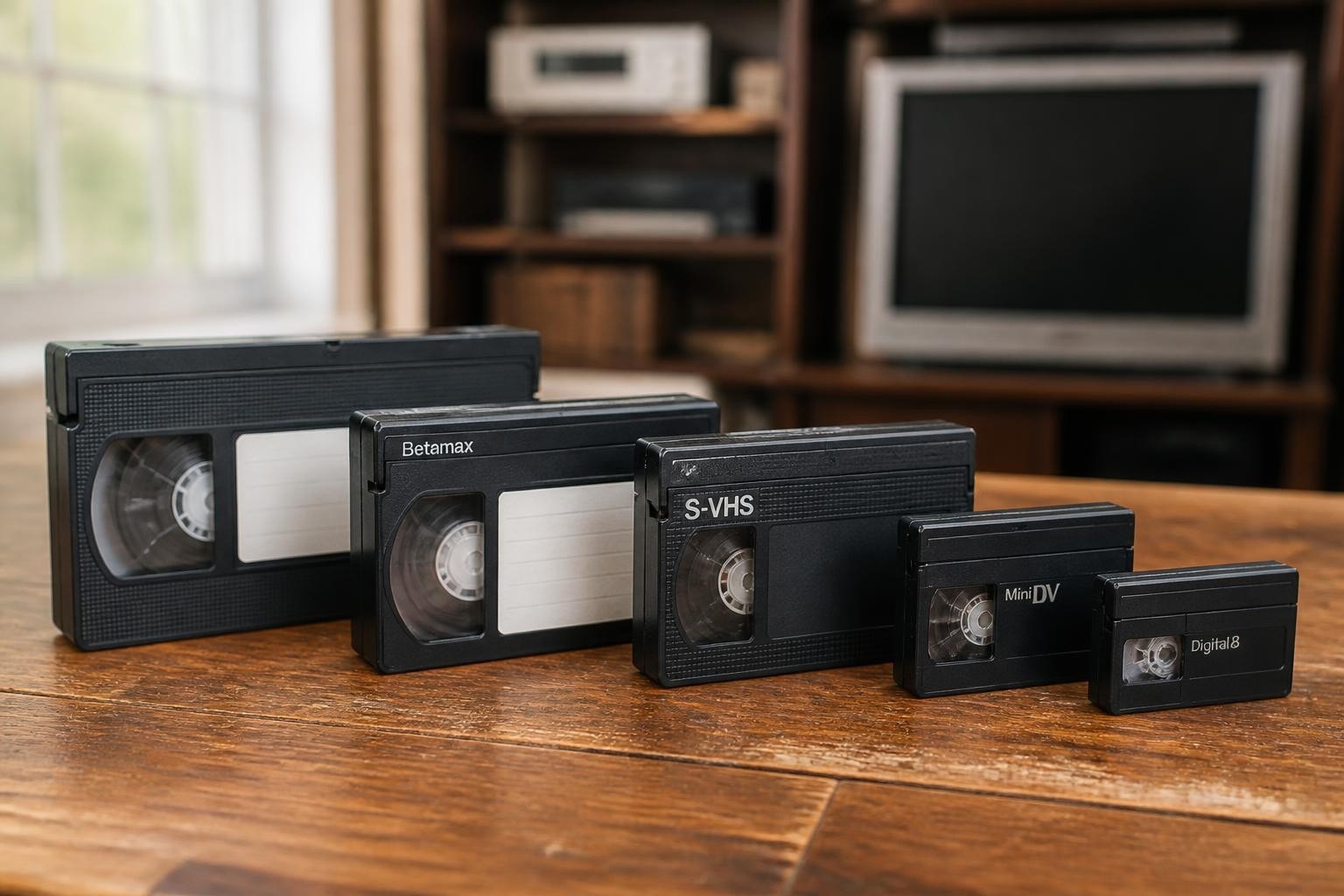
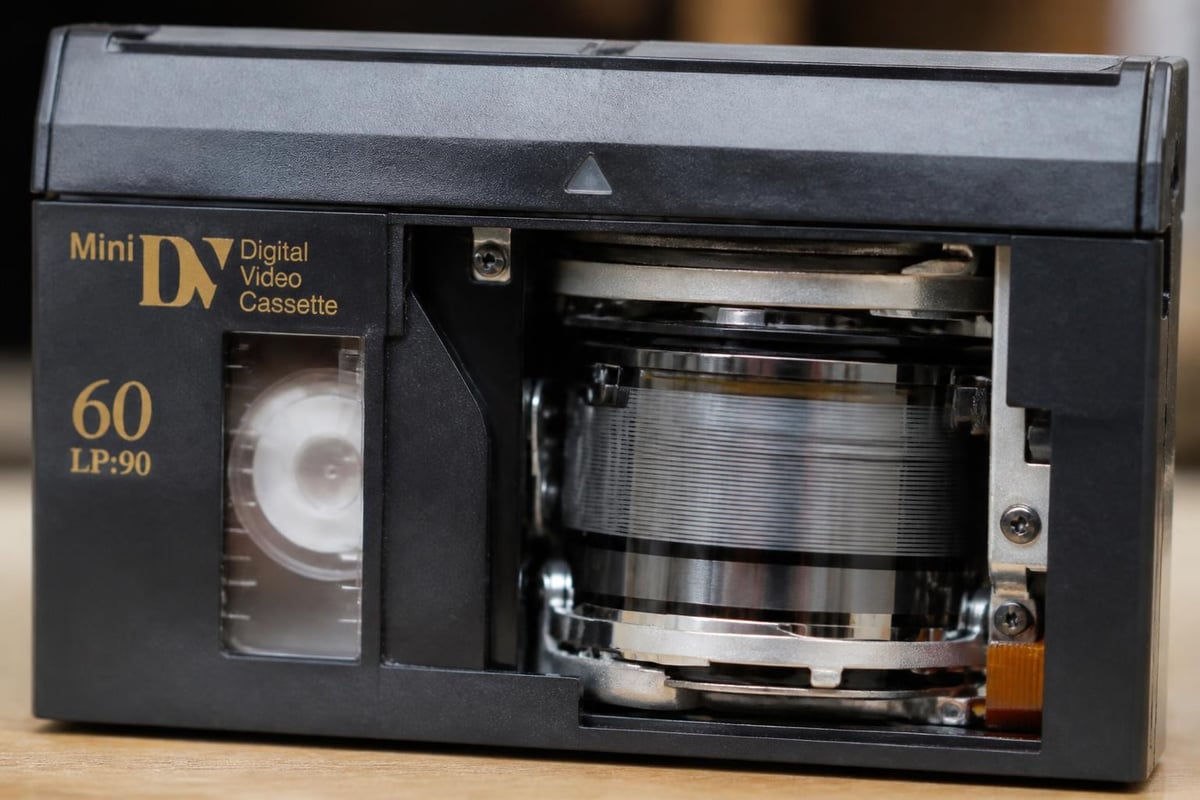
A standard minidv tape cassette measures approximately 66mm × 48mm × 12.2mm, making it roughly one-fourth the size of a full-size DV cassette. The compact design includes:
- Metal tape formulation providing superior magnetic properties compared to oxide-based tapes
- Memory-in-cassette (MIC) chip storing recording date, time, and index information
- Sliding write-protection tab preventing accidental erasure
- Precision-molded housing maintaining tape tension and alignment
Recording capacity varies by tape length, with standard 60-minute cassettes offering either 60 minutes in SP (standard play) mode or 90 minutes in LP (long play) mode. Professional transfers should always use SP mode recordings when possible, as LP mode reduces track width and increases susceptibility to dropouts.
Professional Playback Equipment Requirements
Reliable minidv tape playback demands professional-grade decks that maintain proper head alignment, tape tension, and error correction capabilities. Consumer camcorders, while originally used for recording, lack the durability and serviceability required for high-volume digitization operations.
Professional MiniDV decks from manufacturers like Sony and JVC provide superior mechanical stability and longer operational lifespans. The Sony GV-D200 walkman-style deck, for example, offers portable playback with FireWire output for transfer workflows. Studio decks like the JVC SR-VS30U provide rack-mountable options with component video outputs and RS-422 control for automated batch processing.
Critical Deck Maintenance Considerations
| Maintenance Task | Frequency | Impact on Playback Quality |
|---|---|---|
| Head cleaning | Every 10-15 hours | Reduces dropouts and tracking errors |
| Pinch roller inspection | Monthly | Prevents tape damage and speed errors |
| Tension arm calibration | Quarterly | Ensures proper tape path geometry |
| Head replacement | 1,000-2,000 hours | Maintains optimal signal-to-noise ratio |
Regular VCR maintenance protocols extend deck operational life and reduce the risk of tape damage during transfer. Digitization shops processing multiple tapes daily benefit from maintenance contracts that minimize unexpected downtime and preserve client tape collections.
Optimal Digitization Workflows and Capture Methods
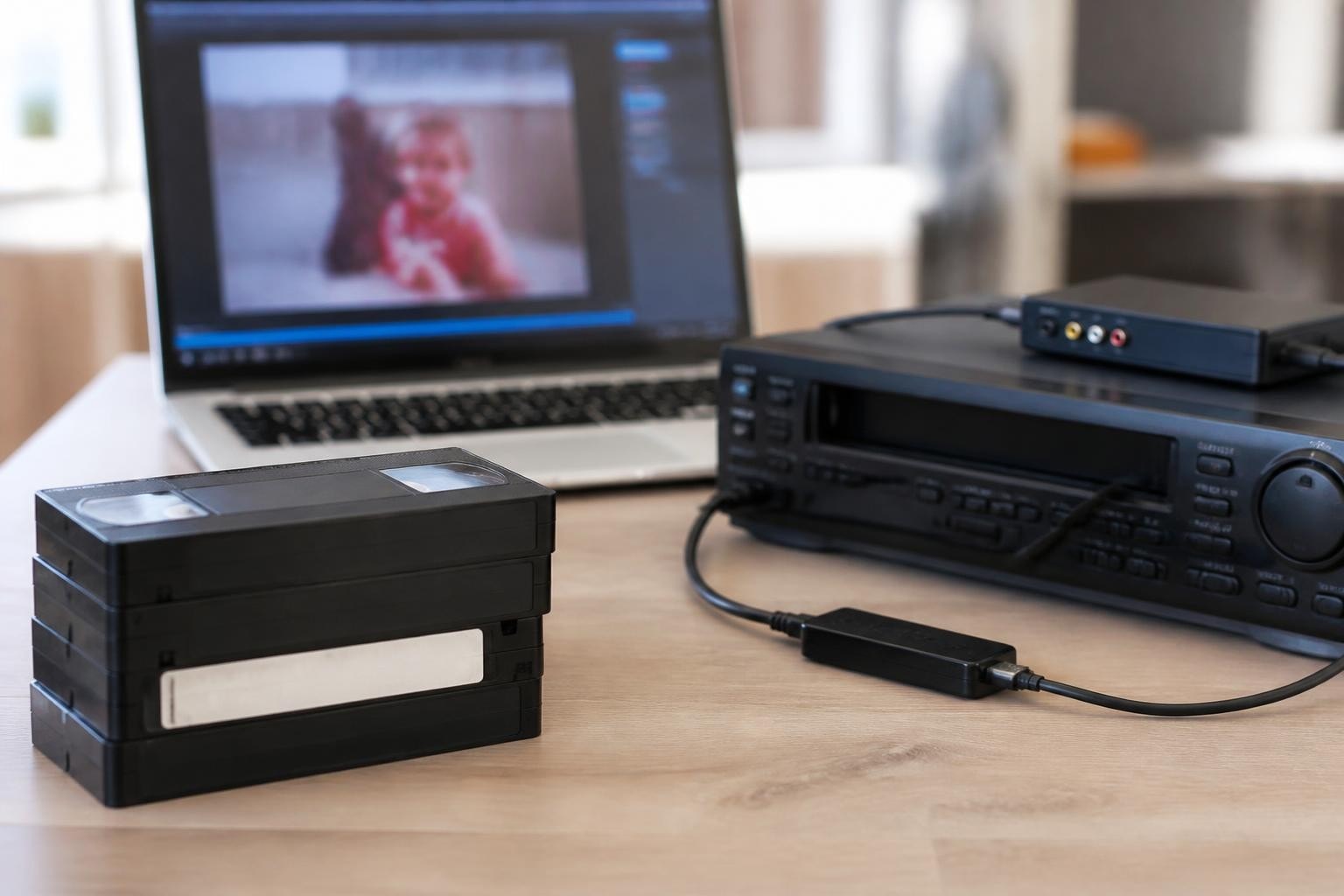
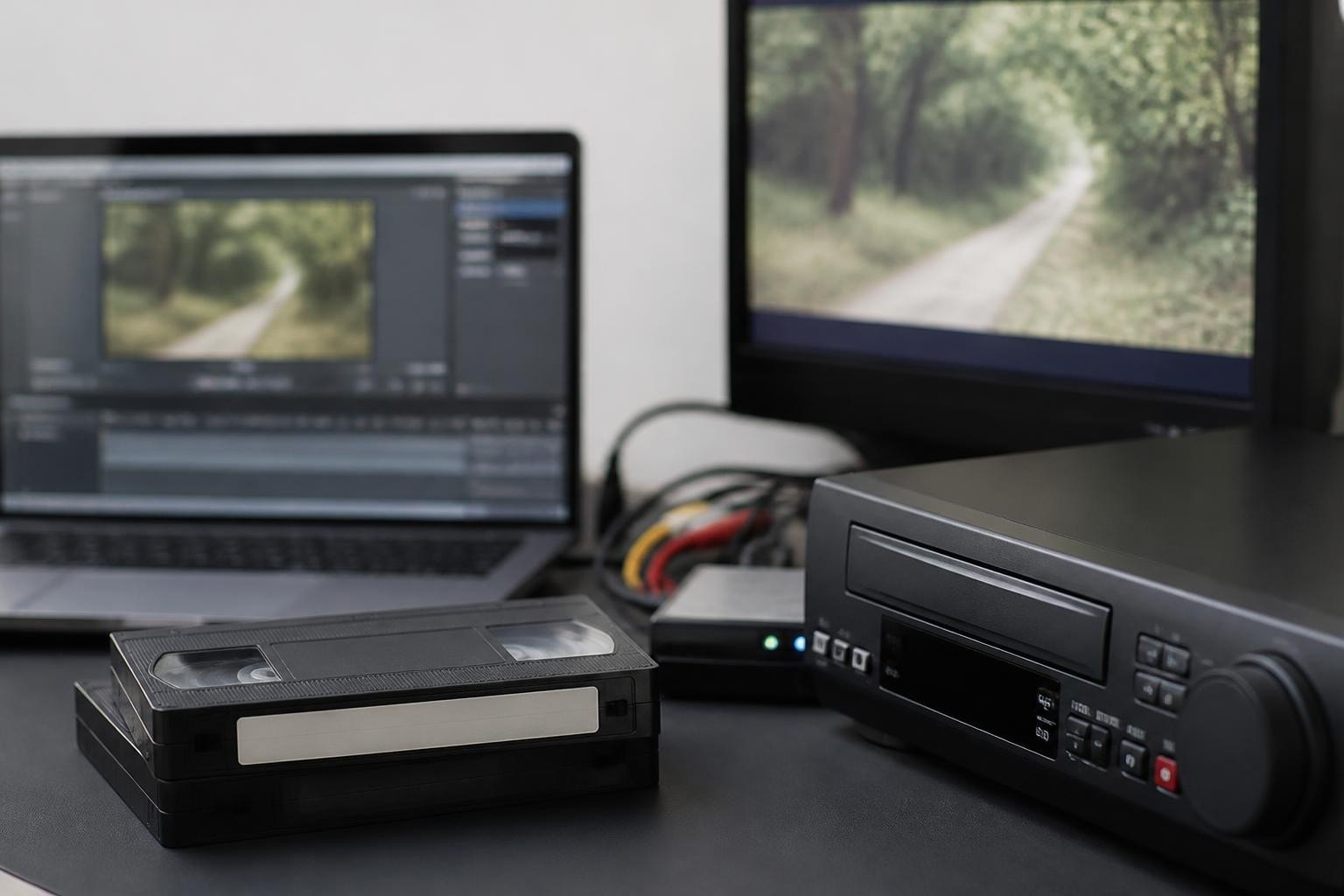
Professional minidv tape transfer requires careful attention to signal path, capture settings, and quality control procedures. The DV format's digital nature allows for bit-perfect transfers when using IEEE 1394 (FireWire) connections, preserving the original recording without additional generation loss.
The IASA-TC 06 Guidelines for the Preservation of Video Recordings recommend capturing DV streams directly via FireWire to avoid unnecessary digital-to-analog-to-digital conversions. This approach maintains the original 720×480 (NTSC) or 720×576 (PAL) resolution with 4:1:1 or 4:2:0 chroma subsampling.
Capture Workflow Best Practices
- Pre-transfer inspection checking for physical damage, mold, or sticky shed syndrome
- Deck warm-up period allowing mechanical components to reach operating temperature
- Real-time monitoring watching for dropouts, tracking errors, or audio sync issues
- Metadata documentation recording tape identifier, format, duration, and any playback anomalies
- Quality control review verifying complete capture and checking for missed content
The Federal Agencies Digital Guidelines Initiative provides comprehensive specifications for archival-quality video capture, including recommendations for file wrapper formats and quality control metrics specific to DV-based content.
Preservation Challenges and Tape Degradation
Magnetic tape media faces inevitable degradation over time, with minidv tape particularly susceptible to certain failure modes after two to three decades of storage. Understanding these deterioration mechanisms helps prioritize transfer projects and implement proper handling protocols.
Common Degradation Patterns
Binder hydrolysis, often called sticky shed syndrome, occurs when tape binder absorbs moisture from the environment, causing the magnetic layer to become sticky or shed particles. Metal-evaporated tapes used in many MiniDV cassettes show greater resistance to this problem than metal-particle formulations.
Magnetic signal decay reduces the strength of recorded information over time, though digital formats like DV handle moderate signal loss better than analog formats thanks to error correction algorithms. Once signal strength falls below correction thresholds, however, dropouts and errors increase rapidly.
Physical deformation from poor storage conditions, including tape pack slippage, edge damage, or crease formation, can render sections of tape unplayable even when magnetic properties remain intact.

The National Archives guidance on video format identification helps digitization professionals assess tape condition and make informed decisions about transfer priority and special handling requirements.
Storage and Handling Protocols
Proper storage conditions significantly extend minidv tape lifespan and improve transfer success rates. Professional digitization operations should implement standardized protocols for both client tapes and archival masters.
| Storage Parameter | Optimal Range | Acceptable Range |
|---|---|---|
| Temperature | 60-65°F (15-18°C) | 50-70°F (10-21°C) |
| Relative Humidity | 30-40% | 20-50% |
| Storage Position | Vertical, rewound | Vertical, any position |
| Magnetic Field Exposure | None | <1000 A/m |
The Library of Congress digitization preparation guidance outlines handling best practices that minimize tape damage during the transfer process, including proper rewinding techniques and acclimatization periods when tapes move between storage and playback environments.
Pre-playback Conditioning
Tapes stored in suboptimal conditions often benefit from environmental conditioning before playback attempts. This process involves placing tapes in a controlled environment at playback temperature and humidity for 24-48 hours, allowing moisture content to stabilize and reducing the risk of mechanical failure during transfer.
Some operators employ controlled heat treatment (baking) to temporarily reverse binder hydrolysis effects, though this intervention requires specialized equipment and expertise to avoid permanent tape damage. The BFI article on videotape technologies discusses various restoration techniques used by archives and professional transfer facilities.
Technical Signal Analysis and Quality Control
Professional minidv tape transfer requires more than simple playback and recording. Comprehensive quality control ensures that digital masters accurately represent the source material and identifies any issues requiring special attention or alternative transfer approaches.
Quality Control Metrics
Dropout counting tracks the number and duration of signal losses during playback, helping operators identify problematic tape sections or deck maintenance issues. Professional DV decks display error rates through on-screen displays or control protocols.
Audio-video synchronization verification ensures that the digital file maintains proper lip sync throughout the recording. DV format specifications call for locked audio-video timing, but playback issues or capture errors can introduce sync drift.
Timecode continuity checking confirms that embedded DV timecode remains sequential and identifies recording breaks or tape damage that might indicate missing content.
The technical specifications detailed in RFC 3189 regarding RTP payload format for DV video provide insight into the data stream structure that professional capture software analyzes during quality control processes.
Equipment Rental Versus Purchase Decisions
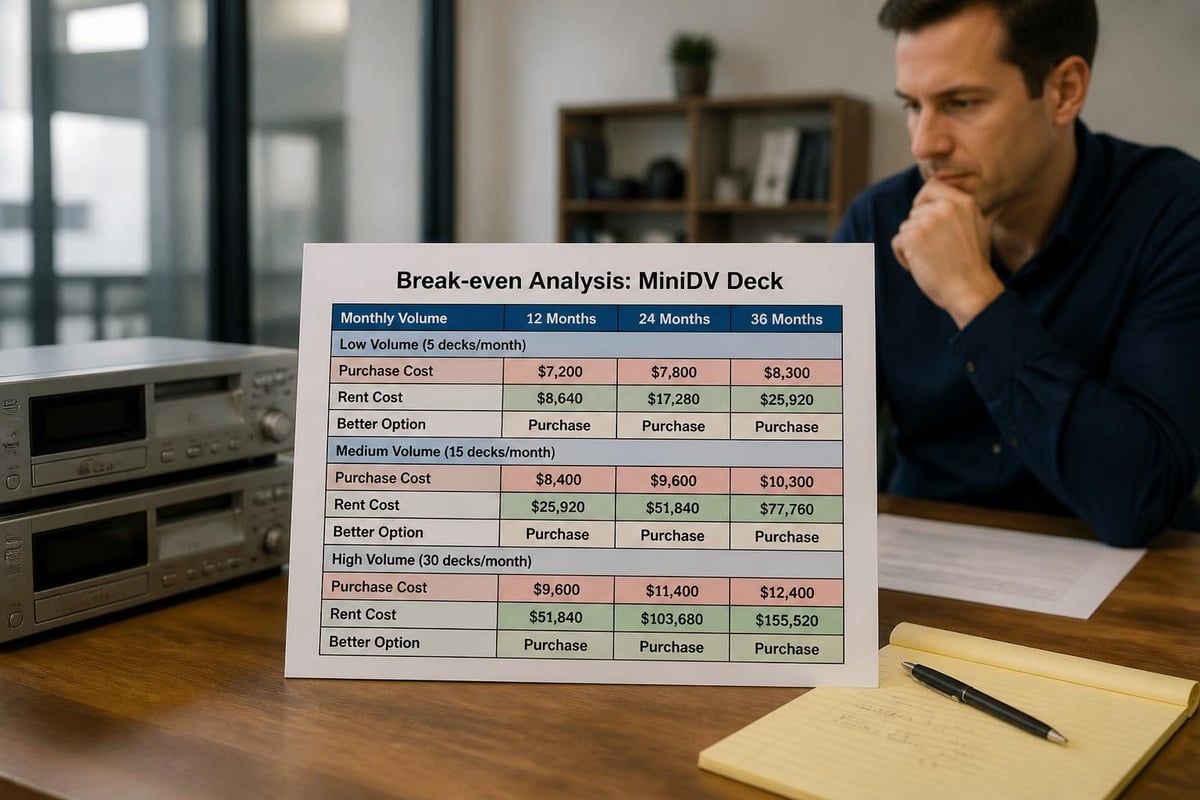
Digitization shops face strategic decisions about whether to purchase MiniDV playback equipment outright or utilize rental services that provide maintained decks without capital investment. Each approach offers distinct advantages depending on business volume and service mix.
Cost Analysis Considerations
- Purchase costs ranging from $500-2,000 for used professional decks plus ongoing maintenance expenses
- Rental fees starting at $99 per month with included maintenance and repair coverage
- Volume thresholds where rental becomes more economical than ownership
- Equipment availability for specialty formats or backup deck requirements
Organizations processing fewer than 50-100 tapes monthly often find that MiniDV deck rental options provide better economics than equipment purchase, particularly when accounting for maintenance costs and depreciation.
Batch Processing and Workflow Efficiency
High-volume digitization operations require systematic approaches to minidv tape processing that maximize throughput while maintaining quality standards. Efficient workflows balance automation capabilities with necessary human oversight and quality verification.
Automated Capture Systems
Professional MiniDV decks with RS-422 machine control interfaces enable automated batch capture workflows. These systems can:
- Detect tape insertion and automatically rewind to the beginning
- Start playback and capture without operator intervention
- Stop recording when the tape ends or breaks are detected
- Export metadata including timecode ranges and capture settings
- Queue the next tape in multi-deck installations
Software solutions like vrecord and DVRescue provide open-source options specifically designed for DV format capture with comprehensive error reporting and quality control features.
Throughput Optimization Strategies
| Strategy | Time Savings | Implementation Complexity |
|---|---|---|
| Multiple deck operation | 2-4x throughput | Medium (requires deck synchronization) |
| Automated metadata extraction | 15-30 min per tape | Low (software-based) |
| Parallel quality control review | 30-50% reduction | Medium (requires additional staff) |
| Batch file processing | 20-40% reduction | Low (scripting-based) |
Shops specializing in various video formats beyond MiniDV benefit from workflow designs that accommodate format-specific requirements while maintaining consistent quality standards across all tape types.
Troubleshooting Common Playback Issues
Even well-maintained decks and properly stored tapes encounter occasional playback problems requiring technical intervention. Professional operators develop systematic troubleshooting approaches that quickly identify and resolve common issues.
Systematic Problem Diagnosis
Blue screen or no video output typically indicates complete signal loss from tracking errors, severely degraded tape, or deck malfunction. Solutions include manual tracking adjustment, head cleaning, or attempting playback on an alternative deck.
Audio dropout or distortion while video remains stable suggests audio head problems or edge track damage. The DV format records audio in dedicated areas separate from video, making isolated audio problems possible.
Intermittent playback or stuttering often results from tape pack tension problems or contamination on the tape path. Professional VCR repair services can diagnose mechanical issues that cleaning alone cannot resolve.
The formats overview details specifications and common failure modes specific to MiniDV and related digital tape formats, helping operators distinguish format-specific issues from general mechanical problems.
Archive Format Selection and File Specifications
After successful capture, digitization shops must select appropriate file formats and specifications for client deliverables and long-term preservation. This decision impacts file size, compatibility, and future migration requirements.
Master File Recommendations
DV codec in AVI or MOV container represents the most common archival master approach, preserving the original bitstream without transcoding. These files maintain bit-perfect copies of the source material, typically 13 GB per hour for NTSC footage.
Lossless or mathematically lossless codecs like FFV1 or JPEG2000 offer smaller file sizes while preserving all visual information. These formats require transcoding from the DV source but provide better long-term format stability and wider software support.
Uncompressed video provides ultimate preservation quality but generates 60-80 GB per hour files that strain storage infrastructure and exceed the quality available from the 5:1 compressed DV source.
Professional digitization operations often create multiple derivatives serving different purposes, including archival masters, access copies for client review, and web-optimized versions for online delivery.
Business Considerations for Service Providers
Digitization shops offering minidv tape transfer services face unique business challenges balancing equipment investment, service quality, turnaround time, and competitive pricing. Strategic decisions about equipment sourcing, workflow design, and quality standards directly impact profitability and client satisfaction.
Service Pricing Structures
Market rates for MiniDV transfer typically range from $15-45 per tape depending on service level, turnaround time, and deliverable specifications. Premium services offering enhanced quality control, metadata extraction, or specialized repair work command higher rates.
Equipment reliability directly impacts operational costs through downtime, rush shipping for replacement parts, and potential delays in client deliverables. Professional-grade decks from manufacturers with established service networks minimize these risks.
Organizations evaluating repair services benefit from transparent diagnostic procedures, with fixed fees like the industry-standard $45 diagnostic charge helping clients make informed repair-versus-replace decisions.
Format Migration and Future-proofing Strategies
The minidv tape format's commercial production ended over a decade ago, with remaining deck inventory steadily declining. This obsolescence trajectory requires digitization professionals to plan for long-term format support and migration strategies.
Equipment Life Cycle Management
Remaining professional MiniDV decks require careful stewardship to maximize operational lifespan. Key strategies include:
- Preventive maintenance schedules addressing wear items before failure occurs
- Parts inventory management stocking critical components with limited availability
- Backup deck acquisition ensuring service continuity when primary units require repair
- Format migration planning preparing for eventual transition to emulation-based playback
The technical documentation available through sources like IEC 61834 standard specifications supports long-term format understanding even as commercial deck support diminishes.
Client Education and Expectation Management
Professional digitization services require clear communication about format limitations, preservation realities, and realistic quality expectations. Educated clients make better decisions about archive priorities and understand the value of professional transfer services.
Setting Appropriate Expectations
Source quality limitations must be clearly communicated, explaining that digital transfer cannot improve beyond the original recording quality. Low-light footage, consumer-grade camera characteristics, and recording format choices all constrain final output quality.
Tape condition assessment helps clients understand why some tapes require special handling, additional fees, or may not be fully recoverable. Transparent communication about degradation, damage, and playback challenges builds trust and justifies appropriate service pricing.
Timeline considerations for proper handling, quality control, and special treatments ensure clients understand that rushed work may compromise results or risk tape damage.
The comprehensive equipment options available through professional suppliers enable shops to match deck capabilities to specific project requirements, from basic consumer tape playback to professional archival transfers requiring maximum quality.
Professional minidv tape digitization demands technical expertise, maintained equipment, and systematic workflows to preserve deteriorating magnetic media before permanent loss occurs. Whether your operation processes occasional family video collections or manages high-volume archival projects, reliable playback equipment and expert technical support ensure successful transfers that meet professional quality standards. VCR Supply provides digitization professionals with rental and repair services for MiniDV and other professional videotape formats, offering flexible monthly rental options starting at $99 and expert repair diagnostics to keep your transfer operation running smoothly.