Professional VCR Repair: Complete Guide for 2026
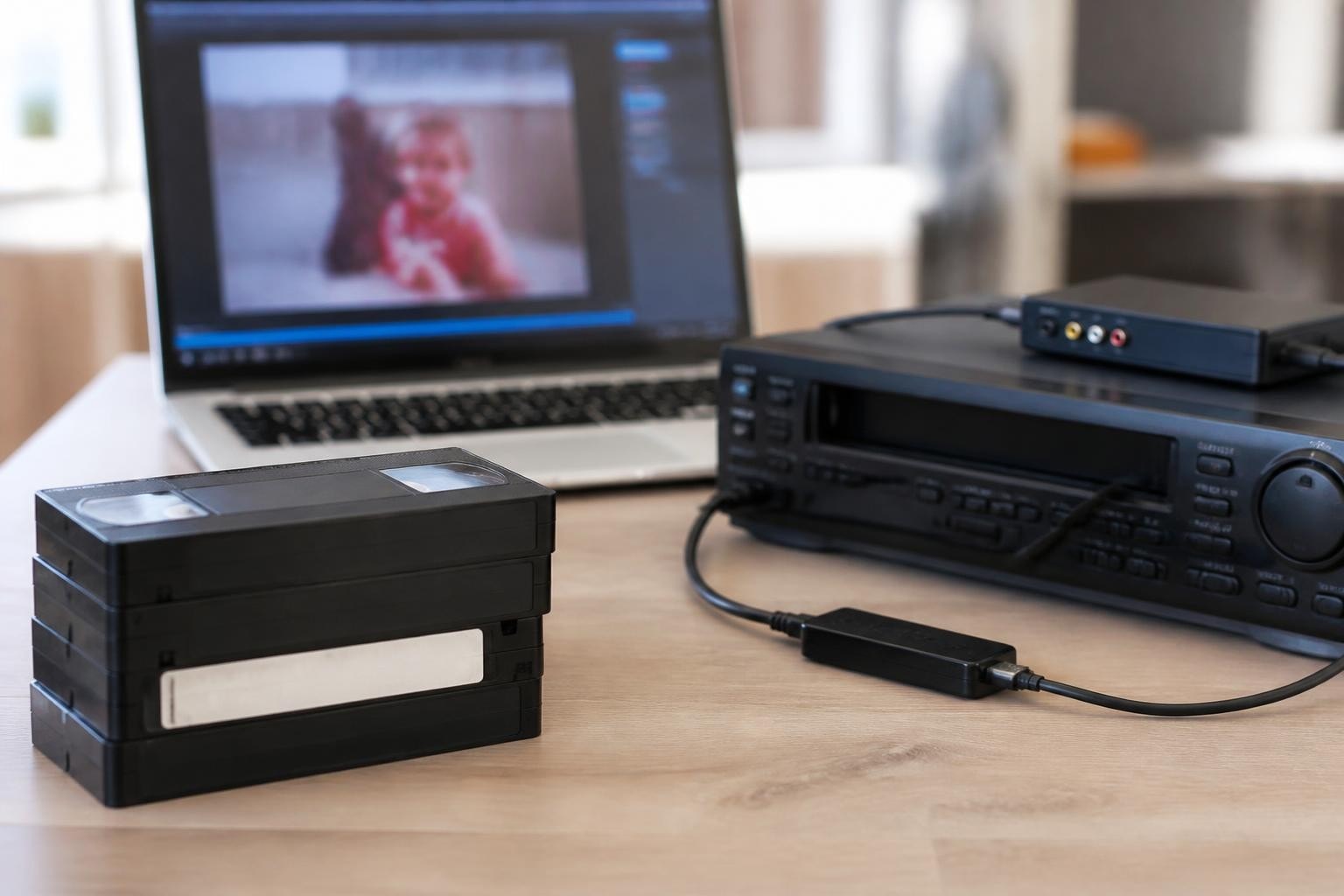
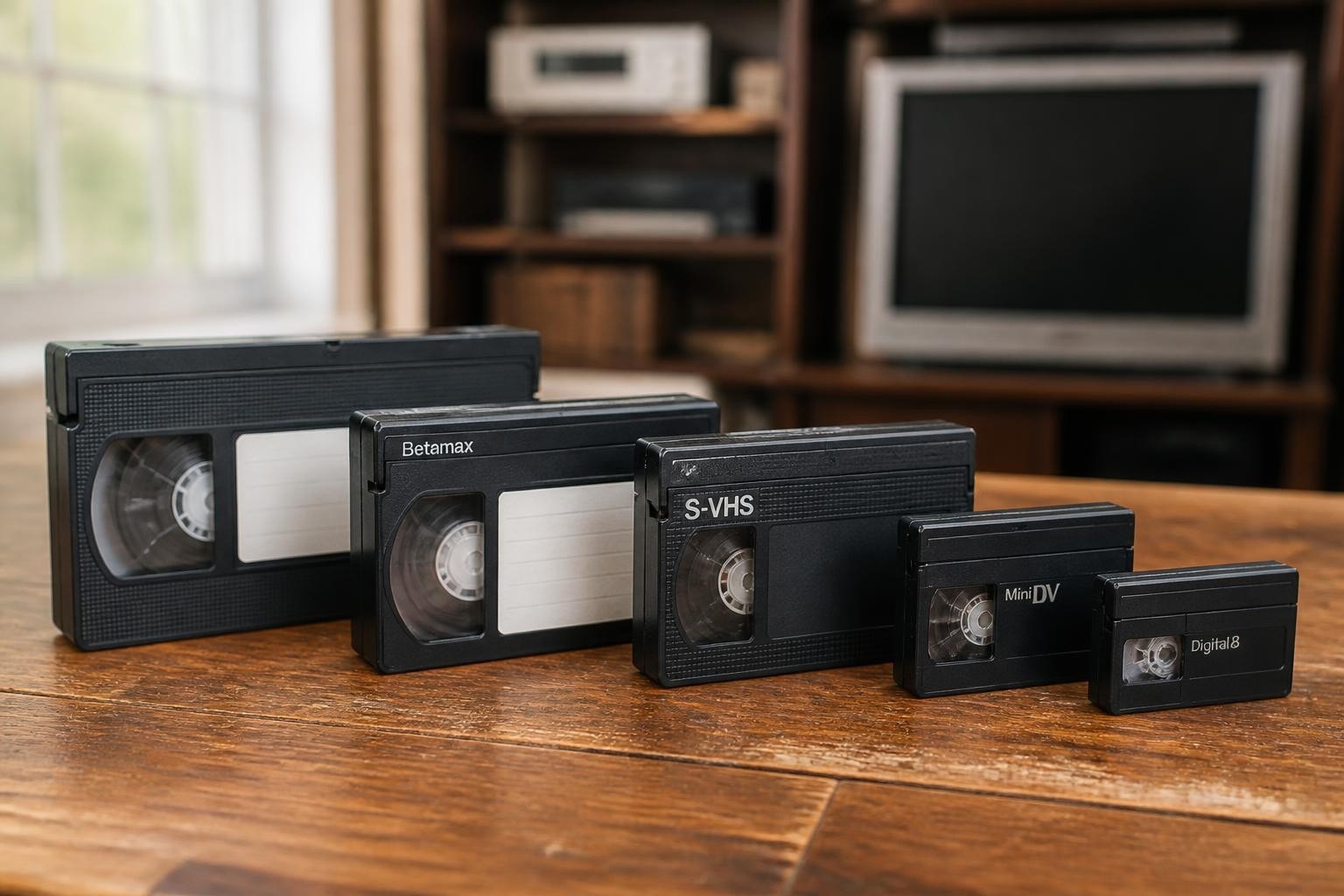
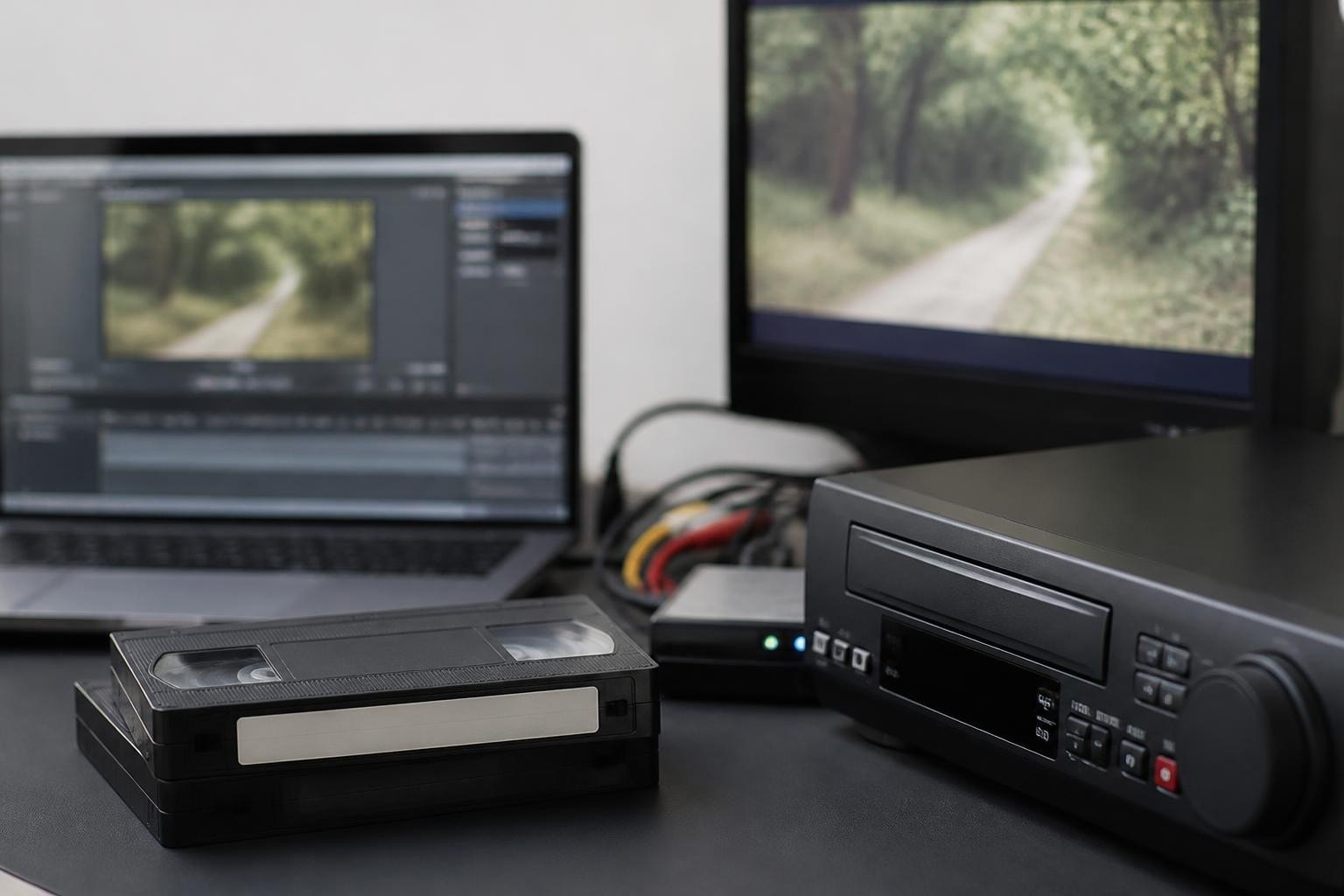
Professional videotape equipment remains essential for digitization shops, archival institutions, and media preservation facilities in 2026. Despite the digital revolution, millions of irreplaceable recordings exist only on analog formats like MiniDV, S-VHS, Digital8, and Betamax. Understanding vcr repair fundamentals helps digitization professionals maintain their equipment fleet, reduce downtime, and ensure reliable playback for client projects. Whether you operate a single deck or manage multiple machines, proper maintenance and repair knowledge protects your investment and keeps your workflow running smoothly.
Understanding Common VCR Failure Modes
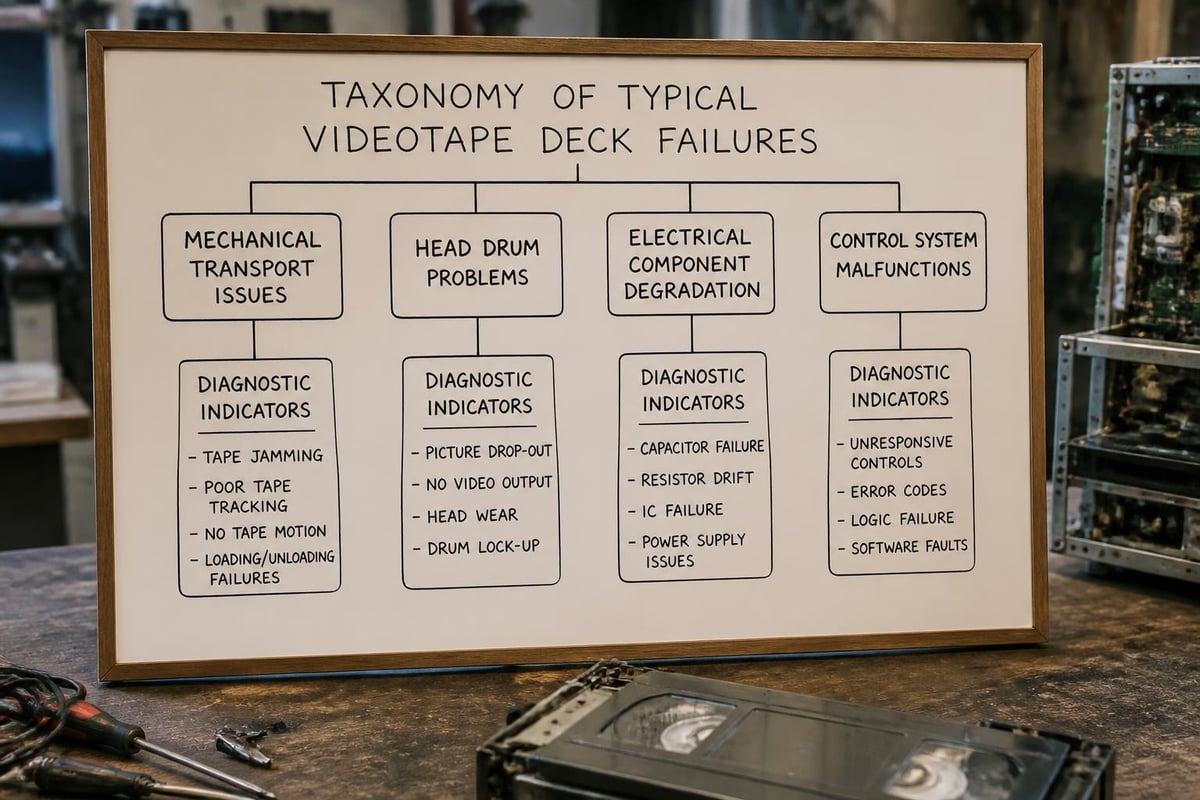
Videotape deck failures typically fall into predictable categories that relate directly to the mechanical and electronic complexity of these machines. Tape transport failures represent the most frequent issue, manifesting as tape eating, improper threading, or failure to load cassettes properly. These problems often stem from worn belts, dried lubricants, or misaligned guides that disrupt the precise tape path required for proper playback.
Head drum issues constitute the second major failure category. Video heads wear over time through friction with magnetic tape, gradually losing their ability to read recorded signals. Symptoms include snowy playback, tracking problems that won't resolve with adjustment, or complete loss of video while audio continues normally.
Electrical failures present differently across formats. Power supply capacitors degrade over time, causing intermittent operation or complete shutdown. Control circuitry failures may prevent mode changes, disable remote functions, or create erratic behavior during playback.
Mechanical Components That Require Regular Attention
Drive belts deteriorate predictably based on usage hours and environmental conditions. Rubber compounds break down through oxidation, becoming sticky, stretched, or brittle. A machine stored in a climate-controlled environment may maintain functional belts for decades, while equipment in fluctuating temperature and humidity conditions requires belt replacement every 3-5 years regardless of runtime hours.
Idler tires and pinch rollers demand similar attention. These components maintain contact pressure between tape and capstan, ensuring consistent tape speed. When degraded, they cause speed instabilities, wow and flutter, or slippage that prevents proper playback. Professional S-VHS decks particularly suffer from pinch roller deterioration due to their tighter manufacturing tolerances.
Lubrication points throughout the mechanism require periodic service. Mode switches, loading motors, and gear trains depend on specific lubricants that don't migrate onto tape paths or heads. Using incorrect lubricants represents a common amateur mistake that creates more problems than it solves.
| Component | Typical Lifespan | Failure Symptom | Replacement Difficulty |
|---|---|---|---|
| Drive Belt | 5-10 years | Won't play/eject | Easy |
| Pinch Roller | 10-15 years | Speed fluctuation | Moderate |
| Video Head | 2000-5000 hours | Snowy picture | Difficult |
| Mode Switch | 15-20 years | Stuck modes | Moderate |
| Loading Motor | 10-20 years | Won't load tape | Moderate |
Diagnostic Procedures for Professional Repair
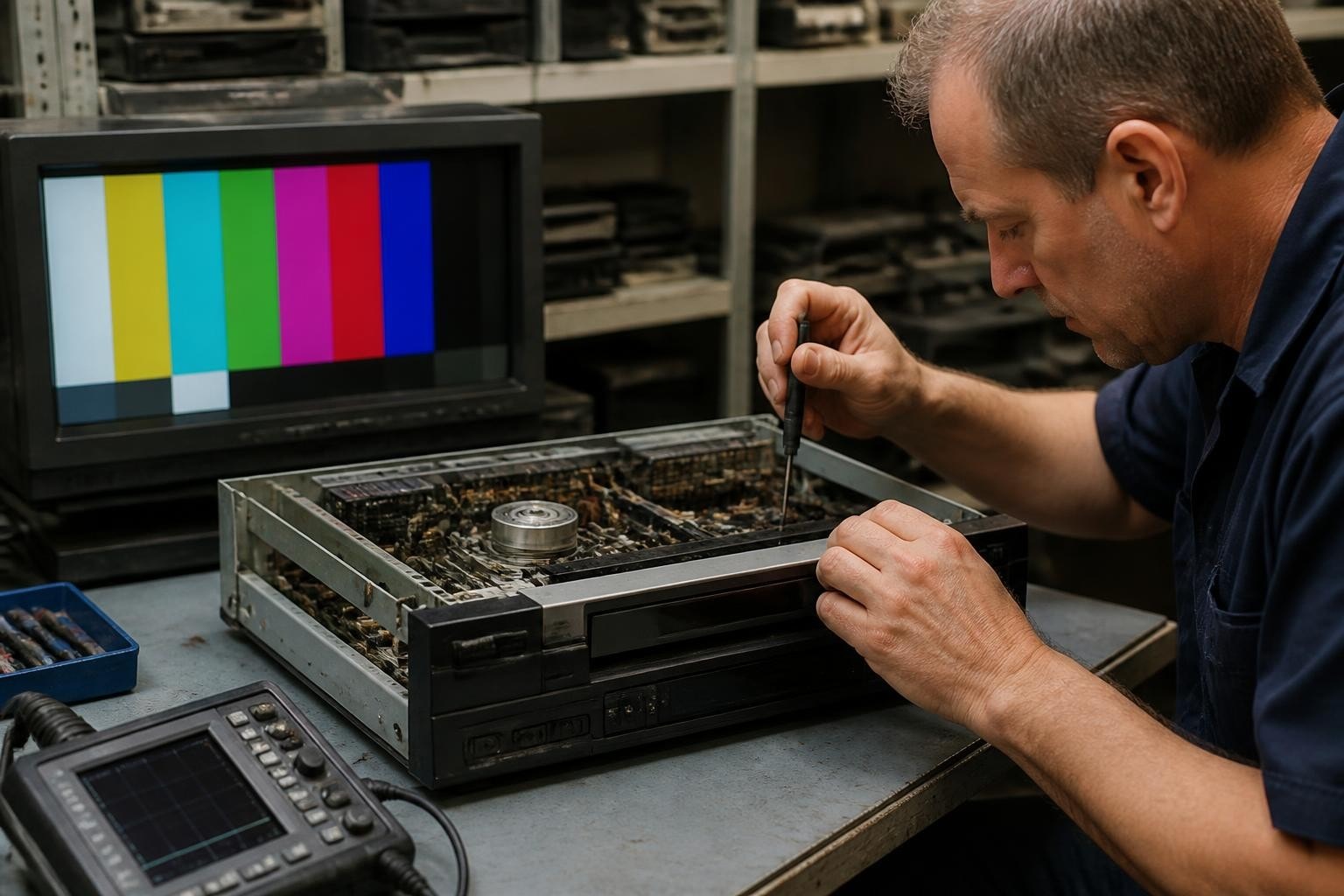
Systematic diagnosis separates professional vcr repair from guesswork. Begin with visual inspection before applying power. Check for obvious damage, foreign objects in the cassette compartment, or signs of previous amateur repair attempts. Examine belts for glazing, cracking, or that characteristic sticky residue indicating deterioration.
Power-on testing should follow a structured protocol. Listen for motor sounds during loading, observe the tape path during threading, and note any unusual mechanical noises. Many transport problems reveal themselves through sound before visual symptoms appear. Grinding, squealing, or clicking sounds indicate specific mechanical failures that experienced technicians recognize immediately.
Use known-good test tapes for playback evaluation. The Library of Congress provides comprehensive guidance on care and handling of reference materials. Professional test tapes contain specific signal patterns that reveal head wear, tracking accuracy, and electronic circuit performance. Never use valuable customer tapes for initial diagnostics.
Electronic Troubleshooting Techniques
Voltage measurements throughout the power supply reveal capacitor degradation before complete failure occurs. Most VCR power supplies use electrolytic capacitors rated for 85°C operation, but internal temperatures often exceed this threshold during extended use. Capacitors drift out of specification years before they fail completely, causing intermittent problems that frustrate users.
Signal tracing through the video path requires an oscilloscope and understanding of RF signal levels specific to each format. Betamax and VHS use different carrier frequencies and deviation characteristics. MiniDV digital formats require entirely different diagnostic approaches focused on error rates and digital signal integrity rather than analog waveform analysis.
Control microprocessor failures rarely occur but create confusing symptoms when they do. Mode sensor feedback, servo control signals, and user interface responses all flow through central processing. Before condemning electronics, verify all mechanical sensors and switches function correctly, as faulty feedback often mimics processor failure.
Head Cleaning and Alignment Procedures
Proper head maintenance extends equipment life and ensures optimal playback quality. Video heads accumulate oxide deposits from tape contact, reducing signal amplitude and increasing dropout rates. Professional cleaning differs substantially from consumer cleaning tapes, which may damage heads through excessive abrasion.
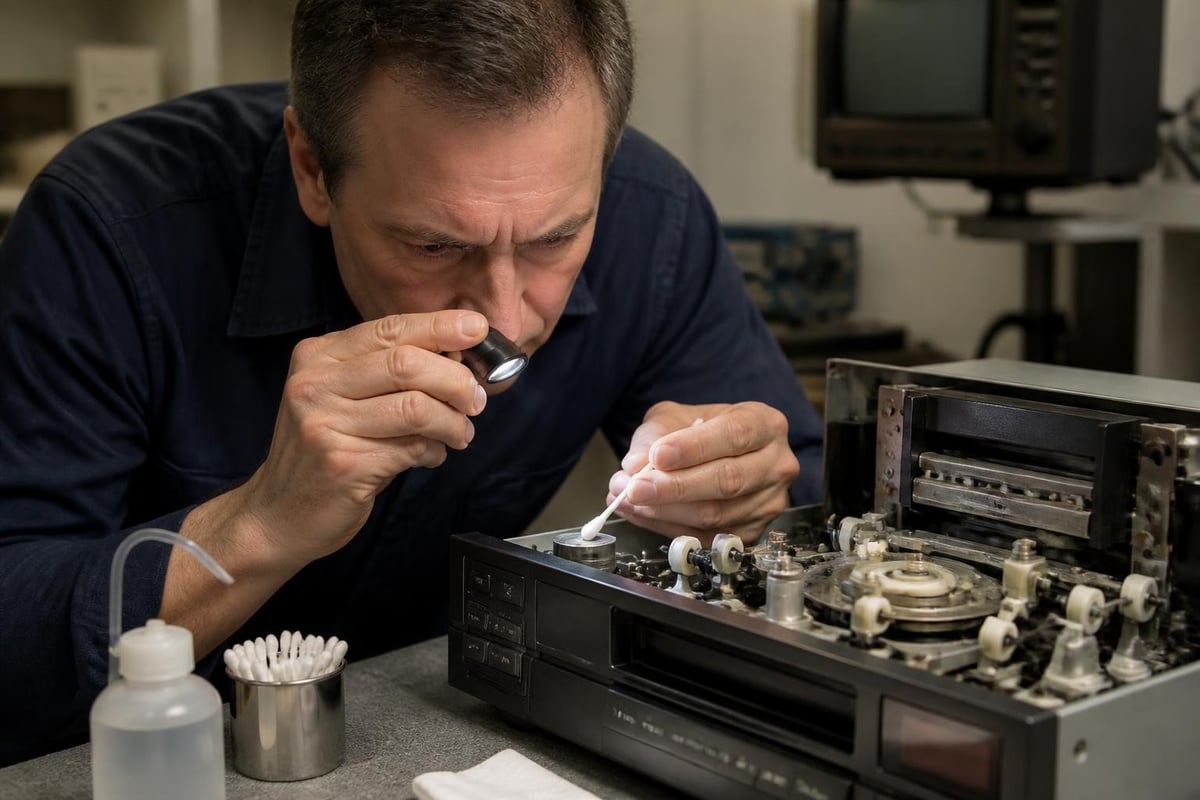
Chamois cleaning sticks moistened with 99% isopropyl alcohol provide the safest manual cleaning method. Rotate the head drum slowly while applying gentle contact with the cleaning stick moving in the direction of head travel. The iFixit guide demonstrates proper technique for those unfamiliar with the process. Never rotate the drum backward or apply excessive pressure that could chip the delicate ferrite head tips.
Alignment procedures require specialized test equipment and training. SMPTE standards define precise mechanical and electrical parameters for professional equipment. Tracking adjustment, tape tension calibration, and back tension optimization all affect playback performance and tape preservation.
Specialized Tools for Professional Service
A comprehensive vcr repair toolkit extends beyond basic electronics equipment. Torque screwdrivers prevent overtightening delicate mechanisms during reassembly. Specialized belt removal tools avoid damage to surrounding components. Demagnetizers maintain head and tape path neutrality, preventing accumulated magnetic fields that degrade playback quality.
Proper maintenance contracts include periodic calibration using professional test equipment. Wow and flutter meters, vectorscopes, and waveform monitors verify performance meets manufacturer specifications. These tools represent significant investment but prove essential for shops dependent on reliable equipment operation.
Safety equipment deserves equal priority. Electrical safety guidance emphasizes capacitor discharge procedures before working on power supplies. Stored charge in filter capacitors remains dangerous even after unplugging equipment. Proper grounding, isolation transformers, and personal protective equipment protect technicians from shock hazards.
Parts Sourcing and Documentation
Finding replacement components for aging videotape equipment grows increasingly challenging. Original manufacturer parts stocks depleted years ago for most consumer formats. Professional Digital8 and broadcast formats maintain better parts availability, but prices reflect scarcity.
Generic belt kits serve many machines but require careful measurement and selection. Belt thickness, width, and circumference must match original specifications. Substituting incorrect belts causes improper tension, speed variations, or premature wear of other components.
Technical documentation proves invaluable for complex repairs. Service manuals contain adjustment procedures, part numbers, and schematics essential for professional work. Archives like Bitsavers preserve technical literature that manufacturers no longer distribute. Building a reference library supports efficient diagnosis and repair across multiple equipment models.
- Original manufacturer service manuals provide definitive specifications
- Third-party repair guides offer practical troubleshooting workflows
- Online forums share community knowledge about common failures
- Video archives document repair procedures for rare equipment
When Repair Makes Economic Sense
Cost-benefit analysis should guide repair decisions for professional equipment. A diagnostic fee of $45 provides clarity about repair scope and expected costs before committing to extensive service. Simple belt replacement may cost under $100, while complete head replacement exceeds $300-500 for professional decks.
Equipment age and format influence repair economics significantly. Broadcast-quality S-VHS machines like the JVC BR-S500 series justify substantial repair investment due to their superior performance and replacement cost. Consumer-grade VHS decks rarely warrant more than basic maintenance given their limited capabilities and low replacement value.
Utilization rates matter tremendously. A digitization shop processing hundreds of tapes monthly depends on reliable equipment and should maintain backup machines. For this workload, professional rental options starting at $99 monthly provide cost-effective redundancy compared to purchasing additional equipment outright.
| Repair Type | Typical Cost | Downtime | When Justified |
|---|---|---|---|
| Belt replacement | $75-150 | 2-3 days | Always economical |
| Head cleaning | $45-75 | Same day | Routine maintenance |
| Head replacement | $300-500 | 1-2 weeks | Professional decks only |
| Power supply rebuild | $150-300 | 3-5 days | Mid to high-end equipment |
| Complete overhaul | $400-800 | 2-3 weeks | Rare/irreplaceable models |
Preventive Maintenance Programs
Regular servicing prevents emergency repairs and extends equipment life substantially. Archival guidance from IASA recommends inspection intervals based on usage hours rather than calendar time. Light-duty equipment may operate reliably for years between services, while high-volume digitization operations require quarterly attention.
Scheduled maintenance should include head cleaning, belt inspection, lubrication verification, and test tape playback evaluation. Documenting performance metrics over time reveals gradual degradation before catastrophic failure occurs. This data-driven approach optimizes service timing and budget allocation.
Climate control protects idle equipment more effectively than any other single factor. The National Archives provides specific guidance on storage conditions for electronic media equipment. Maintaining 65-70°F and 30-50% relative humidity prevents most environmental degradation mechanisms.
Annual maintenance timeline for professional videotape decks showing inspection points, cleaning intervals, calibration verification periods, and documentation requirements across different usage levels
Format-Specific Repair Considerations
Each videotape format presents unique repair challenges and requirements. VHS mechanisms use relatively simple direct-drive transport systems with few adjustments. Their widespread production means parts remain available and multiple donor machines exist for salvage purposes.
Betamax repair demands greater precision due to the format's smaller track pitch and tighter tolerances. Tracking adjustment ranges are narrower, and head alignment proves more critical. Professional Betacam SP equipment requires specialized knowledge and tools beyond consumer Betamax capabilities.
Digital formats like MiniDV introduce different failure modes. Mechanical problems still occur, but electronic failures dominate. Tape tension sensors, moisture detection circuits, and digital processing boards add complexity. These formats benefit less from amateur repair attempts and often require manufacturer-level service for electronic issues.
Professional Versus Consumer Equipment Repair
Broadcast and industrial machines justify different repair approaches than consumer models. A professional Sony GV-D200 MiniDV walkman represents substantial investment and capabilities unavailable in consumer equipment. Complete restoration including head replacement, mechanism overhaul, and electronic refurbishment makes economic sense.
Consumer VCRs rarely merit extensive repair in 2026. Their original design prioritized cost over serviceability. Snap-together construction, integrated subassemblies, and plastic components don't support repeated disassembly. For these machines, limit intervention to belt replacement and basic cleaning.
Semi-professional equipment occupies the middle ground. S-VHS decks designed for editing feature better construction than consumer models but lack the full serviceability of broadcast equipment. Repair decisions should consider replacement availability and project requirements.
Building Repair Capabilities In-House
Digitization shops face a strategic decision about maintaining internal repair capabilities versus outsourcing service. Capital investment in tools and training can range from $2,000 for basic maintenance to $15,000+ for comprehensive diagnostic and repair capability including test equipment.
Training requirements shouldn't be underestimated. Mechanical skills transfer relatively easily from other precision equipment experience, but electronic troubleshooting demands specific knowledge. Online resources, manufacturer training materials, and hands-on practice with sacrificial equipment build competence over time.
Workflow efficiency improves dramatically when common repairs happen in-house. Belt replacement, head cleaning, and basic adjustments consume hours if outsourced but take 30-60 minutes when performed internally. For shops processing significant tape volumes, these time savings justify capability development.
- Start with preventive maintenance procedures
- Progress to common mechanical repairs
- Develop cleaning and alignment skills
- Consider outsourcing complex electronic work
- Build spare parts inventory gradually
Quality Control After Repair
Verification procedures ensure repairs restore proper performance. Test tape playback should evaluate tracking accuracy, audio quality, color reproduction, and stability. Professional test signals reveal subtle performance degradation that normal program material might mask.
Documentation protects both service provider and client. Record measurements before and after repair, note parts replaced, and document any limitations observed. This paperwork supports warranty claims and guides future service decisions.
Burn-in testing confirms reliability under operating conditions. Running repaired equipment for several hours reveals intermittent problems before returning to service. This step prevents repeat failures and builds confidence in repair quality.
Rental as an Alternative to Repair
Equipment rental provides flexible capacity without repair delays or capital investment. For digitization projects with defined timelines, monthly deck rental starting at $99 delivers predictable costs and guaranteed availability. This approach works particularly well for format specialization where purchasing equipment for occasional use makes little economic sense.
Maintenance burden transfers to the rental provider, eliminating downtime and repair uncertainty. Professional rental companies maintain equipment properly and provide tested, calibrated machines ready for immediate use. This reliability proves especially valuable for deadline-driven projects.
Comparing repair costs against rental rates often reveals surprising economics. A $400 repair on aging equipment might cover four months of rental for a superior machine with no downtime. Strategic combination of owned and rented equipment optimizes both capability and cost structure.
Professional vcr repair requires systematic diagnosis, proper tools, format-specific knowledge, and realistic cost-benefit analysis. Whether maintaining existing equipment or deciding between repair and rental, understanding these fundamentals helps digitization shops operate efficiently and serve clients reliably. VCR Supply provides professional digitization shops with both rental and repair services, including diagnostic assessments and maintenance contracts that minimize equipment downtime while keeping your archival transfer projects on schedule.