VHS Video Cassette Recorder Guide for Digitization Shops
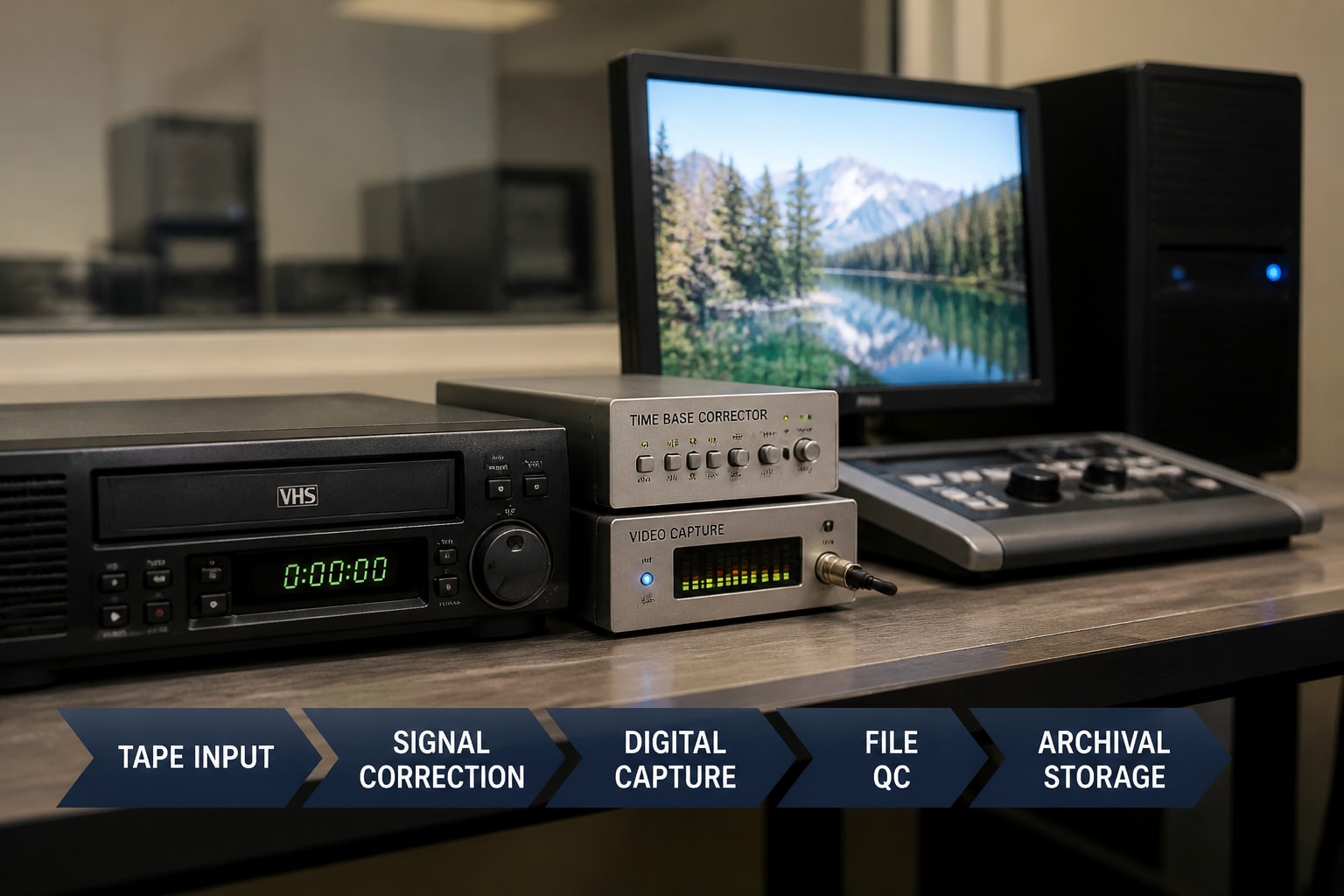
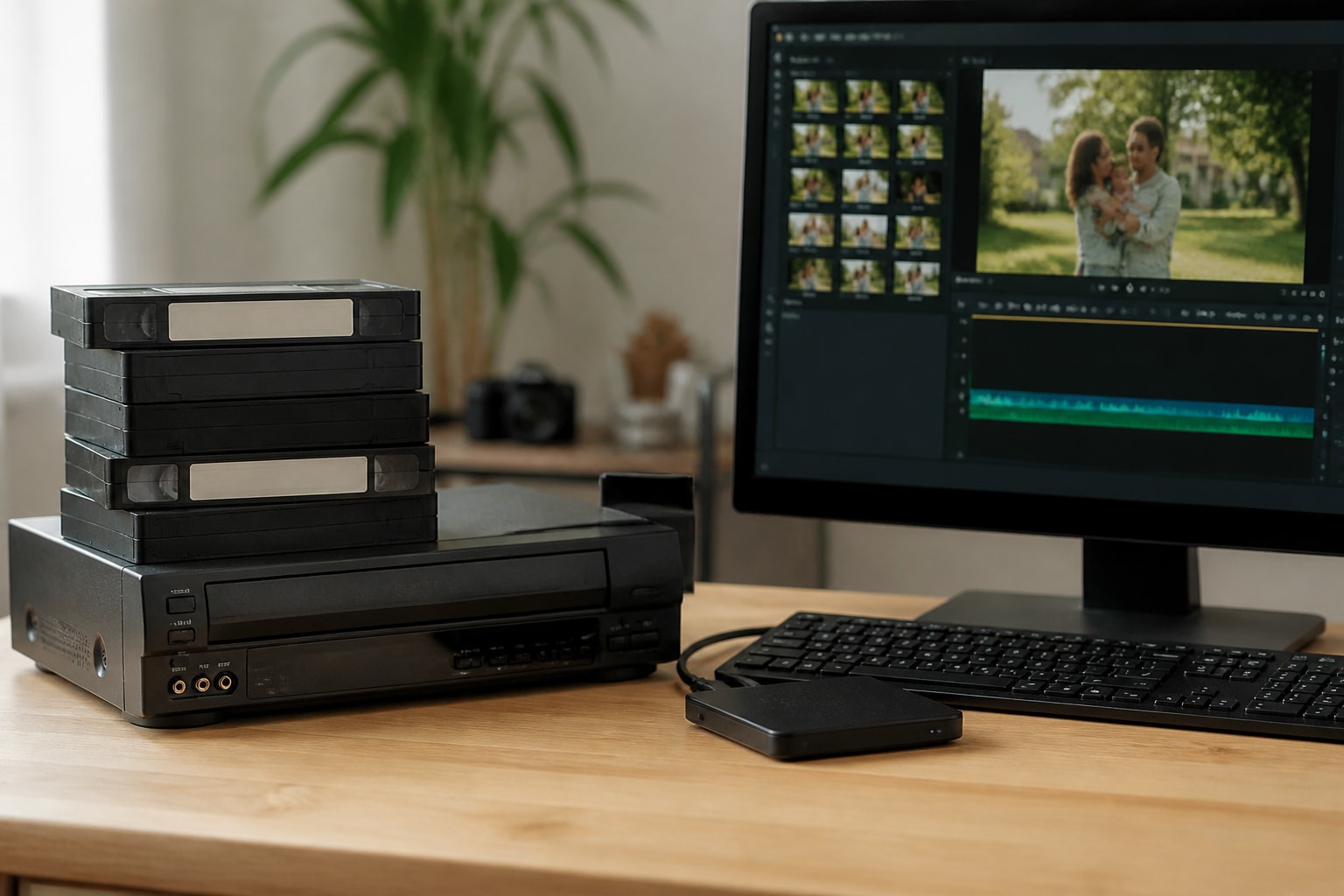
A VHS video cassette recorder is a tape deck that records and plays back analog video on half-inch VHS cassettes, and for a digitization shop it is the single most important piece of source equipment in the transfer chain. Consumer machines from the 1980s through the 2000s are still the standard playback devices for this work, but production is long over, so the real questions are which models to select, how to keep them running, and how to source them without disrupting client schedules.
This guide covers those questions from a service-shop perspective: what separates a playback deck suited to production from a household unit, how the format family is organized, what a clean transfer workflow looks like, and how to plan for equipment failure before it costs you a deadline.
Is a Video Cassette Recorder the Same as a VHS Player?
A video cassette recorder (VCR) is the broader category, and a VHS player is one type of it. "VCR" describes any machine that records and plays videotape, which includes Betamax, Video8, U-matic, and VHS decks. "VHS player" usually means a machine that handles VHS cassettes, and some units only play and cannot record.
For shop purposes, the distinction matters less than the format coverage. A deck marketed as a VHS player often lacks the recording circuitry, the flying erase head, and the audio features of a full recorder. Those are not needed for pure playback, yet recorder-class decks tend to have sturdier transport mechanics and better-tuned playback paths.
The format family is wider than most clients realize:
- VHS: the standard consumer format, 240 to 250 lines of horizontal resolution
- S-VHS: a higher-bandwidth format that separates luminance and chrominance signals, reaching roughly 400 lines
- VHS-C: compact cassettes used in camcorders, played through an adapter shell
- Betamax and Video8: competing consumer formats that need their own decks
If your shop handles mixed collections, VCR Supply's VHS format page and S-VHS format page outline the deck types typically involved in each.
What Makes a VHS Video Cassette Recorder Suitable for Digitization Work?
A deck suited to digitization offers stable tape transport, clean playback heads, S-Video output, and reliable tracking control. Everything else is secondary. Consumer features such as on-screen programming, cable tuners, and clock timers add nothing to a transfer and often add failure points.
Head count and picture stability
Two-head decks are built for standard-play and are fine for basic playback. Four-head decks add heads that improve still-frame and slow-motion clarity and generally track more cleanly on worn tapes. Many operators prefer four-head and Hi-Fi models for archival work because the Hi-Fi audio tracks, recorded by rotating heads, carry better dynamic range than the linear mono track on the tape edge.
Outputs that preserve signal quality
Composite output merges luminance and color into one signal, which introduces cross-color artifacts. S-Video keeps them separate, so it is the preferred connection for S-VHS tapes and a sensible choice for any VHS capture. A deck with only an RF or composite output limits the quality ceiling before the signal reaches your capture card.
Mechanical condition
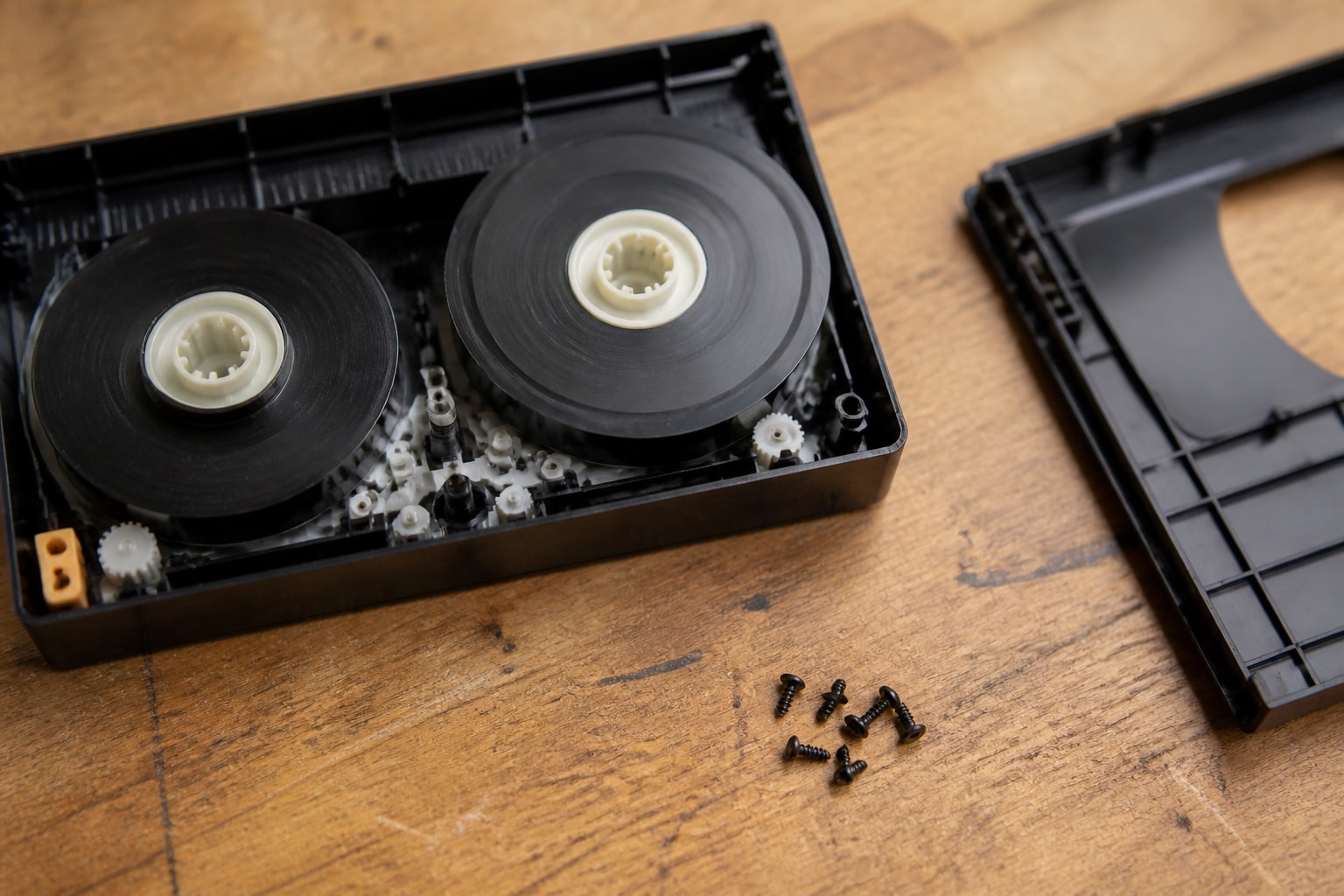
Reliable playback depends on parts that wear: pinch rollers, idler tires, belts, capstan bearings, and the video drum. Rubber and polymer components degrade with age even when a deck has been unused. A machine that powers on and plays a tape may still stretch or chew cassettes if its tension sensors or loading gears are off specification.
How a VHS Video Cassette Recorder Fits Into a Transfer Chain
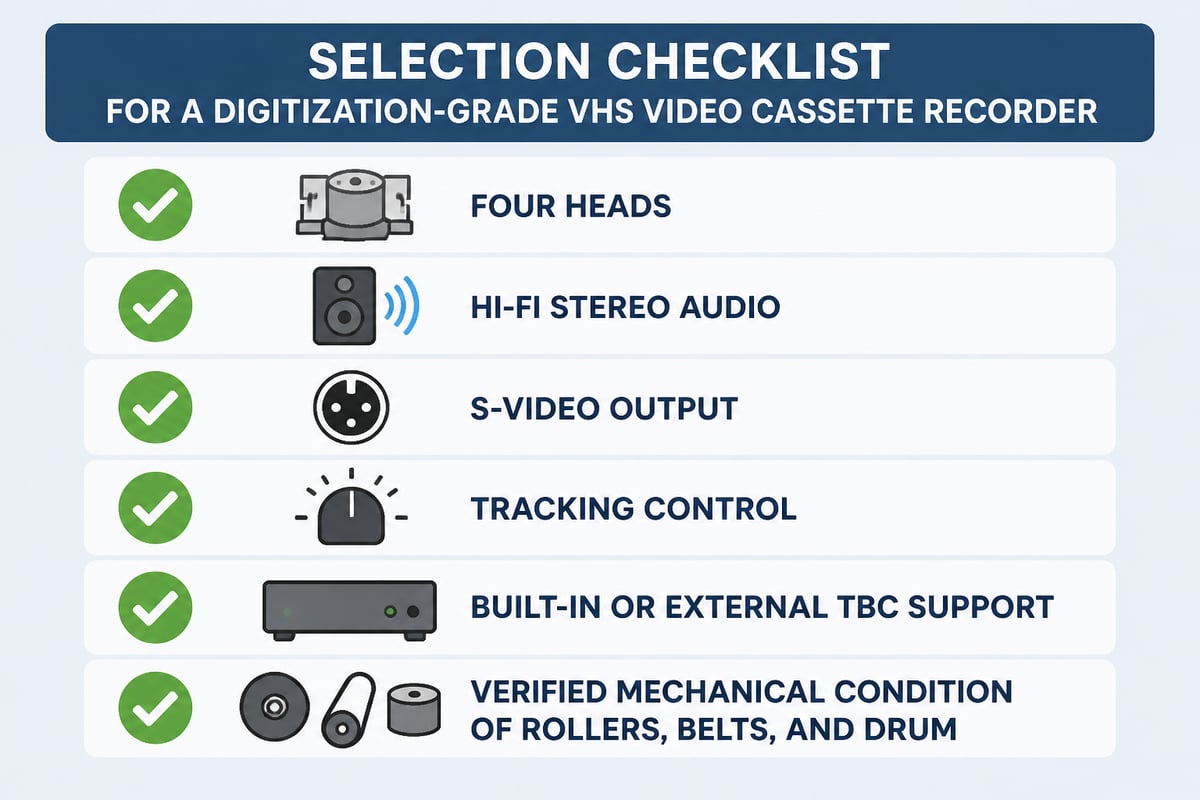
The deck is only the first link: playback signal passes through a time base corrector, then a capture device, then storage and quality control. Weakness at any stage shows up in the final file, so each component deserves deliberate selection.
The typical chain looks like this:
- Playback deck: reads the tape and outputs the analog signal
- Time base corrector (TBC): stabilizes timing errors that cause jitter, line tearing, and sync loss
- Capture device: converts the analog signal to digital video
- Capture software and storage: writes the file and handles backup
- Quality control: a review pass to catch dropouts, audio problems, and incomplete transfers
A TBC matters most for degraded tapes, copy-protected material, and camcorder recordings with unstable sync. Some higher-end decks include a built-in TBC, which is one reason S-VHS professional decks command a premium. For a deeper explanation of how stabilization affects results, see VCR Supply's guide to TBC and VHS playback.
Playback is real time. Library of Congress transfers of VHS tapes run in real time, so a program takes as long to transfer as it runs. That fact drives capacity planning: each deck is tied up for the full tape length, so throughput scales almost linearly with the number of working decks.
Choosing Between Single Decks, Combos, and Professional Units
Single-purpose VHS decks outperform DVD/VCR combos for transfer work, and professional S-VHS units outperform both. Combo units share a chassis and power supply between two mechanisms, and their VHS sections are often simpler than those in stand-alone machines.
| Deck type | Typical strengths | Typical limitations |
|---|---|---|
| Consumer 2-head VCR | Low cost, widely available | Weaker still-frame and tracking, mono audio on many models |
| Consumer 4-head Hi-Fi VCR | Better picture stability, stereo audio | Aging parts, variable condition |
| DVD/VCR combo | Convenient for casual use | Shared chassis, limited outputs, harder to service |
| Professional S-VHS deck | S-Video output, sturdier transport, often TBC support | Higher cost, fewer units on the secondary market |
The case for professional units grows with volume. A shop transferring a few dozen tapes a month can often work with refurbished consumer decks. A shop running daily batches benefits from equipment engineered for longer duty cycles and easier head and roller service.
Rental changes this calculation. Rather than buying aging machines and absorbing repair risk, a shop can rent tested decks for the duration of a project. VCR Supply, for example, rents S-VHS decks, and for operations that also handle camcorder formats, the JVC SR-VS30U dual deck covers MiniDV and S-VHS in a single unit.
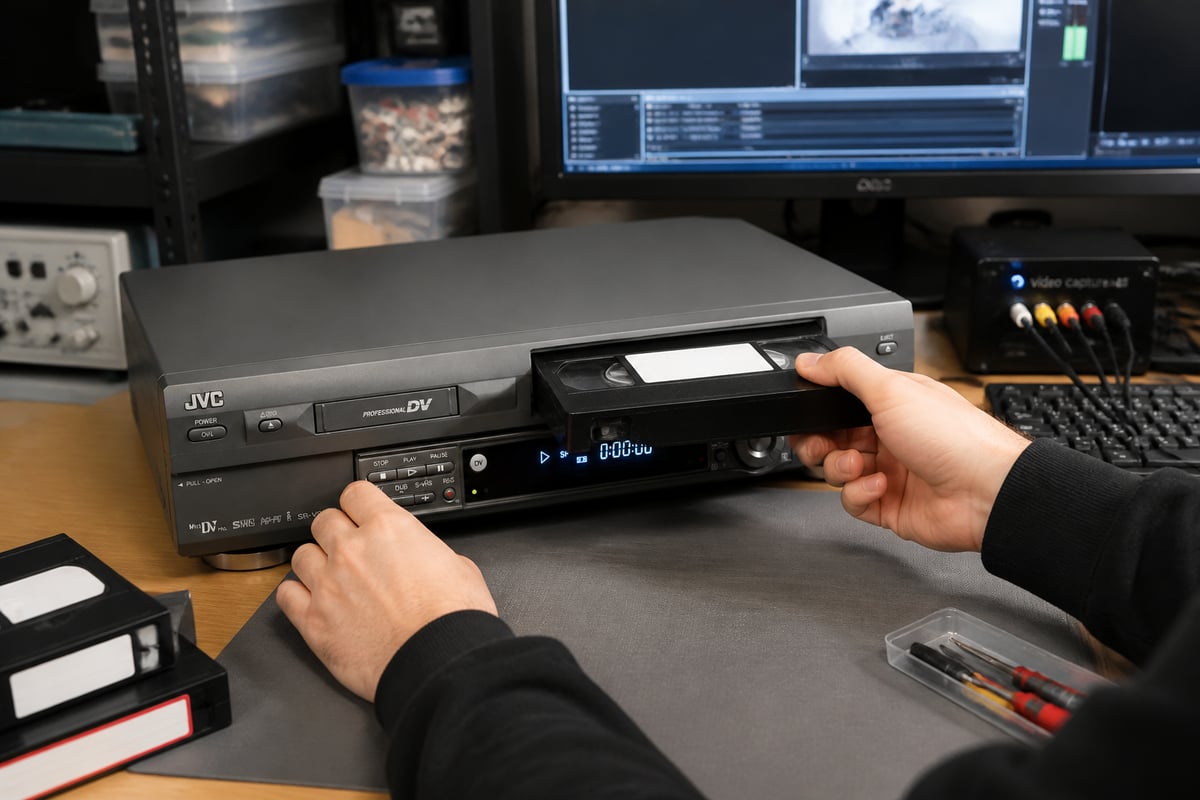
Shops that need MiniDV and S-VHS playback in one machine can rent a refurbished JVC SR-VS30U, which VCR Supply describes as a tested unit with swap-in coverage, or send an existing unit in for repair.
Can You Still Buy a VHS Video Recorder?
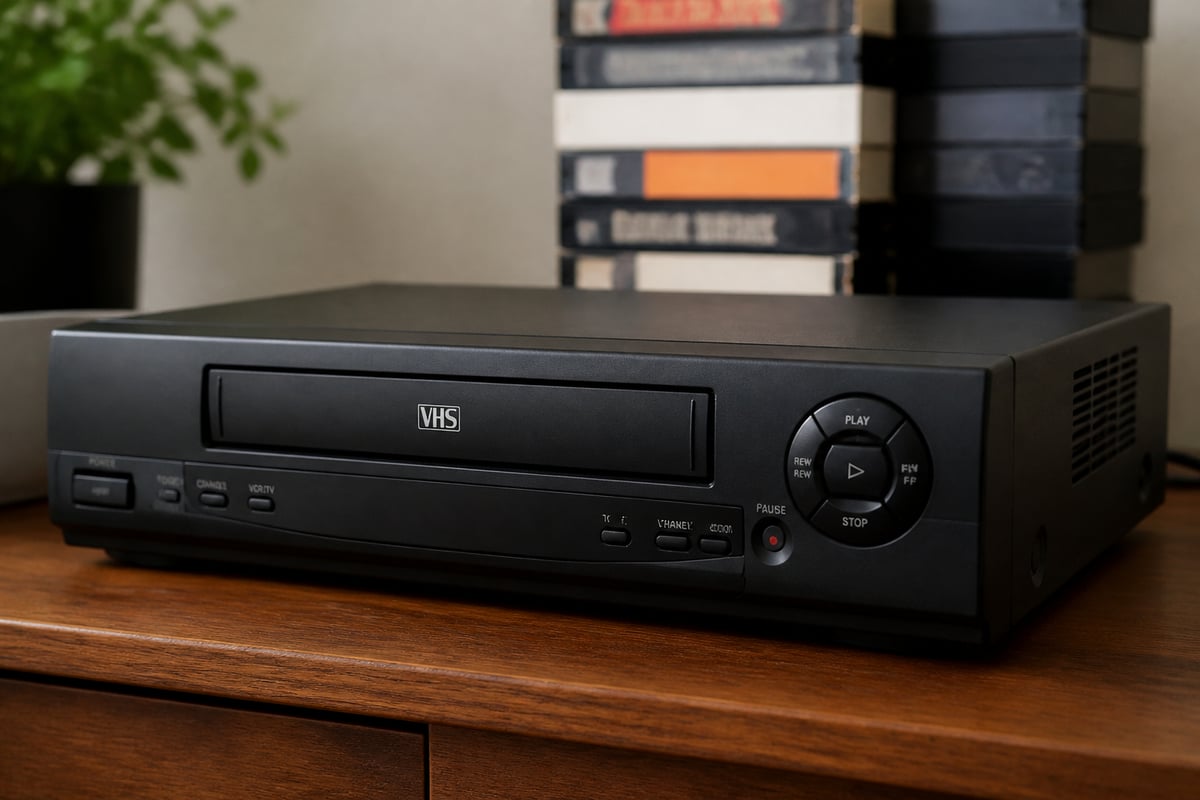
Yes, you can still buy a VHS video recorder, but mainly through the secondary market: used, refurbished, or leftover new-old-stock units. Mass manufacturing of VHS decks ended years ago, and the supply of working machines shrinks as parts fail and units are scrapped.
That scarcity shapes sourcing strategy. Resale listings vary widely in condition, and a unit described as "tested" may only have been checked for power and basic playback. Before putting any purchased deck into production, inspect it for:
- Hazy or cracked pinch rollers and softened idler tires
- Squealing or erratic capstan motion
- Head wear, scoring, or clogged gaps
- Corroded battery compartments in remote and clock circuits
- Dust, mold, or tape residue in the transport
For shops, the practical alternatives to buying are renting from a specialist or contracting repair on machines you already own. Both reduce the time spent diagnosing eBay purchases and sorting unreliable units from good ones.
Is a VHS Video Recorder Worth Anything?
Most household VHS recorders are worth little as collectibles, but professional and high-end units can retain value as working tools. Ordinary consumer VCRs generally sell cheaply, while S-VHS, professional, and well-serviced four-head decks tend to hold value because working replacements are harder to find.
Value to a digitization shop depends on condition and specification rather than age. A common two-head consumer machine with a worn drum may be worth the parts it contains. A professionally serviced S-VHS deck with a built-in TBC can be the difference between a clean transfer and a failed one on a damaged tape. Because pricing for individual units changes constantly, check current sold listings rather than relying on any single figure.
For shops, the more useful question is the cost of downtime. A deck that fails mid-project can stall an entire batch, so the replacement or rental cost is often smaller than the cost of a missed delivery date.
Maintenance Practices That Keep Decks Running
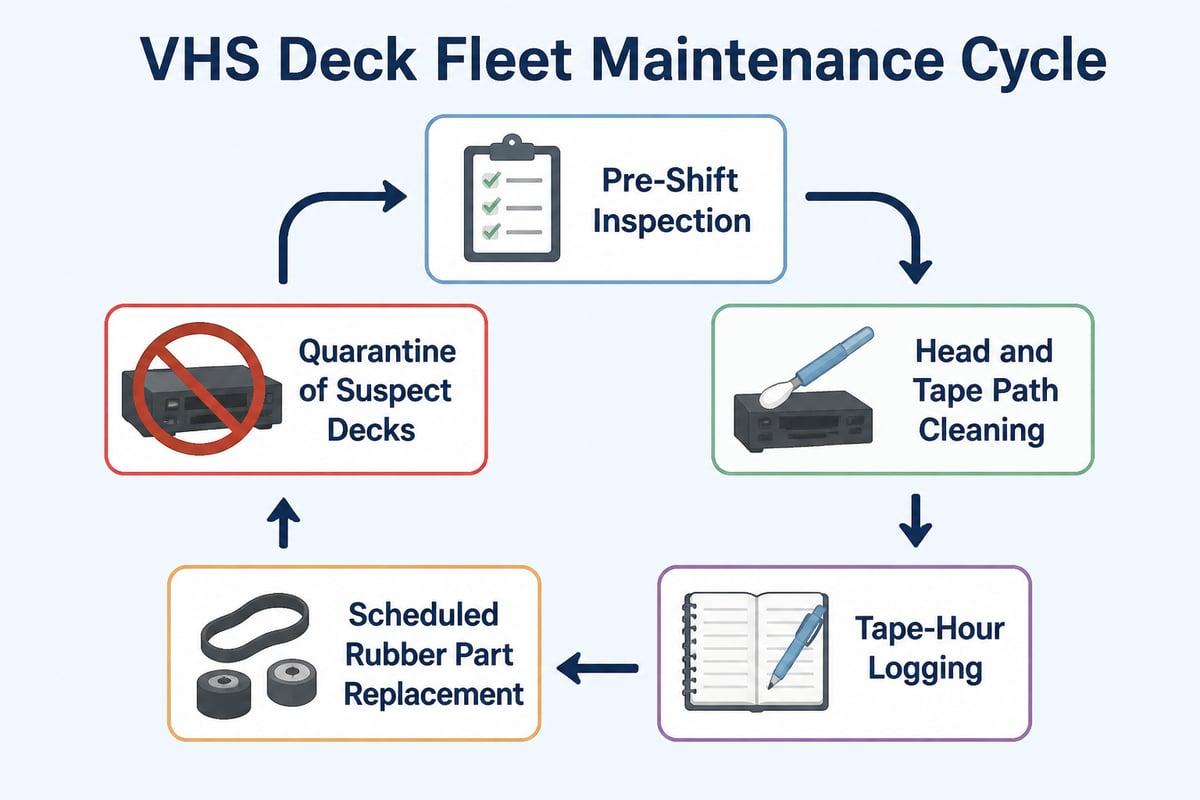
Routine preventive maintenance, performed on a schedule, is the most effective way to extend the working life of a VHS deck. Reactive repair after a failure is slower and riskier for client tapes, which can be damaged when a deck malfunctions.
A sensible maintenance rhythm includes:
- Inspect before each shift: check for unusual noises, loading hesitation, or tape edge damage
- Clean heads and the tape path regularly: use appropriate isopropyl alcohol and lint-free swabs, never abrasive cleaning tapes on heads you intend to keep
- Log tape hours per deck: track usage so wear-related service happens before failure
- Replace rubber parts on a schedule: belts and tires degrade with time even when idle
- Quarantine decks that mishandle a tape: do not test a suspect machine with another client's tape
When a deck does fail, the diagnostic path matters. Common faults include loading mechanism jams, no-picture conditions, tracking drift, and audio dropouts. Reading about VHS repair and VCR repair service options helps you decide which problems to handle in-house and which to send out. VCR Supply charges a $45 diagnostic fee for repairs and offers maintenance contracts intended to reduce equipment downtime, and its contact page is the place to confirm current terms for your fleet size.
Quality Control and Delivery Standards
A reliable transfer ends with two deliverables and verified backups, not a single file on a single drive. The National Archives and Records Administration recommends requesting both a high-quality preservation copy and an easy-to-play access copy, with preservation copies using high resolution, high bitrate, little or no compression, and open or non-proprietary formats (NARA Video Guidance).
The Library of Congress follows the same two-file logic, creating a JPEG 2000 preservation file and an MPEG-4 access file for each videotape, followed by quality-control checks (Library of Congress). Few shops will match an institutional workflow, but the structure translates well to commercial service tiers.
Backup practice deserves explicit attention in client communication. NARA advises making a second backup copy of delivered files, whether they arrive on a hard drive, flash drive, or optical disc (NARA Video Guidance). Preservation guidance also favors keeping copies on separate storage media and migrating them periodically; the digital file management recommendations are a useful reference to share with customers.
A practical QC pass on every tape should confirm:
- The full runtime transferred without truncation
- Audio and video stay in sync from start to finish
- Dropouts or tracking errors are noted and, where possible, re-captured after head cleaning
- File names and metadata match the client's intake record
Planning Capacity and Downtime for a Transfer Operation
Capacity planning starts with real-time playback: total tape hours divided by working decks and operating hours gives your minimum project length. A 500-hour collection on four decks running eight hours per day takes roughly 16 working days before any re-captures, cleaning stops, or tape handling time.
That arithmetic exposes the cost of a single deck outage. Losing one of four decks cuts throughput by a quarter immediately, and the remaining decks run harder to compensate, accelerating their own wear.
Shops reduce this exposure in three ways:
- Keep a spare: hold at least one tested backup deck per format family
- Use rental for peaks: add decks for large projects instead of buying equipment that sits idle afterward
- Contract for service: a maintenance agreement shortens the time between fault and fix
Specialized formats compound the risk. A shop that handles VHS, S-VHS, MiniDV, and Betamax relies on different decks with separate parts supplies. Background reading on Betamax video cassette recorders and digitizing VCR tapes helps estimate how much redundancy each format needs.
FAQ
How much is a VHS tape recorder worth?
A typical consumer VHS recorder is generally worth little on the resale market, while professional S-VHS decks and serviced four-head units can sell for more. Condition usually drives price more than brand or age. Check recent sold listings for the exact model before setting a figure.
Can a standard VHS deck play S-VHS tapes?
Most standard VHS decks cannot play back S-VHS recordings at full quality, and many cannot play them at all. S-VHS tapes need an S-VHS-capable deck to read the higher-bandwidth signal. Some S-VHS decks play standard VHS tapes, which makes them versatile for mixed collections.
How often should a digitization shop service its VHS decks?
Service intervals depend on usage hours, but regular head cleaning and periodic rubber part replacement are standard practice for any deck in daily production. Tracking tape hours per deck lets you schedule service before faults appear. A maintenance contract can formalize the schedule and reduce unplanned downtime.
Start by listing every deck in your shop alongside its format, tape hours, and last service date, since that inventory shows exactly where your downtime risk sits. If the list reveals gaps, whether a missing S-VHS unit or a deck overdue for repair, VCR Supply rents and repairs professional videotape decks such as MiniDV, S-VHS, Digital8, and Betamax for digitization shops. Rentals start at $99 per month, repairs carry a $45 diagnostic fee, and maintenance contracts are available to reduce equipment downtime. Contact VCR Supply to match equipment to your current workload.