Betamax Video Tape Guide: Playing and Preserving Tapes
A Betamax video tape is a half-inch magnetic cassette introduced by Sony in 1975, and you need a Betamax deck in working order to play it. Because the format has been out of mainstream production for decades, the most reliable path today is to play each tape once on a serviced deck and convert it to a digital file. This guide explains how to identify your tapes, which equipment plays them, how to store them, and when digitization should happen.
What Is a Betamax Video Tape?
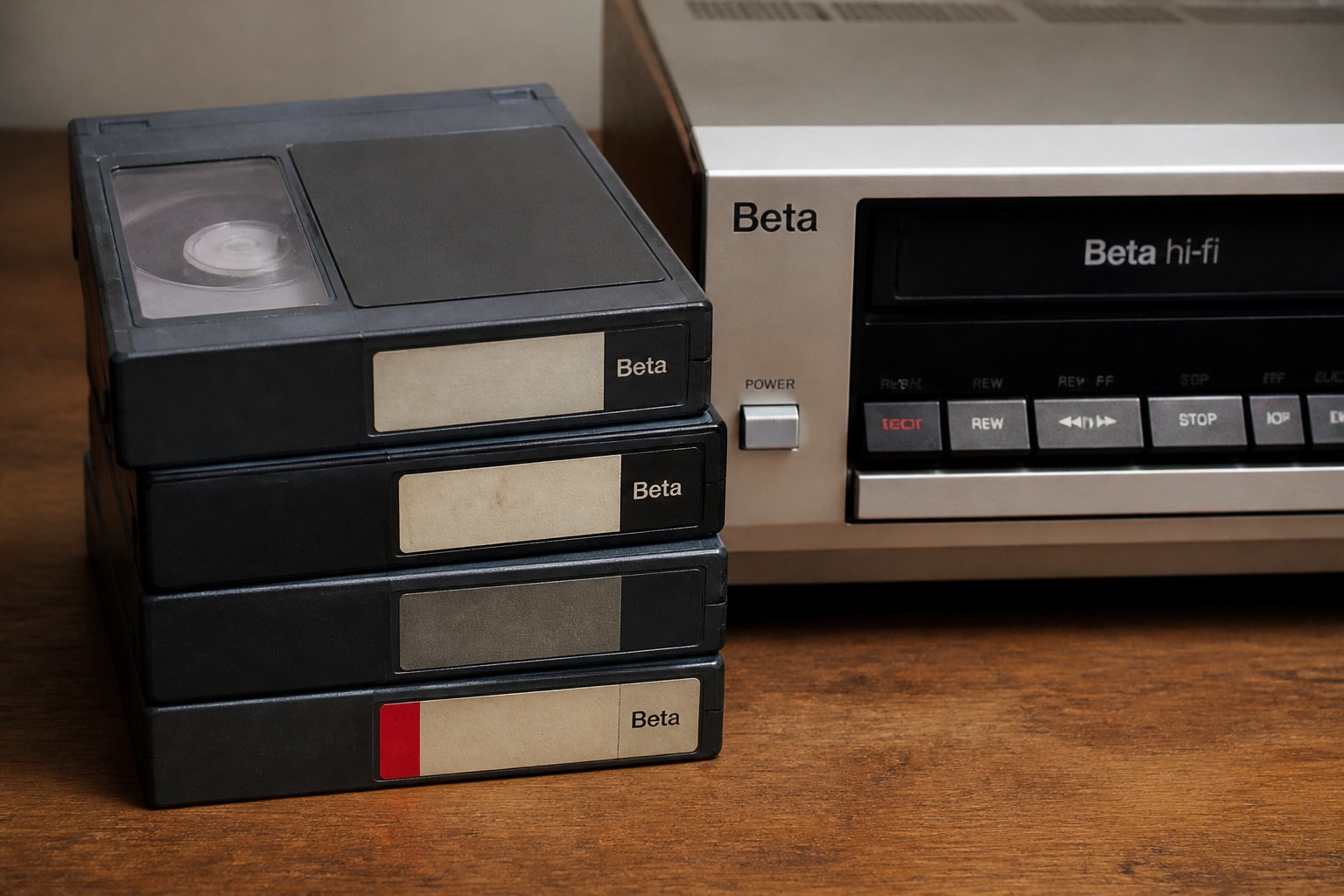
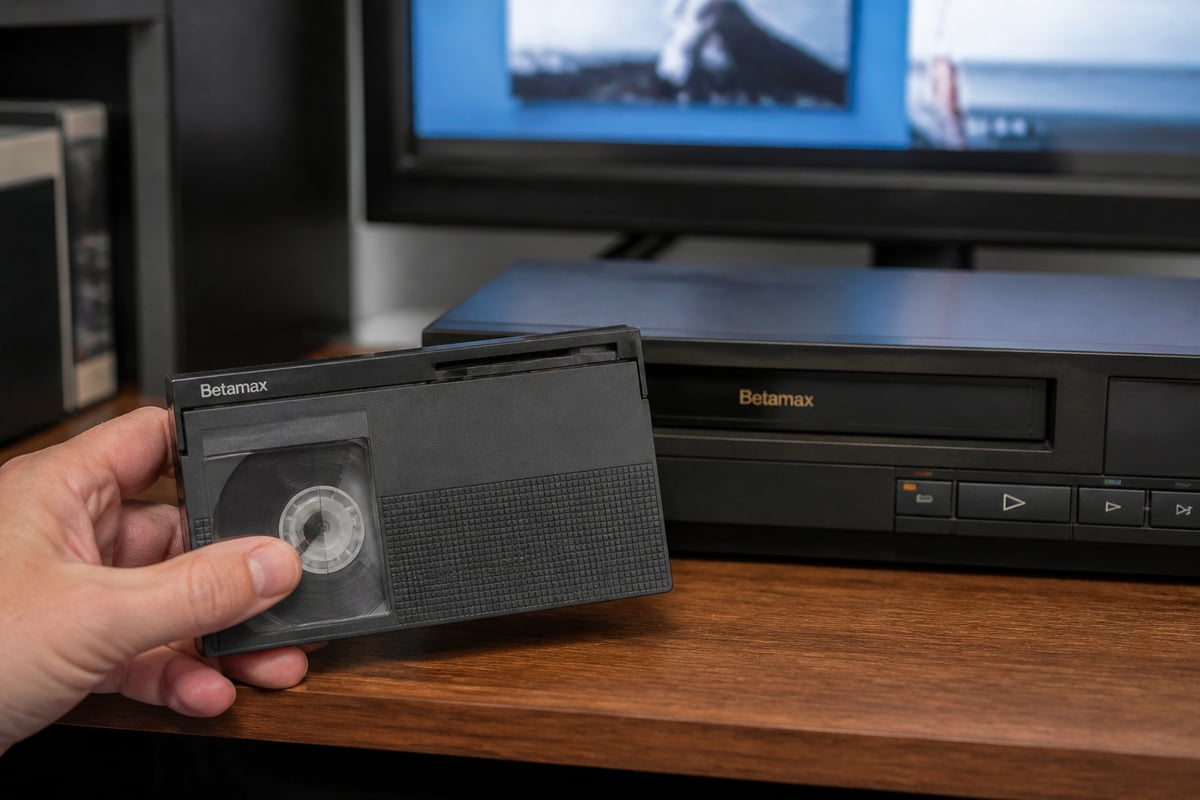
A Betamax video tape is a consumer videocassette that records analog video and audio on half-inch magnetic tape, housed in a plastic shell slightly smaller than a VHS cassette. Sony launched the format in 1975, and it was marketed under the shorthand "Beta."
The cassette is easy to recognize. It has a hinged front flap protecting the tape and carries the Betamax logo. The tape inside is a chromium-dioxide or iron-oxide coating on a polyester base, recorded in a helical-scan pattern.
Two points of confusion come up often:
- Betamax is not Betacam. Betacam, and later Betacam SP, are professional broadcast formats. They use a different cassette shape and cannot be played in a consumer Betamax deck.
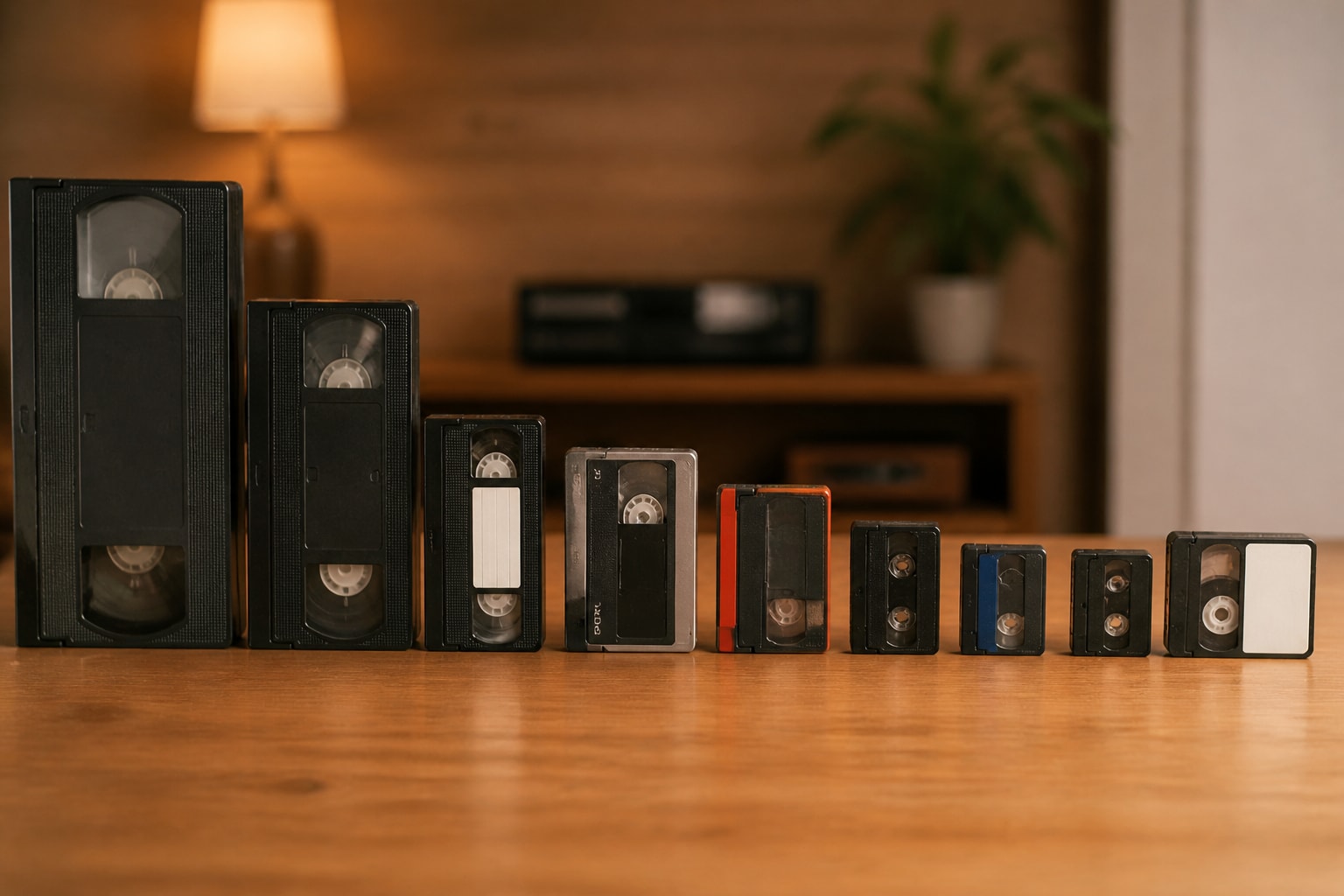
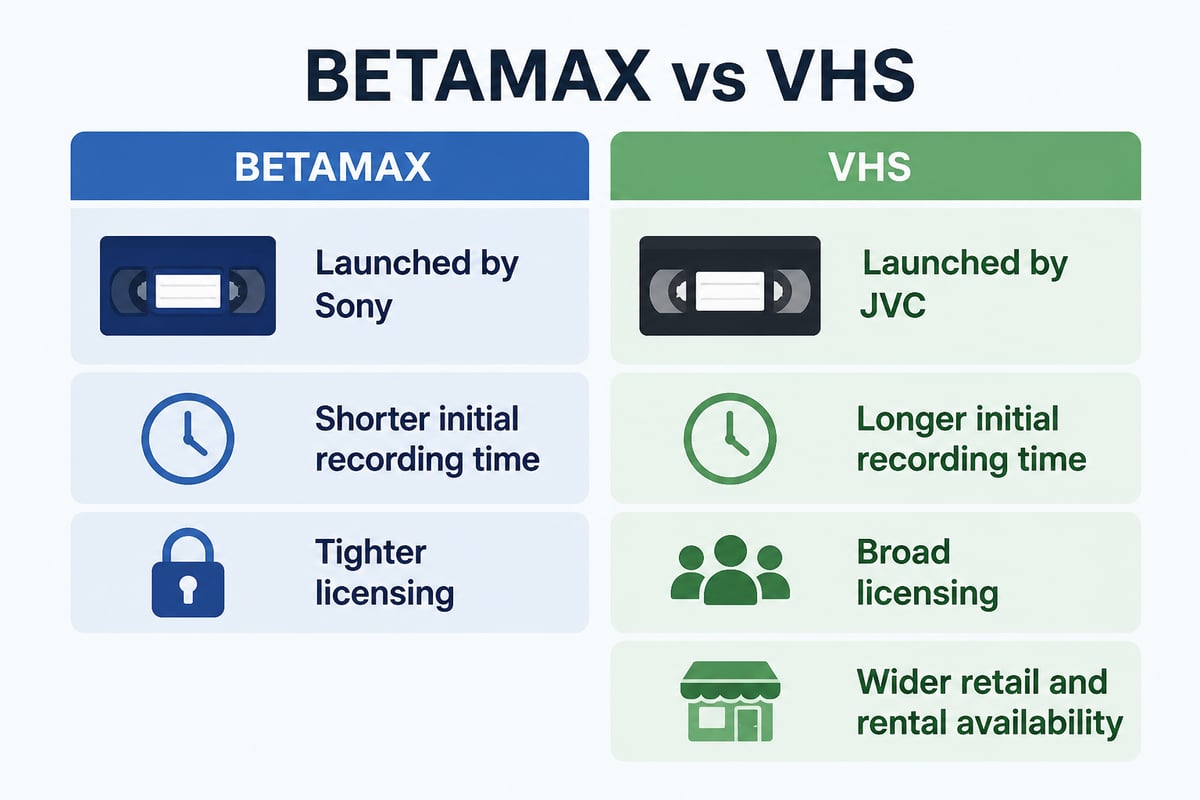
- Betamax is not VHS. The two formats compete in the same market but are mechanically incompatible. A VHS deck will not load a Beta cassette, and the reverse is also true. For a side-by-side look, see this overview of VHS and Betamax.
How Do You Identify a Betamax Tape and Read Its Labels?
You can identify a Betamax tape by its cassette size, the Beta logo and the length marking printed on the spine or label, which is usually an "L" number such as L-500.
That L number matters because it indicates the tape length and determines how much recording time you get at each speed. Common Beta lengths include L-250, L-500, L-750 and L-830. Hand-written labels often add the speed used, recorded as one of three modes:
| Speed mode | Typical use | Quality note |
|---|---|---|
| Beta I (BI) | Original standard speed | Best picture quality |
| Beta II (BII) | Mid-length recording | Moderate quality |
| Beta III (BIII) | Longest play time | Lowest quality, most noise |
Speed knowledge is practical for a digitization workflow. A tape recorded at Beta III often has less signal to work with than a Beta I recording, so it benefits from a deck with a clean tracking adjustment and well-aligned heads. If the label does not say which speed was used, the deck's auto-detect or a quick test play will usually reveal it.
Why Did VHS Win Over Betamax?
VHS won mainly because of recording time and licensing. JVC's format offered longer recording time on a single cassette than the first Betamax decks, and JVC licensed VHS to many manufacturers while Sony kept tighter control of Beta.
Betamax held a small advantage in picture sharpness in its early years, and Sony later extended recording time with longer cassettes and the Beta II and III speeds. By then, the rental market had already tilted toward VHS, and video stores stocked fewer Beta titles each year. Sony kept Betamax equipment in production for many years, which is part of why working decks still exist for service and rental.
For preservation, the practical consequence is this: Beta tapes in family collections are often recordings made by early adopters. Many contain unique home footage, taped broadcasts and early camcorder material that has never been copied anywhere else.
How Can You Watch Betamax Tapes Today?
To watch Betamax tapes, you need a working Betamax deck, a way to connect it to a display or capture device, and a tape in playable condition. Many modern televisions lack the composite or RF inputs these decks use, so the connection is often the first obstacle.
The usual setup follows these steps:
- Locate a serviced deck. A deck that has not been run in years commonly needs belt, idler or roller attention before it can play reliably.
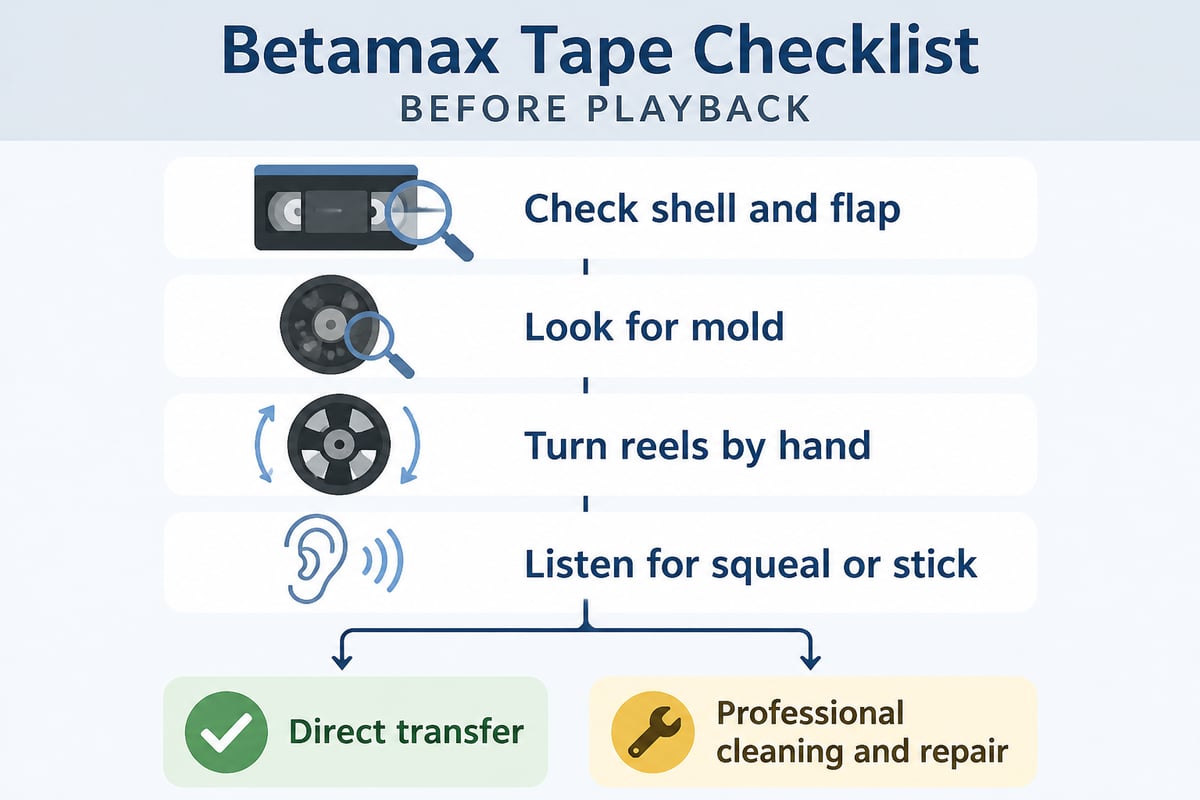
- Inspect the cassette first. Check for mold, a loose or crinkled tape pack, a broken flap, and any sticky or squealing behavior when the reels are turned by hand.
- Connect through composite or S-Video. Many Betamax decks use composite RCA outputs, and an analog-to-digital converter or capture card bridges them to a computer or modern TV.
- Play once, at the right speed. Let the deck auto-detect speed where it can, and adjust tracking to clear noise bars.
- Capture while you play. Every pass through a deck wears the tape slightly, so record the transfer the first time rather than viewing the tape for fun and digitizing later.
That final step reflects guidance from the U.S. National Archives, which advises limiting playback of original tapes, using equipment appropriate to the format and in good condition, and cleaning players periodically. Its guidance is published in the National Archives machine-readable media guidance.
If a tape is visibly damaged, stop. The Library of Congress warns that playing damaged tape can harm both the media and the playback equipment. A tape with mold, a snapped leader or a deformed shell should be assessed before it touches a deck.
Which Betamax Deck Should You Use?
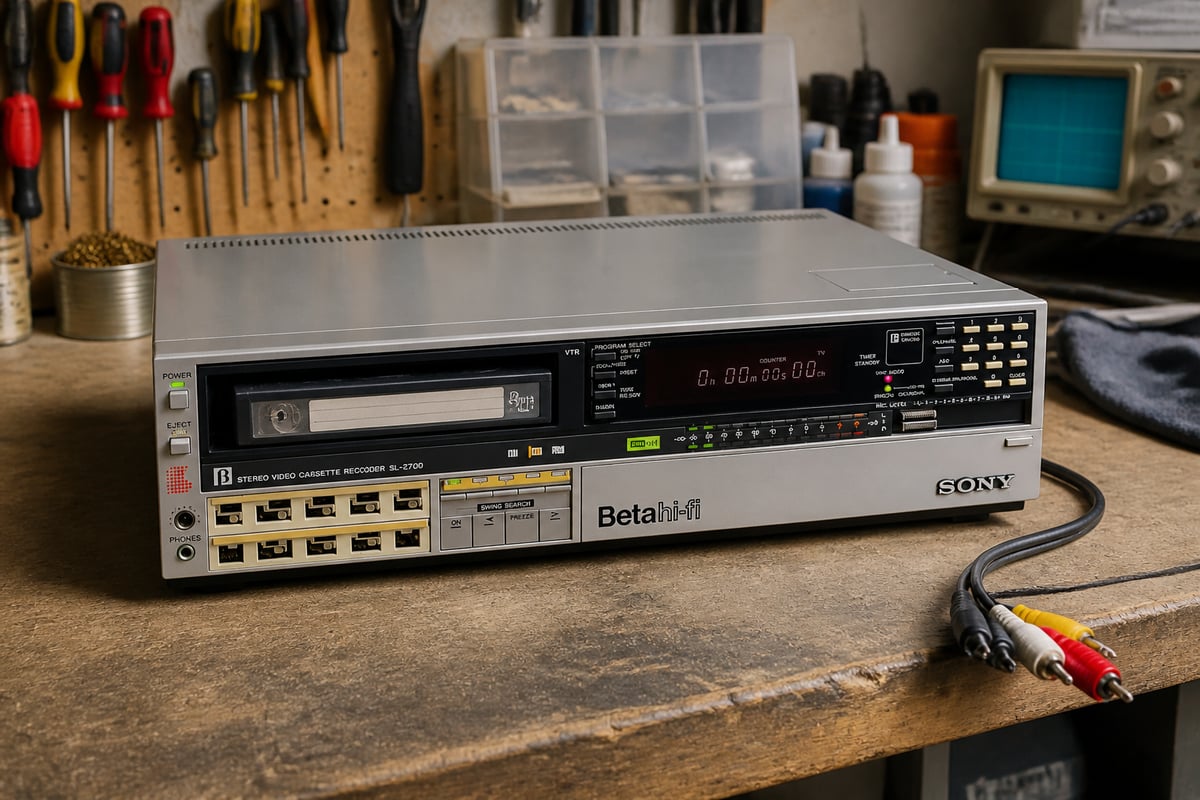
A deck with a solid reputation for transport reliability and clean video output is the best choice, and the Sony SL-2700 is one Betamax model you can rent for this work. Early top-loading and later front-loading Betamax models differ in tape path, head design and available features such as Beta Hi-Fi audio.
Features that matter for digitization:
- Beta Hi-Fi audio. Tapes recorded in Hi-Fi carry a higher-fidelity audio track that only Hi-Fi capable decks can read properly.
- Tracking control. Manual tracking helps recover tapes recorded on other machines.
- Clean head drum. Dirty or worn video heads are a leading cause of snowy, striped or dropout-heavy transfers.
- Stable transport. A deck that eats tape or runs at uneven speed will damage originals.
VCR Supply rents inspected, serviced decks and offers repair for those who already own one. The Sony SL-2700 is available for rental for legacy tape digitization, or you can send your own in for diagnostics and repair, with limited availability on serviced units.
Digitization shops in particular tend to weigh renting against buying. A deck that sits idle between projects still ages, while a rental arrives inspected and can be swapped if a transport fails mid-project. VCR Supply also lists dedicated Betamax deck rental and a Betamax format page for readers comparing options. You can also read about Betamax video recorders in more detail.
How Long Does Betamax Video Tape Last?
Betamax video tape can stay playable for a long time under good storage, but the margin shrinks with age, heat and humidity, so older tapes are at greater risk. The U.S. National Archives recommends reformatting video tape older than five years and prioritizing deteriorating tapes with important content.
Several failure modes affect Beta cassettes:
- Binder breakdown. The adhesive layer holding the magnetic particles can soften or shed, leaving residue on heads.
- Mold. Tapes stored in damp basements or garages often show white or gray growth on the edges and the tape pack.
- Print-through and signal loss. Magnetic layers lose some signal strength over time, which shows up as weaker color and noisier audio.
- Mechanical aging. Plastic shells can warp, and the internal brake and spring mechanisms can stick.
Because the decks that play these tapes are also aging, the risk compounds. The Library of Congress advises that preservation of personal collections should include conversion to and maintenance of a current digital format because playback machines eventually become obsolete.
How Should You Store Betamax Tapes?
Store Betamax tapes upright in their cases, in a cool, dry, stable room with moderate humidity and no exposure to magnets. The U.S. National Archives recommends a stable environment ideally between 55 and 70°F and 30 to 55% relative humidity, and advises avoiding attics and garages.
Practical storage rules:
- Keep them vertical. Store cassettes on their edges in boxes, not stacked flat, so the tape pack is not compressed.
- Remove them from decks. Never leave a tape inside a deck when not in use.
- Stay away from magnetic fields. Speakers, motors and electronics can interfere with the recorded signal.
- Watch humidity. The National Archives notes that humidity above 65% can encourage mold growth, and it suggests 30 to 40% relative humidity with temperatures of 50 to 65°F for magnetic tape in its machine-readable media guidance.
- Avoid leak-prone locations. The Library of Congress recommends a cool, clean and stable environment for home audiovisual collections and cautions against places at risk of leaks or environmental extremes, as described in its care and storage guidance for audiovisual materials.
Rewind tapes to a consistent position before storage if you can do so safely, and handle cassettes by the shell, never by touching exposed tape.
When Should You Digitize Betamax Tape?
Digitize Betamax tape as soon as practical, starting with the tapes that hold irreplaceable content or show signs of deterioration. Waiting adds risk on both sides, because tapes degrade and serviceable decks become harder to find.
A sensible prioritization looks like this:
- Irreplaceable personal or business recordings with no other copy.
- Tapes showing visible damage, mold or odor, which need assessment before any playback.
- Tapes recorded at slower speeds, which tend to hold weaker signal.
- Duplicates and commercial releases, which can wait or may be replaceable.
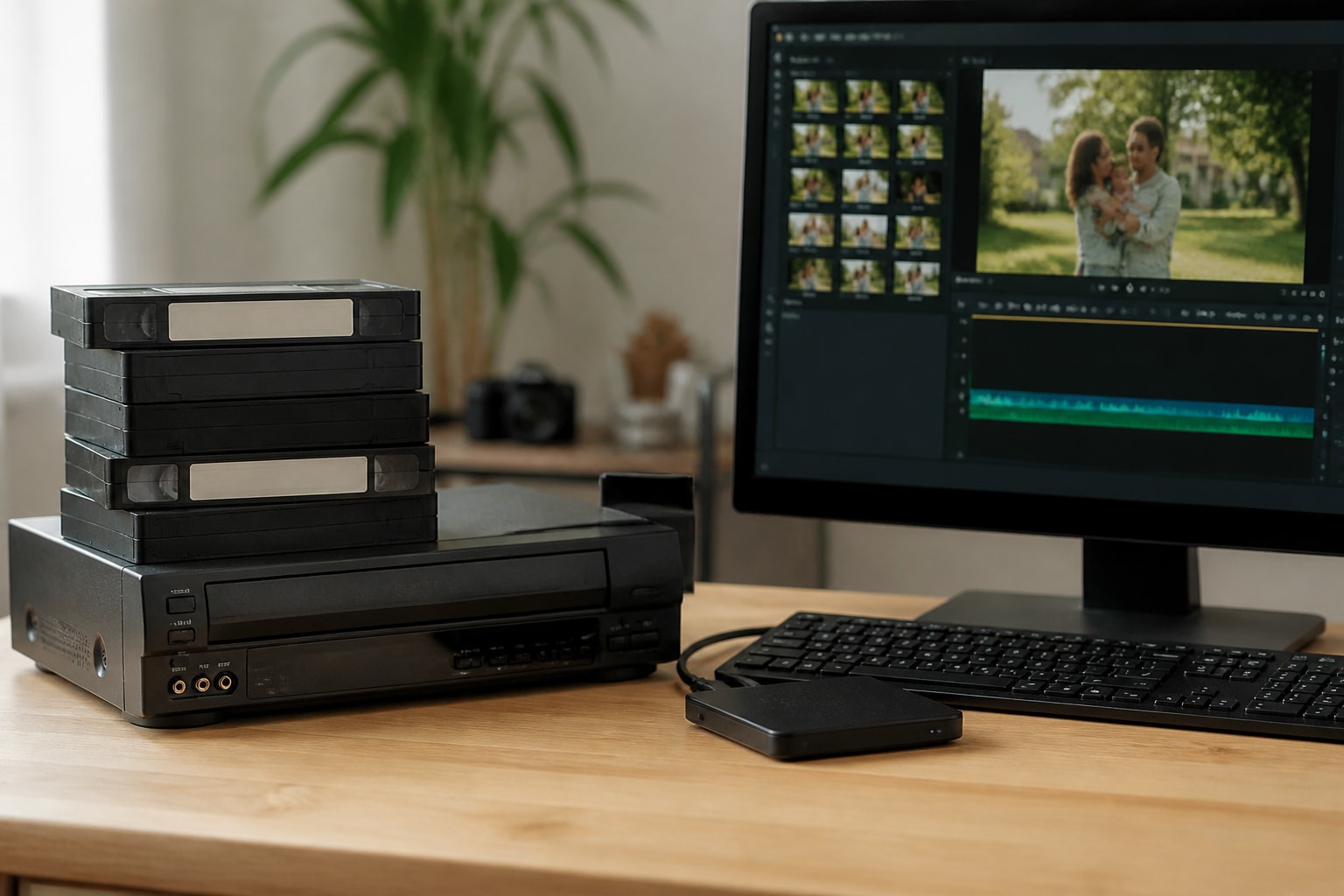
For a shop, a repeatable process matters more than any single tool. Clean the heads, inspect and sort tapes, capture each at the best available speed settings, label files with the original tape ID, and keep the source tape until the digital copy is verified. A good reference on digitization workflow is this write-up on digitizing VCR tapes, and the Library of Congress outlines its own approach in its overview of audiovisual preservation.
Equipment downtime is the main schedule risk in a Beta project. A single failed pinch roller or worn belt can stall a batch of tapes, so shops often pair rentals with maintenance coverage, or book repairs before a project begins, using resources such as VCR Supply's pages on video recorder repairs.
FAQ
Are VHS tapes still made?
Blank and prerecorded VHS tapes are no longer widely produced by major manufacturers, though leftover stock and small runs still circulate. VHS decks and cassettes remain common on the secondhand market.
Can a Betamax tape be played in a VHS player?
No. The cassette sizes, tape paths and recording methods are different, so a VHS deck cannot load or read a Betamax cassette. You need a Betamax deck, or you must convert the tape to a digital format first.
Is it worth repairing a damaged Betamax tape?
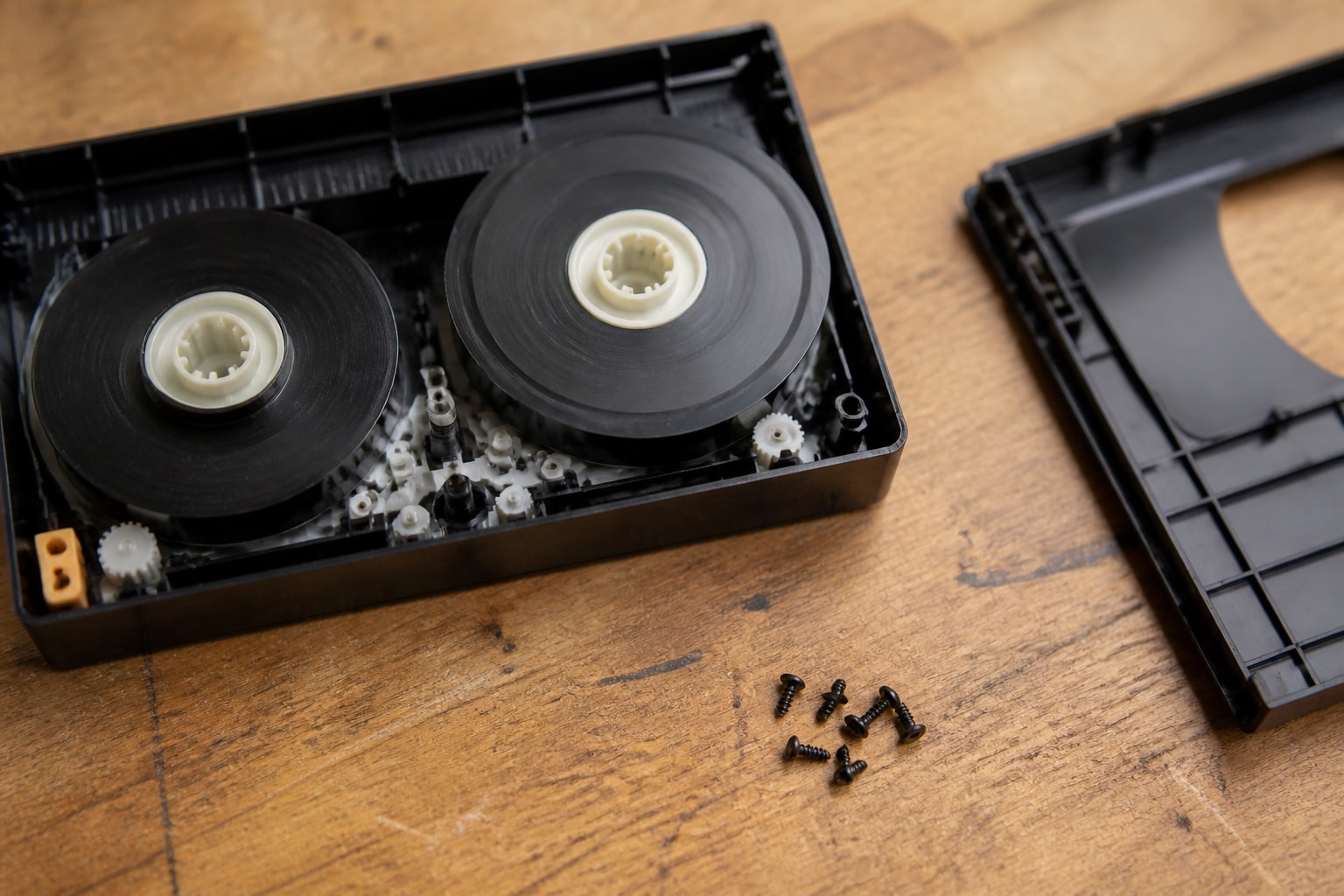
It can be, when the content is irreplaceable and the damage is mechanical, such as a broken shell or a snapped leader. Moldy or sticky tape needs professional handling before playback. Attempting playback on a deck without assessing the damage risks harming the tape and the machine.
Start by pulling your Beta cassettes, checking each shell for mold or warping, and sorting them by importance so the most valuable recordings are transferred first. If you need a deck for the job, VCR Supply rents and repairs professional videotape decks such as MiniDV, S-VHS, Digital8 and Betamax for digitization shops, with rental starting at $99 per month, a $45 diagnostic fee on repairs and maintenance contracts that cut equipment downtime. Reserve a serviced Sony SL-2700 or contact the team to plan your transfer project.