How to Choose a VCR to DVD Converter Machine
The best VCR converter to DVD machine for most households is a VCR/DVD recorder combo, while anyone with a larger archive or mixed tape formats will get better results from a standalone VCR paired with a USB capture device or a professional deck. Your choice depends on how many tapes you have, which formats they use, and how much control you want over the final video.
This guide walks through the three main equipment types, the specifications that affect quality, and the points that separate a smooth conversion project from a frustrating one. It is written for both home users and digitization shops that need to decide between buying, renting, and repairing.
What a VCR to DVD Converter Machine Actually Does
A VCR to DVD converter machine plays an analog videotape and records its signal onto a DVD, either directly or by sending it to a computer first. The tape itself holds analog video, so every conversion involves digitizing that signal and encoding it into a format a disc or file can store.
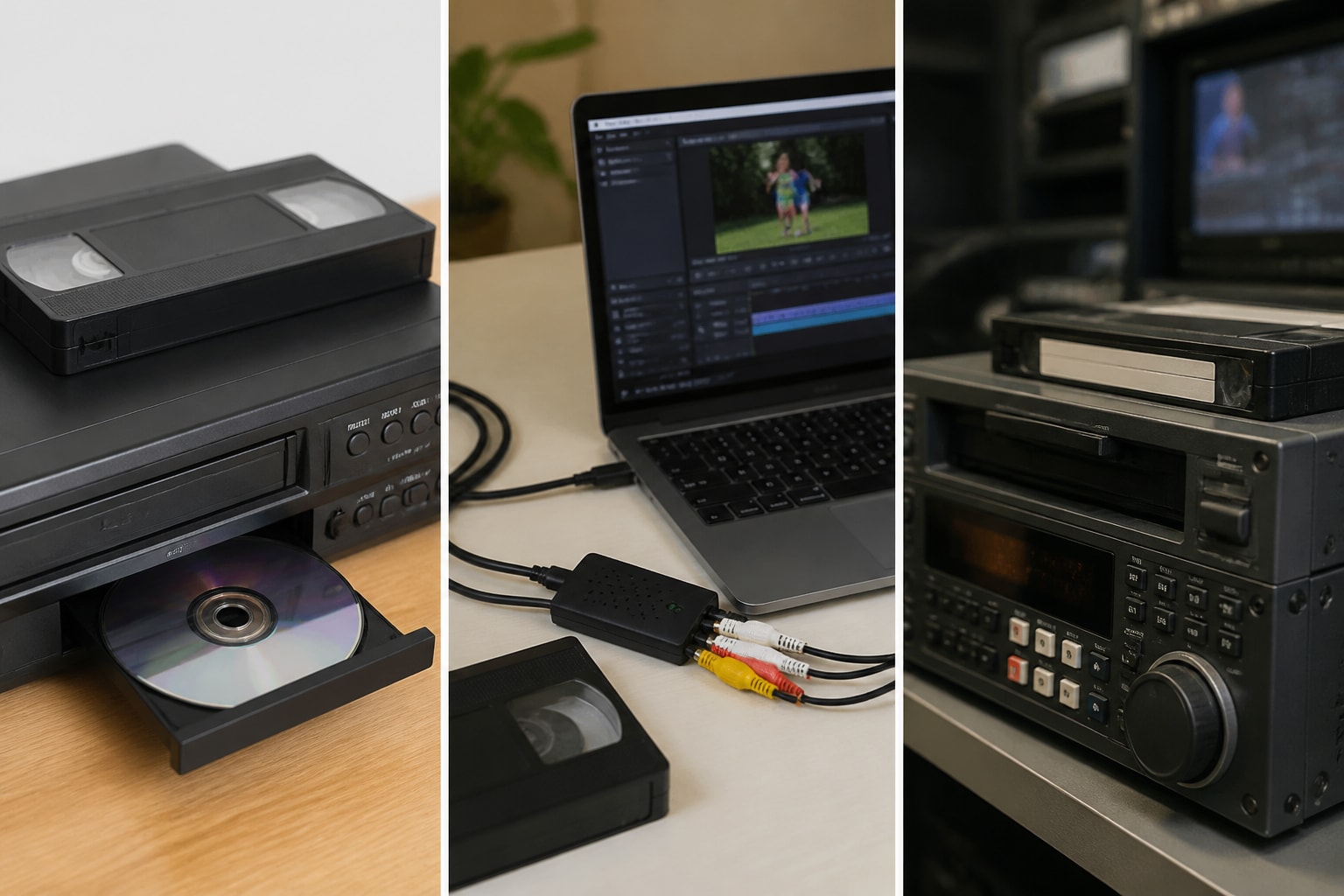
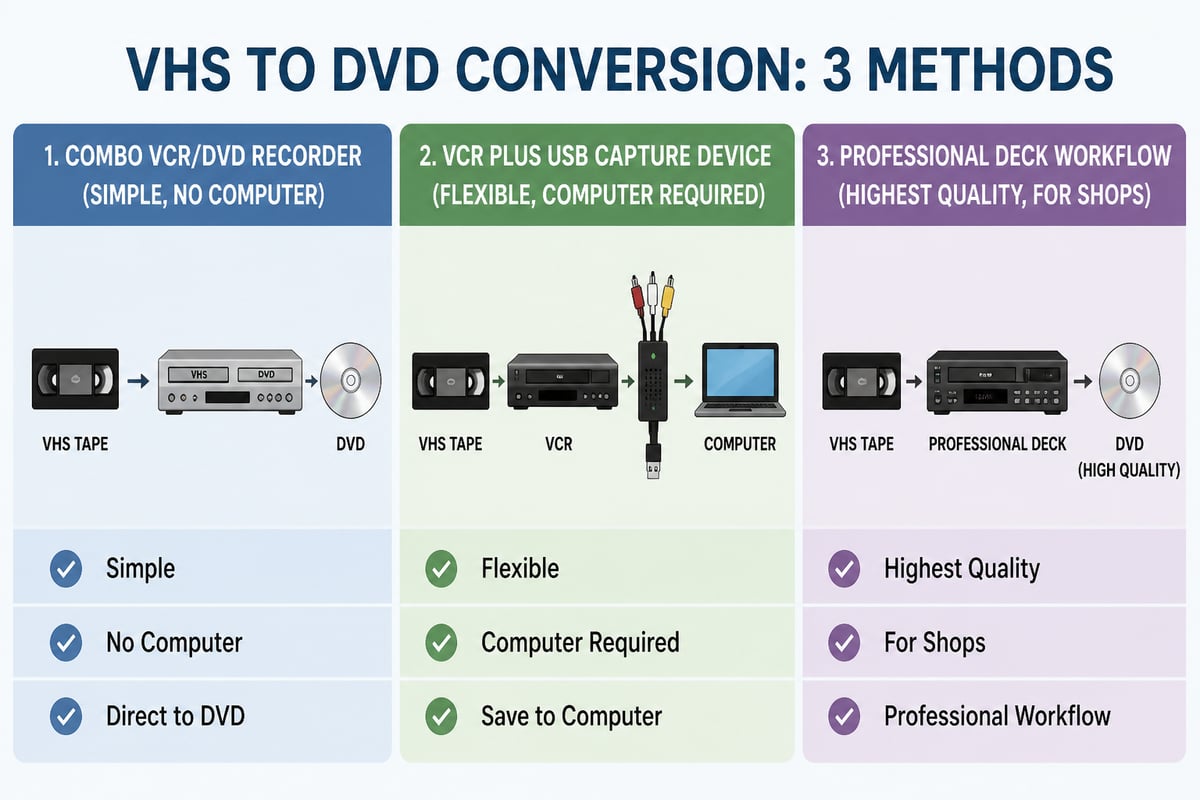
There are three common ways to do this:
- Combo unit: a single box with a VCR and a DVD recorder built in.
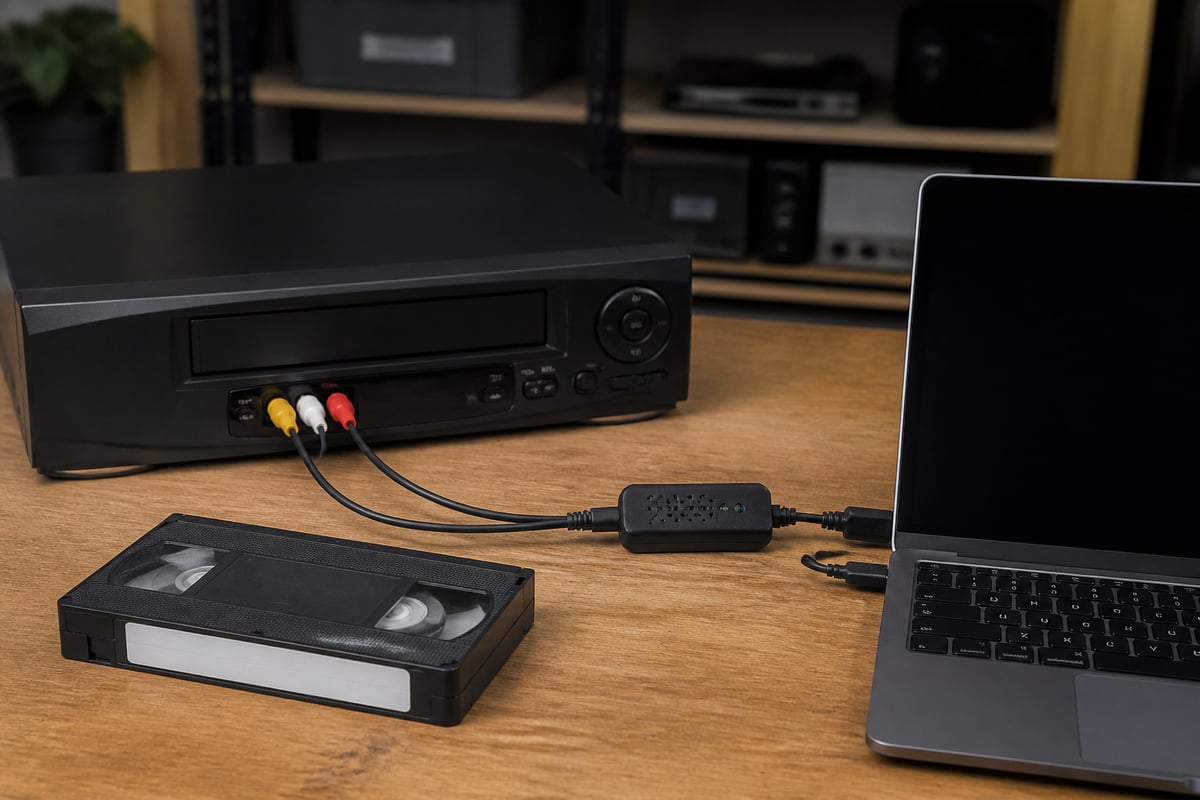
- Capture device method: a standalone VCR connected to a computer through a USB video capture device.
- Professional deck workflow: a higher-grade deck, often with a time base corrector, feeding a capture card or encoder.
Each approach trades convenience against quality and flexibility. The sections below explain where each one fits.
The Three Main Equipment Types Compared
The right equipment type depends on tape volume, source format, and how much editing you need to do. The table below summarizes the practical differences.
| Factor | Combo VCR/DVD recorder | VCR plus USB capture device | Professional deck workflow |
|---|---|---|---|
| Setup difficulty | Low | Moderate | Higher |
| Computer required | No | Yes | Yes |
| Editing and cleanup | Minimal | Full control | Full control |
| Best for | A few dozen tapes | Hundreds of tapes, archiving | Shops, mixed formats, long-term preservation |
| Typical output | DVD disc | Digital file, then optional disc | High-quality digital file |
| Main risk | Aging single mechanism | Software and driver problems | Equipment cost and upkeep |
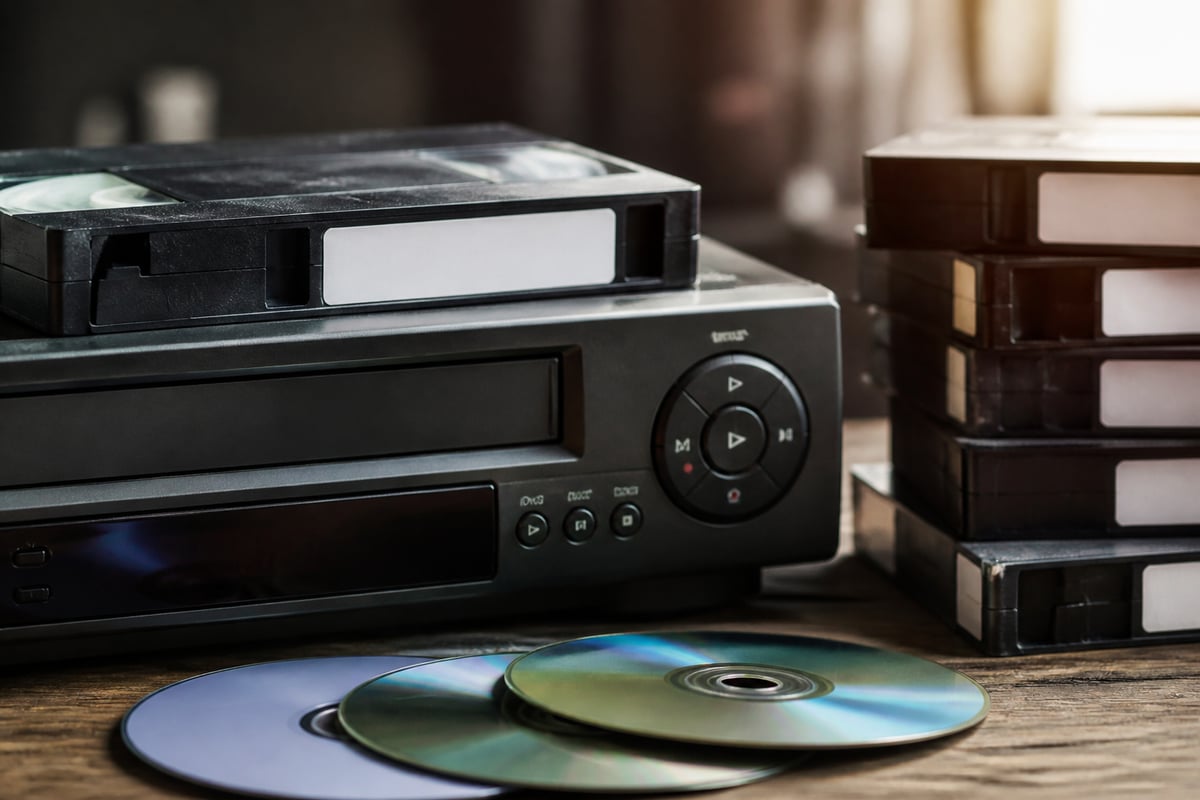
Combo units are the simplest path. You insert a tape, insert a blank disc, and press record. The limitation is that you depend on one mechanism for both playback and recording, and many of these units are no longer manufactured. If the tape transport fails, the whole machine is out of service.
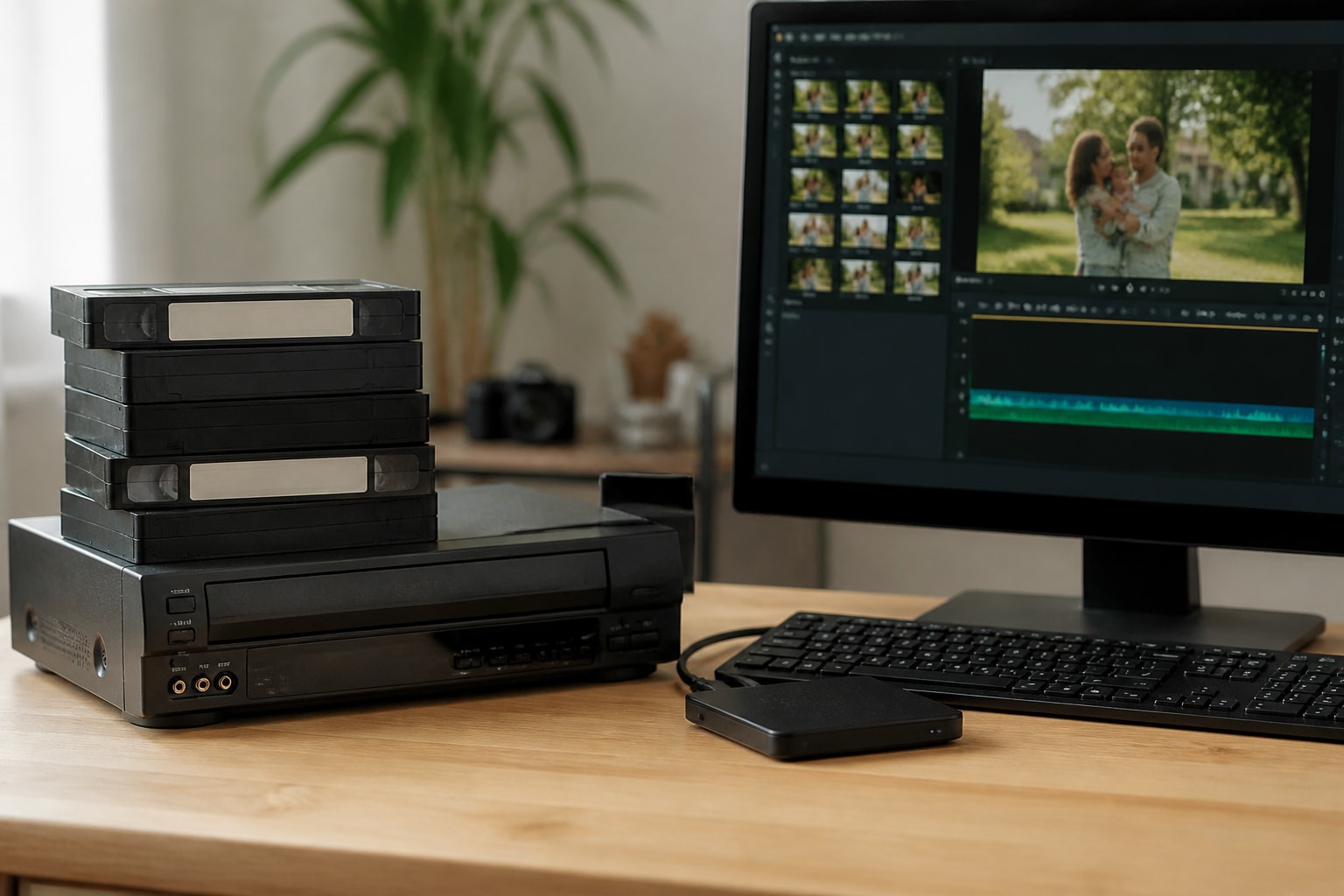
The capture device method separates the two jobs. A standalone VCR handles playback, and the computer handles encoding. This gives you digital files you can edit, back up, and burn to disc later. A public library walkthrough on connecting a VCR to a computer can help with RCA cable matching and the recording steps if you are setting up for the first time.
Features That Matter When Choosing a VCR Converter to DVD Machine
When evaluating a VCR converter to DVD machine, five features have the largest effect on output quality and reliability. Focus on these before comparing brand names or price.
Tape Format Support
Standard VHS is only one of several formats. If your archive includes S-VHS, VHS-C, Betamax, 8mm, Hi8, Digital8, or MiniDV, a single consumer VCR will not cover them. S-VHS tapes in particular need a deck that can read the higher-resolution signal; a standard VHS machine will play them poorly or not at all. Our overview of Super VHS VCR options explains why that format needs dedicated hardware.
Output Connections
Look for S-Video output in addition to composite RCA. S-Video keeps the brightness and color signals separate, which reduces color bleeding and produces a sharper image. If you are using a capture device, confirm it accepts S-Video input as well.
Tracking and Playback Controls
Old tapes often have uneven tracking. A deck with manual tracking adjustment lets you correct picture noise during playback rather than recording a flawed transfer. This feature is common on professional and higher-end consumer decks and uncommon on budget combos.
Head Quality and Condition
Multi-head VCRs generally produce cleaner still frames and smoother trick play than two-head machines. Condition matters as much as the spec. Worn heads, hardened pinch rollers, and stretched belts cause dropouts and audio problems that no software can fully repair.
Time Base Correction
Tapes in poor condition can produce a wobbling or tearing image. A time base corrector stabilizes the signal before it reaches the encoder. Many professional decks include one internally, and some capture workflows add an external unit.
Should You Buy a Combo Unit or Build a Separate Setup?
Choose a combo unit if you have a small number of standard VHS tapes and want a result with no computer involved. Build a separate setup if you have a larger collection, mixed formats, or want to keep digital files.
Combo units have a clear appeal. There are no drivers, no software, and no file management. The tradeoffs are real, though:
- The DVD recorder section encodes with limited quality settings, and you cannot fix problems afterward.
- Discs are a fragile long-term storage choice compared with files kept on multiple drives.
- Replacement parts for combo units are scarce, so repair options are limited.
A separate setup costs more effort up front but gives you far more control. You can capture at a higher bitrate, trim dead air, adjust brightness, and store the master file safely before burning any discs. For anyone planning to convert more than a handful of tapes, this method usually pays off.
How to Evaluate Quality Before You Commit
The most reliable way to judge a machine is to test it with one representative tape before starting a large project. A single trial transfer reveals problems that specifications never will.
Use this short checklist when testing:
- Picture stability: watch for rolling, tearing, or flagging at the top of the frame.
- Color accuracy: check skin tones and reds, which show tape and head wear first.
- Audio sync: confirm that dialogue matches lip movement across a full tape.
- Dropouts: look for white flecks or horizontal streaks that signal oxide loss or dirty heads.
- Clean playback on the first pass: avoid replaying a fragile tape repeatedly, since each pass causes wear.
If a tape sheds oxide or shows heavy dropouts, stop and clean or service the deck before continuing. Running a damaged tape through a dirty machine can ruin both.
Why Aging Equipment Is the Biggest Hidden Risk
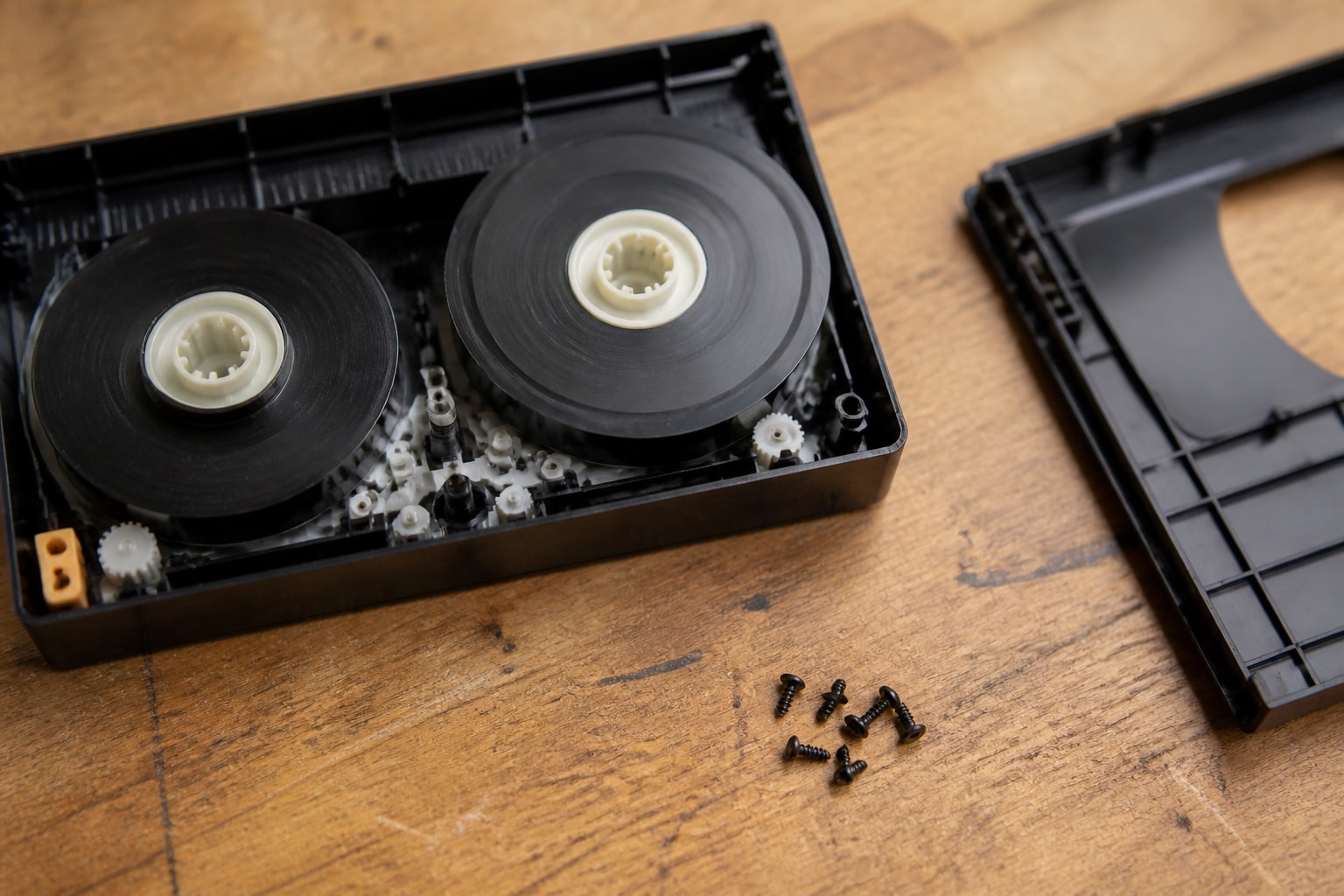
The largest practical risk in any conversion project is the age of the playback machine. Consumer VCRs were built for casual use, and decades of storage cause belts to stretch, lubricants to dry, and capacitors to drift.
A deck that plays acceptably on Monday can eat a tape by Friday. For a household transferring a few family tapes, that risk is manageable. For a shop handling client tapes, it is a business problem, because a failed deck means missed deadlines and possible damage to irreplaceable footage.
This is why condition and serviceability matter more than the model name. A well-maintained older professional deck often outperforms a newer consumer unit. Understanding how VCR repair works helps you judge whether a machine is worth fixing, and our guide to a refurbished VCR explains what to ask about before buying one.
Digitization Shops: Rent, Buy, or Repair?
Shops that process tapes at volume should treat decks as consumable production equipment, and choose between renting, buying, and repairing based on format mix and downtime tolerance.
Buying used decks looks cheap at first but carries hidden costs: testing, parts, and the labor of keeping each unit in working order. Renting shifts that burden, and it suits shops that only occasionally need a rarely requested format such as Digital8 or MiniDV. A pair of formats that appear in one job a month rarely justifies owning dedicated machines.
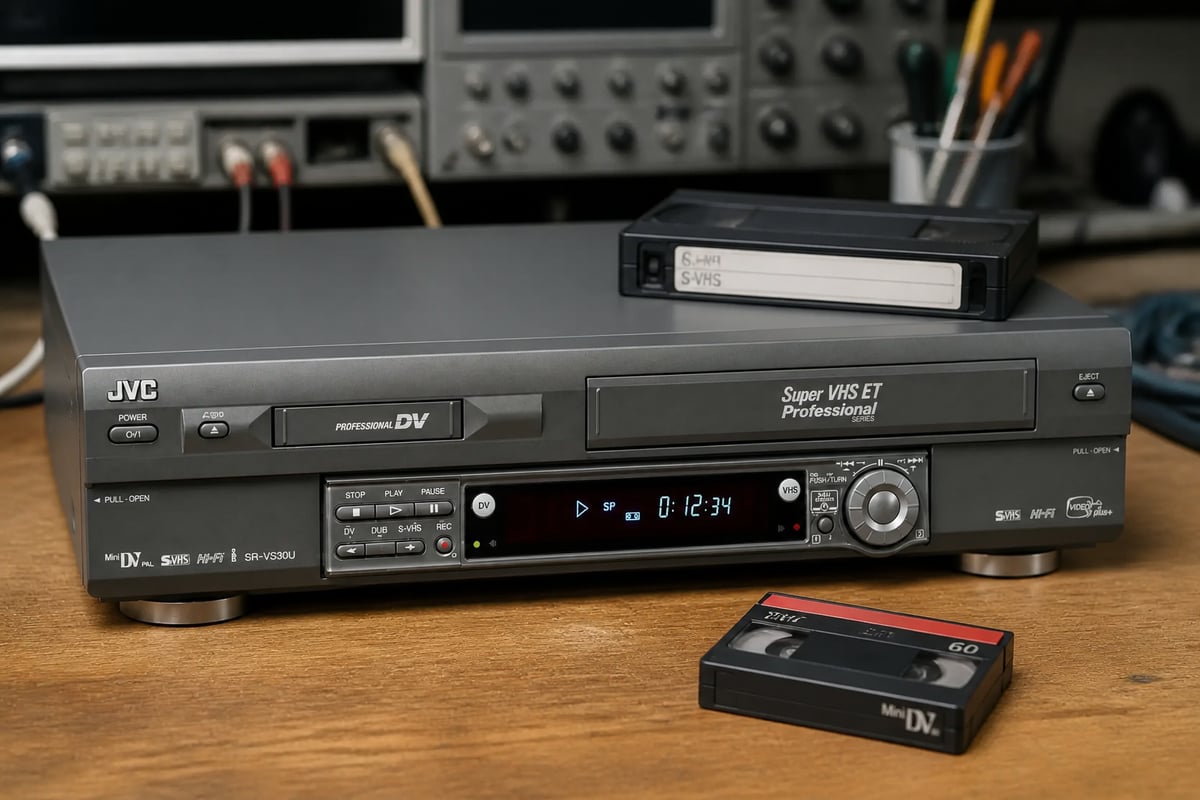
For example, the JVC SR-VS30U is a dual deck that handles both MiniDV and S-VHS, which makes it useful for shops that see both formats and want one unit instead of two. VCR Supply rents refurbished units and also repairs ones you already own, so check the product page for current availability and terms.
A maintenance contract is worth considering if your shop depends on a handful of decks. Preventive servicing reduces the chance of a mid-project failure, and a scheduled swap is far less disruptive than an emergency one. For shops weighing these options, our explainer on VCR rental covers what to compare.
Common Mistakes That Reduce Transfer Quality
Most poor transfers come from avoidable setup errors rather than bad tapes. These are the ones that appear most often:
- Using the yellow composite cable when S-Video is available. This throws away picture detail before capture even begins.
- Skipping head cleaning. Dirty heads cause dropouts that look like tape damage.
- Recording at the lowest DVD quality setting. Long-play modes compress heavily and soften detail.
- Converting tapes in a rush. Fast-forwarding and rewinding a brittle tape increases the risk of creasing.
- Ignoring tape condition. Moldy or sticky tapes need professional handling, not another pass through the deck.
Copy protection can also interfere. Some commercial tapes carry Macrovision signals that scrambled recordings on DVD recorders. Home videos do not have this issue, but it is worth knowing before you attempt to transfer purchased titles.
When to Hand the Job to a Professional Service
A professional service makes sense when the tapes are fragile, irreplaceable, or numerous enough that your time is worth more than the fee. Weddings, memorials, and one-of-a-kind footage justify the added care.
Doing it yourself saves money on small batches, while a professional service saves time and reduces risk on large or valuable ones.
If you are a shop rather than a household, the same logic applies to your own equipment: when a deck is failing mid-project, repair or a swap-in unit is usually faster than troubleshooting alone. Our notes on digitizing VCR tapes cover workflow decisions that affect both quality and throughput.
Storage and Backup After Conversion
A finished DVD is not a permanent archive. Recordable discs can degrade over time, so the digital master file is the item that matters most.
Follow the 3-2-1 approach: keep three copies of each file, on two different types of media, with one stored in a separate location. A pair of external drives plus a cloud copy satisfies this for most households. Burn discs for convenient viewing and sharing, but treat them as copies rather than masters.
Label each file with the tape title, date, and any notes about the transfer. A consistent naming scheme saves hours when you are searching a large archive years later.
Your next step is to pull one representative tape from your collection, identify its format, and run a single test transfer before buying or renting anything. If that test shows tracking trouble or you need a deck for MiniDV or S-VHS, the JVC SR-VS30U is available as a refurbished unit, and VCR Supply offers rental services, repair services with a $45 diagnostic fee, and maintenance contracts to reduce downtime, so contact the team to match equipment to your tape mix.