VHS Tape VCR Guide for Digitization Shops
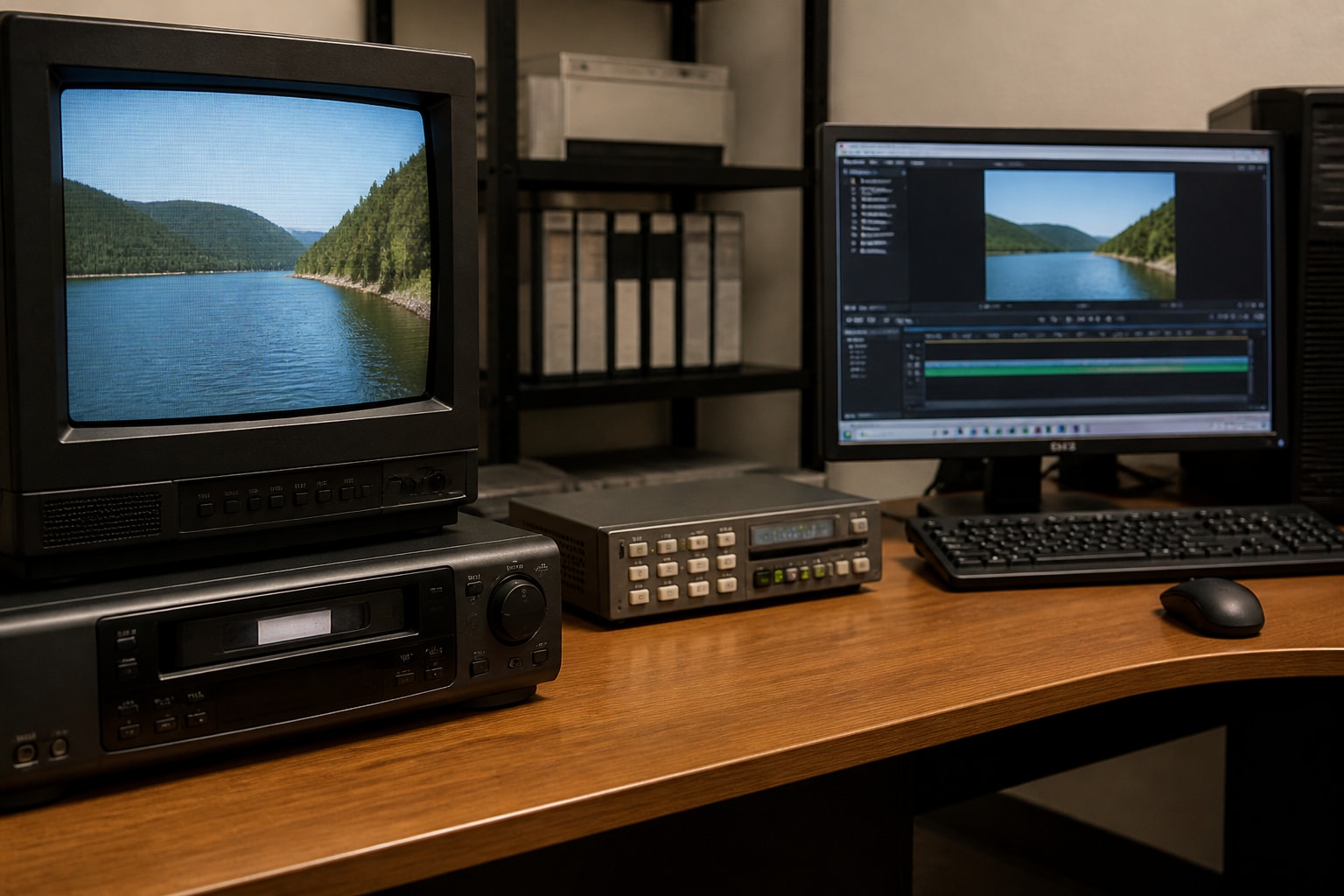
A VHS tape VCR is a deck that reads magnetic video signals from a cassette using spinning helical-scan heads, and for digitization work the condition and class of that deck matters more than anything else in the chain. A consumer machine that tracks poorly or eats a fragile cassette will damage both the tape and your reputation. This guide covers how the format works, how to choose and maintain decks, and how to build a transfer workflow that holds up under client scrutiny.
How a VHS Tape and VCR Work Together
A VHS cassette holds half-inch magnetic tape, and the VCR pulls that tape around a rotating head drum to read diagonal tracks of video, plus linear tracks for audio and control signals.
The system relies on tight mechanical alignment between the tape and the deck. Several parts determine how faithfully a signal is read:
- Head drum: The spinning cylinder carries the video heads. Worn heads produce noise, dropouts, and weak color.
- Capstan and pinch roller: These move the tape at a constant speed. A glazed roller causes speed variation and jitter.
- Control track head: It reads the pulses that keep the heads on the recorded tracks. Misalignment here produces tracking bars.
- Tape path guides: Posts and guides must be clean and correctly positioned, or edges of the tape will curl and crease.
Standard VHS offers noticeably lower horizontal resolution than S-VHS, which is one reason shops keep both formats in rotation. That gap is one reason shops keep both formats in rotation. If you want a refresher on how the formats compare, the VHS and S-VHS breakdown covers the practical differences.
Why the Deck Matters More Than the Tape
The playback deck sets the ceiling on transfer quality, because the tape can only be read as accurately as the machine reading it. A well-aligned professional deck will pull a clean image from a worn tape that a tired consumer VCR renders unwatchable.
The National Archives and Records Administration notes that video digitization can require specialized hardware and software, robust data throughput, and working playback equipment, and that fragile or deteriorated records may be risky to play on questionable machines. For a shop, that statement describes a liability issue as much as a technical one. A client's only copy of a wedding or a family event should never be the tape that tests a deck you are unsure about.
Consumer decks were built to a price, and many had their best years in the 1990s. Belts stiffen, lubricants gum up, and capacitors drift. Professional and prosumer decks, particularly S-VHS models, generally offer sturdier transports, better tracking controls, and cleaner video circuits.
Choosing a VHS Tape VCR for Professional Transfers
The best VHS tape VCR for a digitization shop is a serviced S-VHS deck with manual tracking, a stable transport, and clean composite and S-Video outputs. Use this checklist when evaluating any unit:
- Playback of both VHS and S-VHS. An S-VHS deck plays standard VHS tapes and handles S-VHS recordings that standard decks cannot read.
- Manual tracking control. Auto-tracking is convenient, but manual adjustment rescues marginal tapes.
- S-Video output. This keeps luma and chroma separated and avoids composite artifacts such as dot crawl.
- Reliable rewind and fast-forward. Slow or noisy transports often signal belt or idler wear.
- Clean freeze-frame and shuttle. Good still-frame quality usually reflects healthy head condition.
- Serviceable parts availability. Decks with known service histories cost less to keep running.
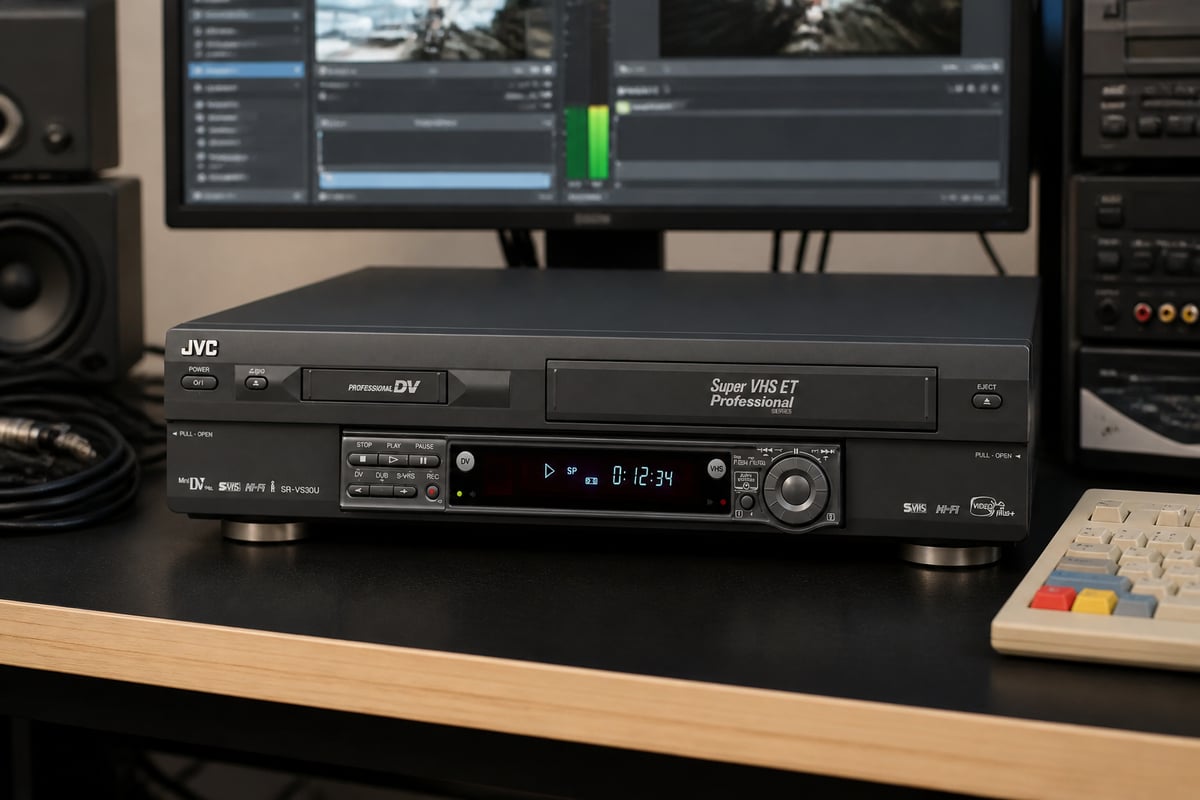
The JVC SR-VS30U fits this profile well. It is a dual deck covering MiniDV and S-VHS, so a single unit handles two formats that commonly arrive together, and VCR Supply offers it as a tested, refurbished rental or as a repair job if you already own one.
For a deeper look at deck selection by format, see the guide to VCRs for VHS tapes.
The Role of a Time Base Corrector
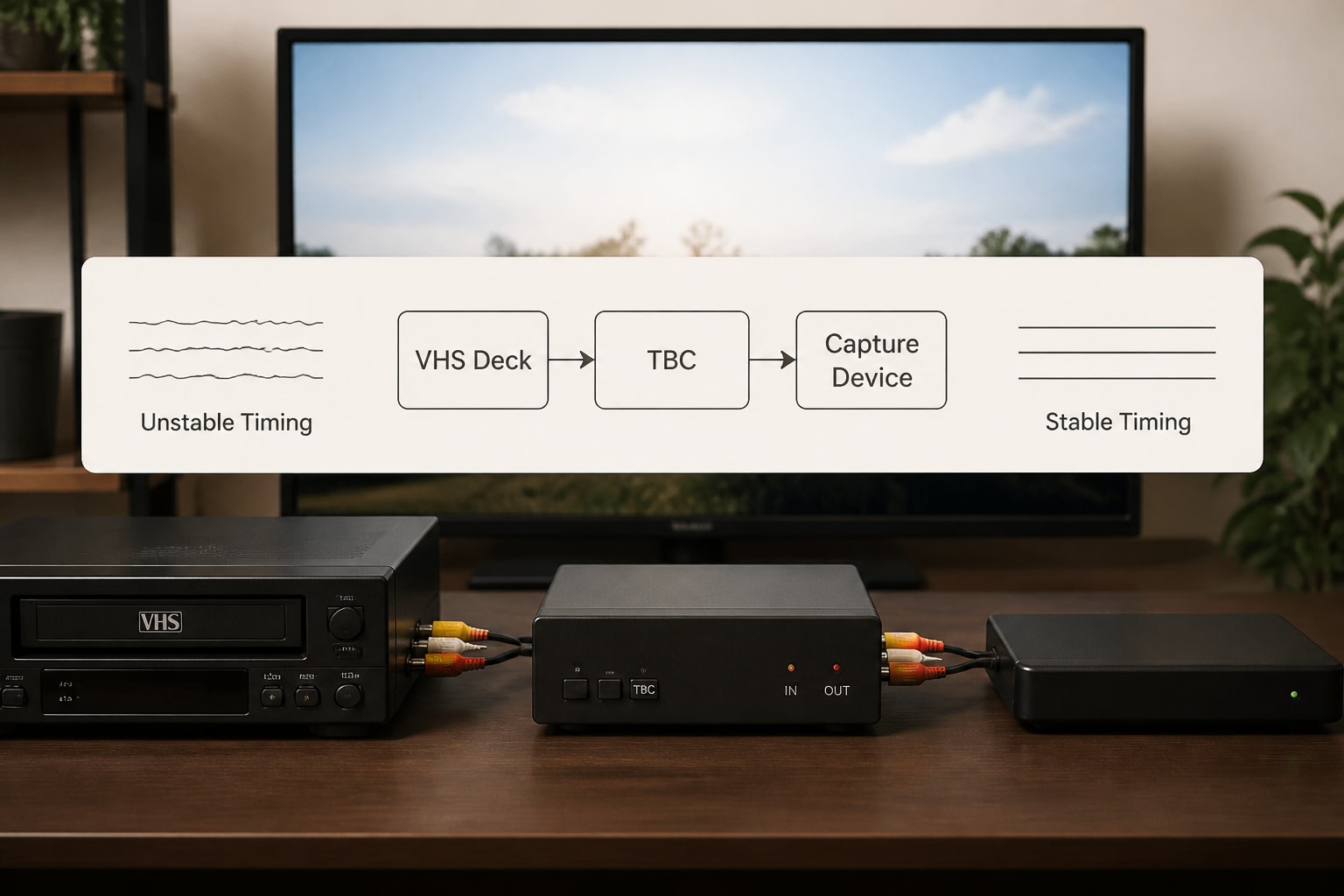
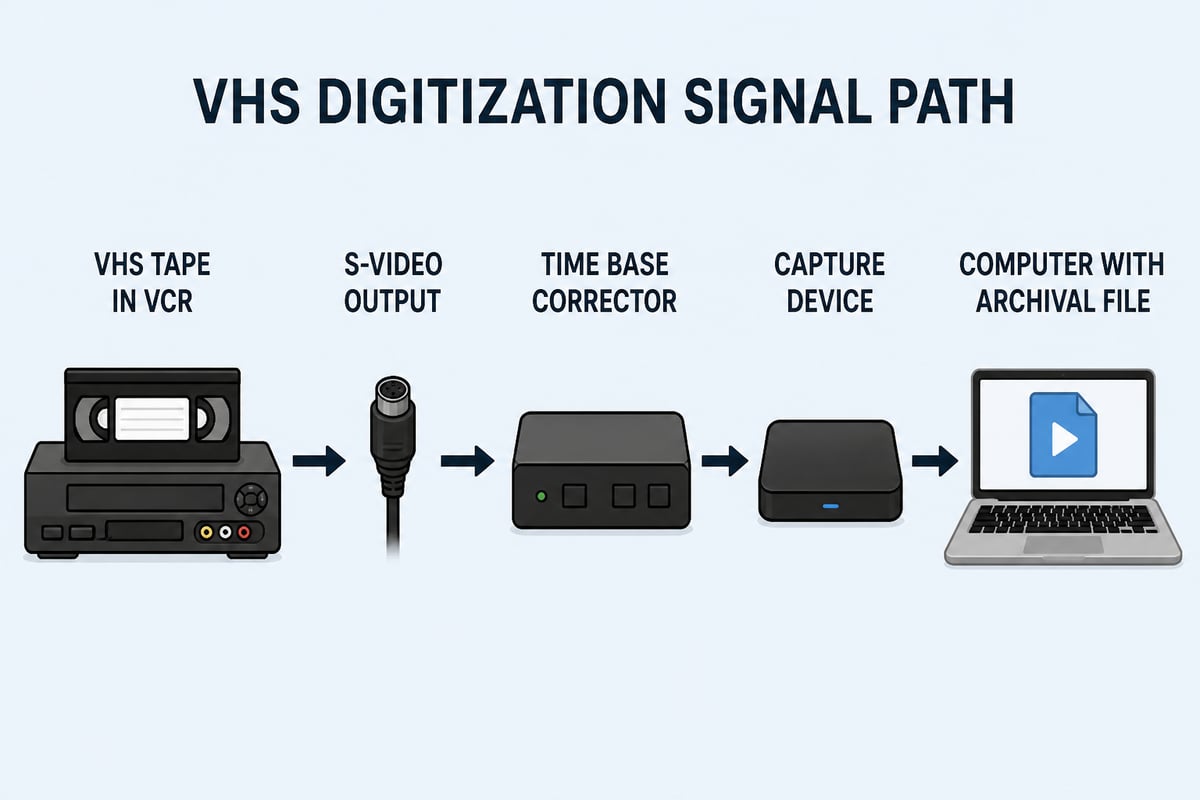
A time base corrector, or TBC, stabilizes the unsteady timing in analog video signals so capture hardware receives a signal it can lock onto. Without one, you may see wobbling edges, horizontal tearing, dropped frames, or sync loss during capture.
VHS has no built-in timing stability the way a studio format does. Tape stretch, mechanical wear, and copy-protection signals all introduce timing errors. Some decks include an internal TBC, while others require an external unit placed between the deck and the capture device. The TBC and VHS explainer walks through where it sits in the signal path.
Handling and Storing Tapes Before Transfer
Proper handling begins before a cassette ever enters a deck, because storage conditions determine how much damage a tape has already absorbed. The Library of Congress recommends a cool, relatively dry environment with stable conditions for audiovisual collections, and cautions against attics and basements.
The same guidance offers several practical rules your intake staff can follow:
- Store cassettes on their long edge, not flat.
- Handle the cassette by its outer shell and never touch the exposed tape.
- Allow tapes from cool storage to reach room temperature before playback.
- Keep tapes clean and away from dust, direct sunlight, and magnetic fields.
Many customers store family tapes in garages or basements, so humidity damage and mold are common. Inspect every cassette visually before loading it. Look for white residue, warped shells, loose tape pack, and broken tabs. A tape that shows mold should be quarantined and cleaned with appropriate equipment, never played on a production deck where spores can spread to the next job.
Common Deck Failures and Warning Signs
The most frequent VCR faults come from degraded rubber parts, dirty heads, and aging lubricants, and each produces recognizable symptoms.
| Symptom | Likely Cause | Typical Action |
|---|---|---|
| Tape will not load or eject | Worn loading belt or gummed mechanism | Service and replace belts |
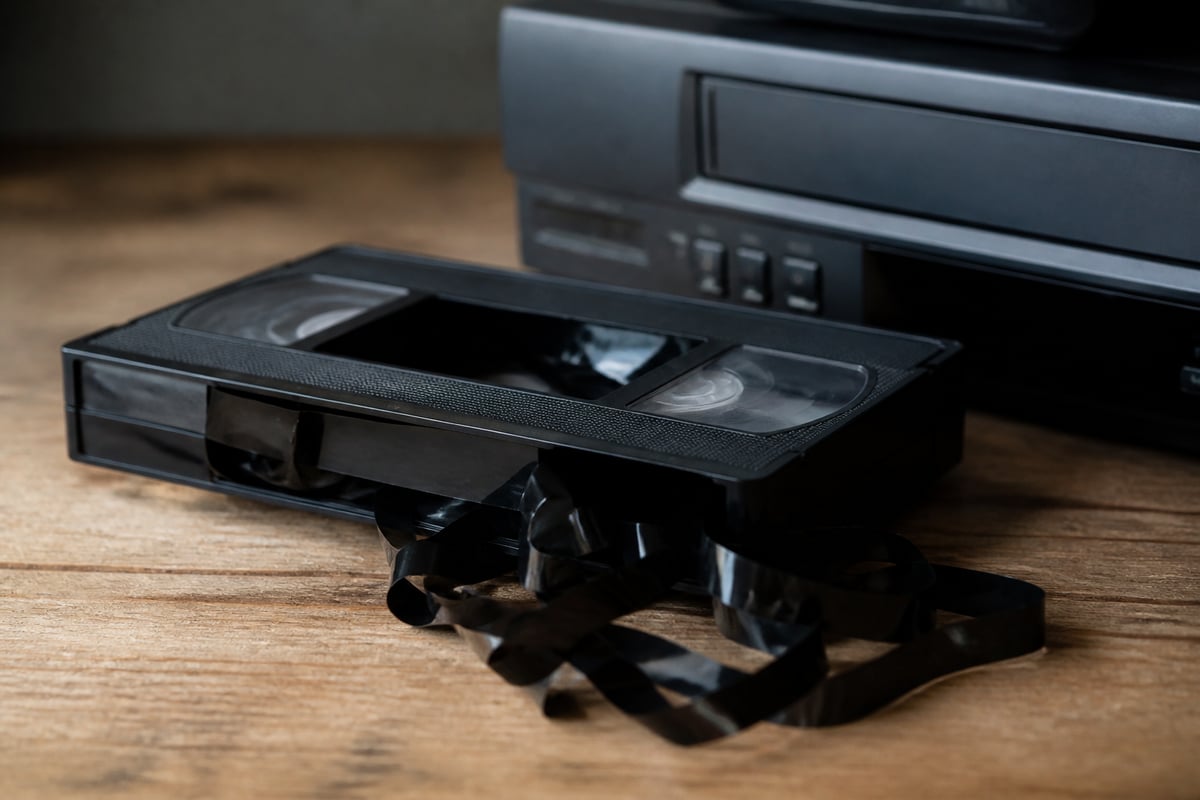
| Tape is chewed or creased | Misaligned guides or sticky pinch roller | Stop use, inspect tape path |
| Snow and dropouts | Dirty or worn video heads | Clean or replace heads |
| Tracking bars that cannot be tuned out | Control track or alignment fault | Alignment and diagnostic check |
| Audio warble | Speed variation from capstan or roller wear | Replace roller, check motor |
| Picture rolls or loses sync | Timing instability, failing capacitors | Add TBC, service circuits |
A single failure rarely appears alone. A deck that chews tape often has other aging components, so treat one symptom as a prompt for a full inspection. The guide to VHS video tape repair covers what can be fixed on the tape itself, and the VHS repair overview addresses the machine side.
Handling VHS-C and Other Odd Formats
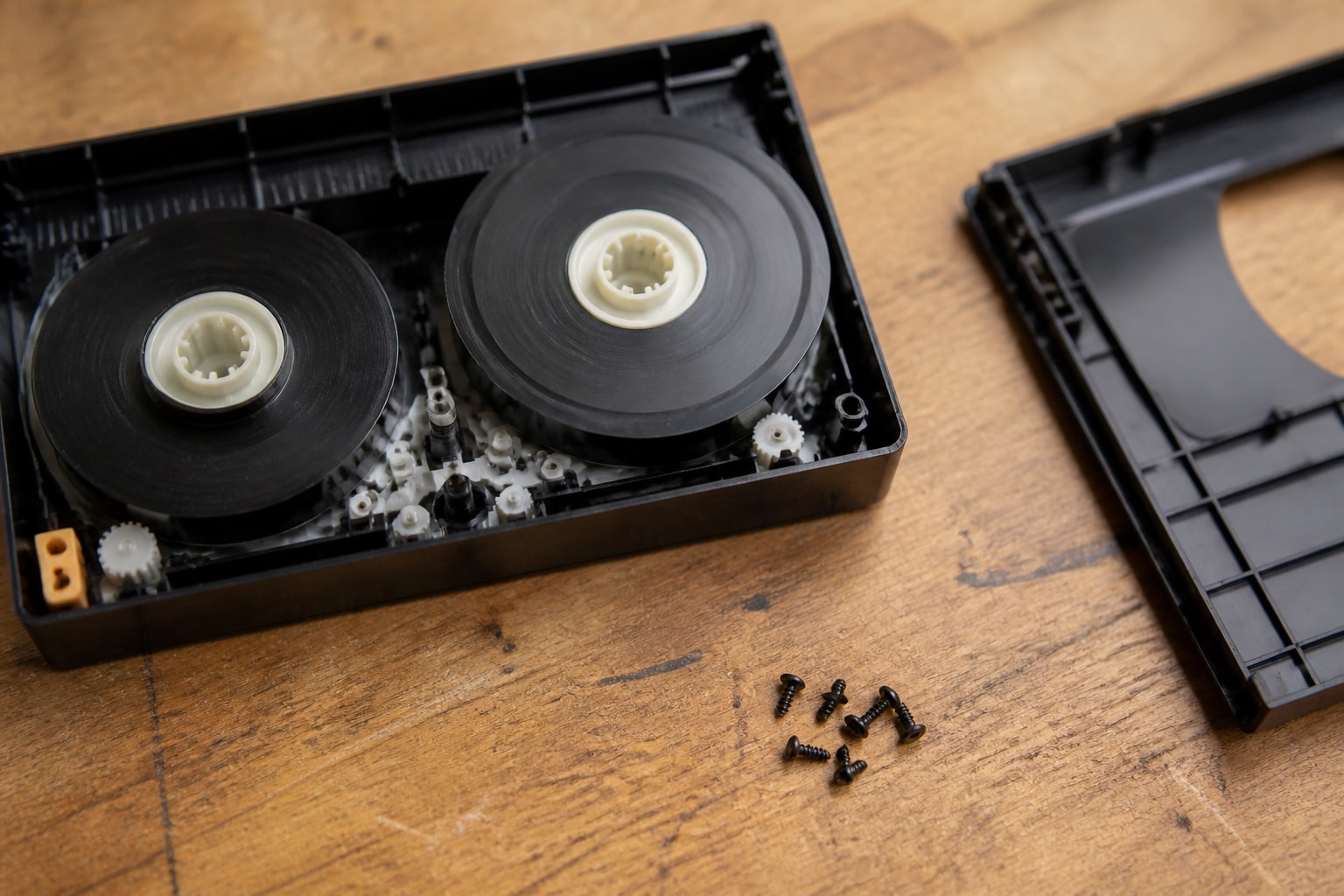
VHS-C tapes are compact cassettes that play in a VCR only when placed inside a full-size adapter cassette, and they are a regular source of damage if the adapter is mishandled. The adapter carries a small mechanism that moves the smaller tape across the heads, and the tape can slip off its gear.
To transfer VHS-C safely, insert the cassette into a working adapter, check that the tape advances smoothly before loading it into the deck, and avoid forcing a sticky mechanism. A broken or loose VHS-C tape can often be rehoused, which is covered in the guide to repairing a VHS-C tape. Keep several known-good adapters on the bench, since the adapters themselves wear out.
Capture Settings and Archival Output
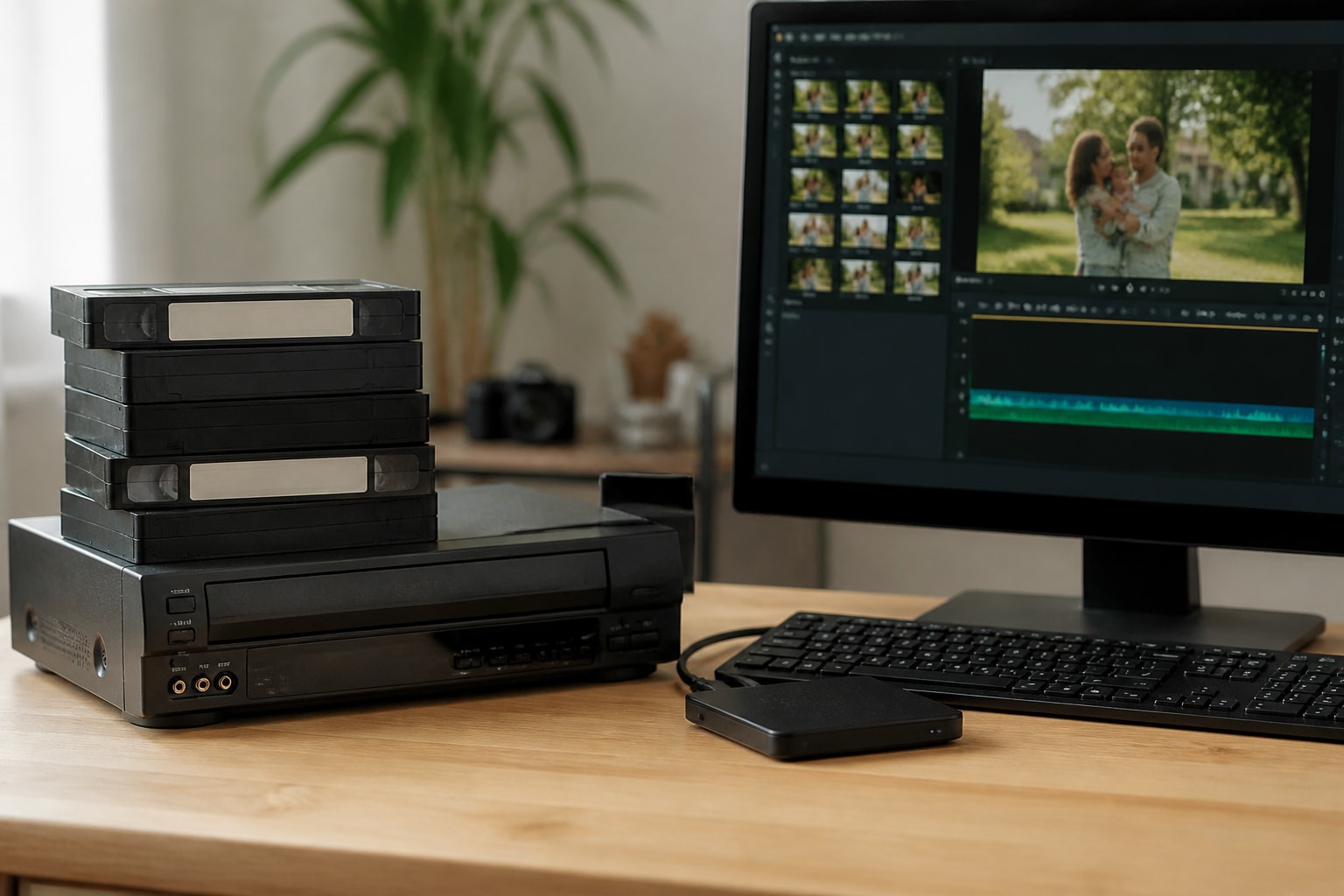
A transfer should produce both a preservation file and a viewing file, because the two serve different purposes. NARA recommends requesting both a high-quality preservation copy and an easy-to-play access copy, with preservation copies using high resolution, high bitrate, little or no compression, and open or non-proprietary formats.
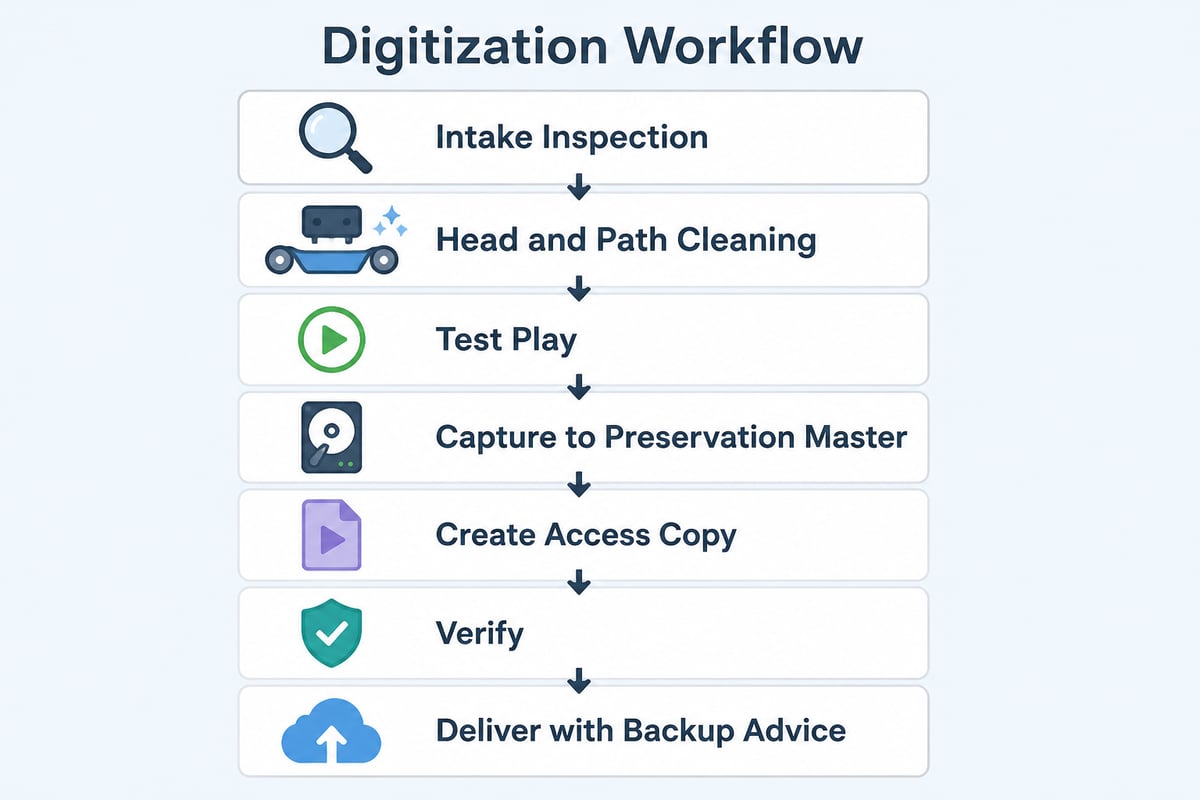
A sensible shop workflow follows these steps:
- Clean the tape path and heads, and inspect the cassette.
- Play a short test segment to confirm tracking and audio levels.
- Capture the full tape through S-Video and a TBC to a lightly compressed or uncompressed master.
- Create a compressed access copy for everyday viewing.
- Verify the file by scrubbing through it for dropouts and audio sync.
- Deliver files with a clear label tying each one to its source tape.
NARA also advises making a second backup copy of delivered files, whether they arrive on a hard drive, flash drive, or optical disc. Tell customers this plainly at delivery, since a single hard drive is a single point of failure.
Rent, Repair, or Buy: Keeping Decks Running
Most shops lose money to downtime, not to equipment cost, so the right question is how quickly a failed deck can be replaced or restored. Buying used decks from auction sites carries risk, since sellers rarely test them under load and many units arrive with dried belts and dirty heads.
Renting from a specialist offers one alternative. A rented unit arrives tested, and a failure can be swapped rather than diagnosed on your own bench during a deadline. Repair makes sense for decks you already own and trust, especially specialty models that are hard to replace. A maintenance contract spreads the cost of upkeep across the year and reduces surprise outages.
VCR Supply offers rentals starting at $99 per month, repairs with a $45 diagnostic fee, and maintenance contracts aimed at reducing downtime. For specifics on what a given deck or service includes, check the product pages or the contact page rather than assuming terms. If you are comparing local options, the notes on a VCR repair shop outline what to ask before sending a machine out.
Format Context: Why VHS Still Reaches Your Bench
VHS remains a steady source of work because decades of home recordings, event footage, and local broadcasts sit on cassettes that are aging. The Library of Congress has documented the risks to videotape heritage, including deterioration, format obsolescence, and historical erasure and reuse, which explains why customers feel urgency even when their tapes still play.
Format mix is a practical matter for your equipment plan. Many customers bring VHS alongside Betamax, MiniDV, and Digital8 tapes from the same household, so shops that cover several formats win more of each project. The VHS and Betamax comparison is useful background for staff who field those questions.
FAQ
Are VHS tapes still made?
Blank VHS tapes are no longer made by the major manufacturers in meaningful volume, and the last mainstream VCR production ended years ago. Remaining supply comes from old stock, refurbished decks, and the secondhand market, which is one more reason shops rely on serviced equipment.
Should I throw out my old VHS tapes?
Not before they have been digitized and the files verified. Magnetic tape degrades with age, but a tape that has been stored well can still yield a usable transfer, and the cassette remains your original source if a file is lost.
How do I watch old VHS-C tapes?
Place the VHS-C cassette in a full-size adapter and play it in a standard VCR. Check that the tape moves smoothly inside the adapter first, since a loose or broken tape can jam the mechanism and damage the tape.
Start by testing your current deck with a low-value tape and noting any tracking bars, audio warble, or tape handling problems, so you know whether it can carry paying jobs. If it falls short, or if downtime is costing you work, the JVC SR-VS30U is available as a tested rental or can be sent in for repair. VCR Supply also offers maintenance contracts to keep your decks running between jobs, so reach out through the product page to discuss what fits your shop.